Please add message push for loading state. #8

Description

Please add message push for loading state. so my app can detect your iframe's current state.
I'm using React
My application read the eventName from your iframe.
 useEffect(() => {
    if (frame.current) {
      window.addEventListener("message", subscribe);
      document.addEventListener("message", subscribe);

      function subscribe(event) {
        const json = parse(event);

        if (json?.source !== "readyplayerme") {
          return;
        }

        // I need more eventName as trigger to my application
        if (json.eventName == "v1.user.updated" || json.eventName == "v1.subscription.created") {
          setShow(true);
        }

        // Susbribe to all events sent from Ready Player Me once frame is ready
        if (json.eventName === "v1.frame.ready") {
          frame.current.contentWindow.postMessage(
            JSON.stringify({
              target: "readyplayerme",
              type: "subscribe",
              eventName: "v1.**"
            }),
            "*"
          );
        }

        // Get avatar GLB URL
        if (json.eventName === "v1.avatar.exported") {
          console.log(`Avatar URL: ${json.data.url}`);
          localStorage.setItem("avatar_url", json.data.url);
          setAvatarURL(json.data.url);
        }

        // Get user id
        if (json.eventName === "v1.user.set") {
          console.log(`User with id ${json.data.id} set: ${JSON.stringify(json)}`);
        }
      }

      function parse(event) {
        try {
          return JSON.parse(event.data);
        } catch (error) {
          return null;
        }
      }
    }
  }, [frame.current]);
While Iframe is loading for the first time.
Please give:
- first_load_start
- first_load_end
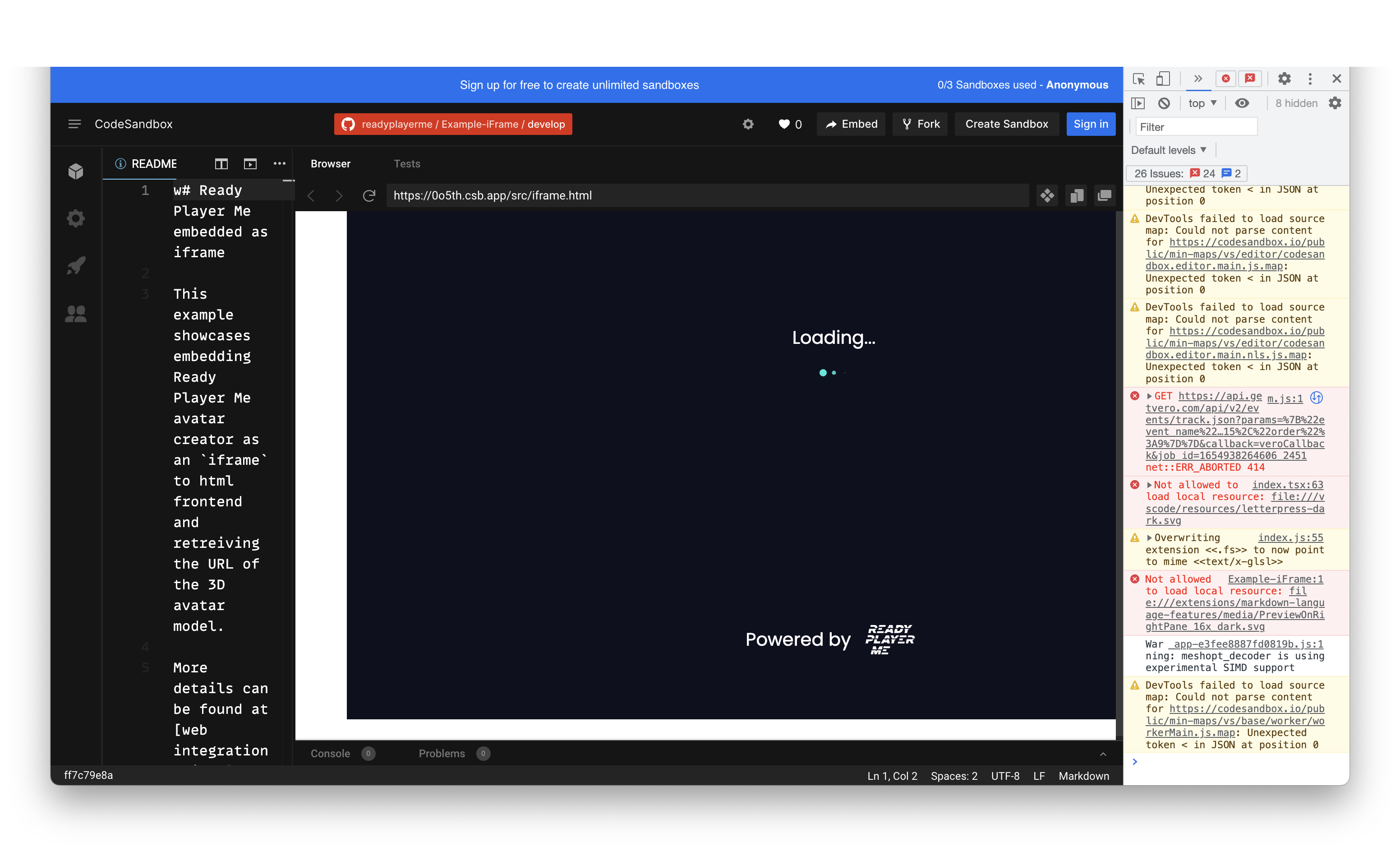
While Iframe is loading for avatar object
- avatar_load_start
- avatar_load_end
