Anyone who has a website that may be built using a content management system, blogging software, or an e-commerce platform and wants more control over the appearance of their pages.
- Introduction pages come at the beginning of each chapter. They introduce the key topics you will learn about.
- Reference pages introduce key pieces of HTML & CSS code.
- Background pages appear on white; they explain the context of the topics covered that are discussed in each chapter.
- Diagram and infographics pages are shown on a dark background. They provide a simple, visual reference to topics discussed.
- Example pages put together the topics you have learned and demonstrate how they can be applied in each.
- Summary pages come at the end of each chapter. They remind you of the key topics that were covered in each chapter.
- Browsers
- Web Servers
- Screen readers
- Devices
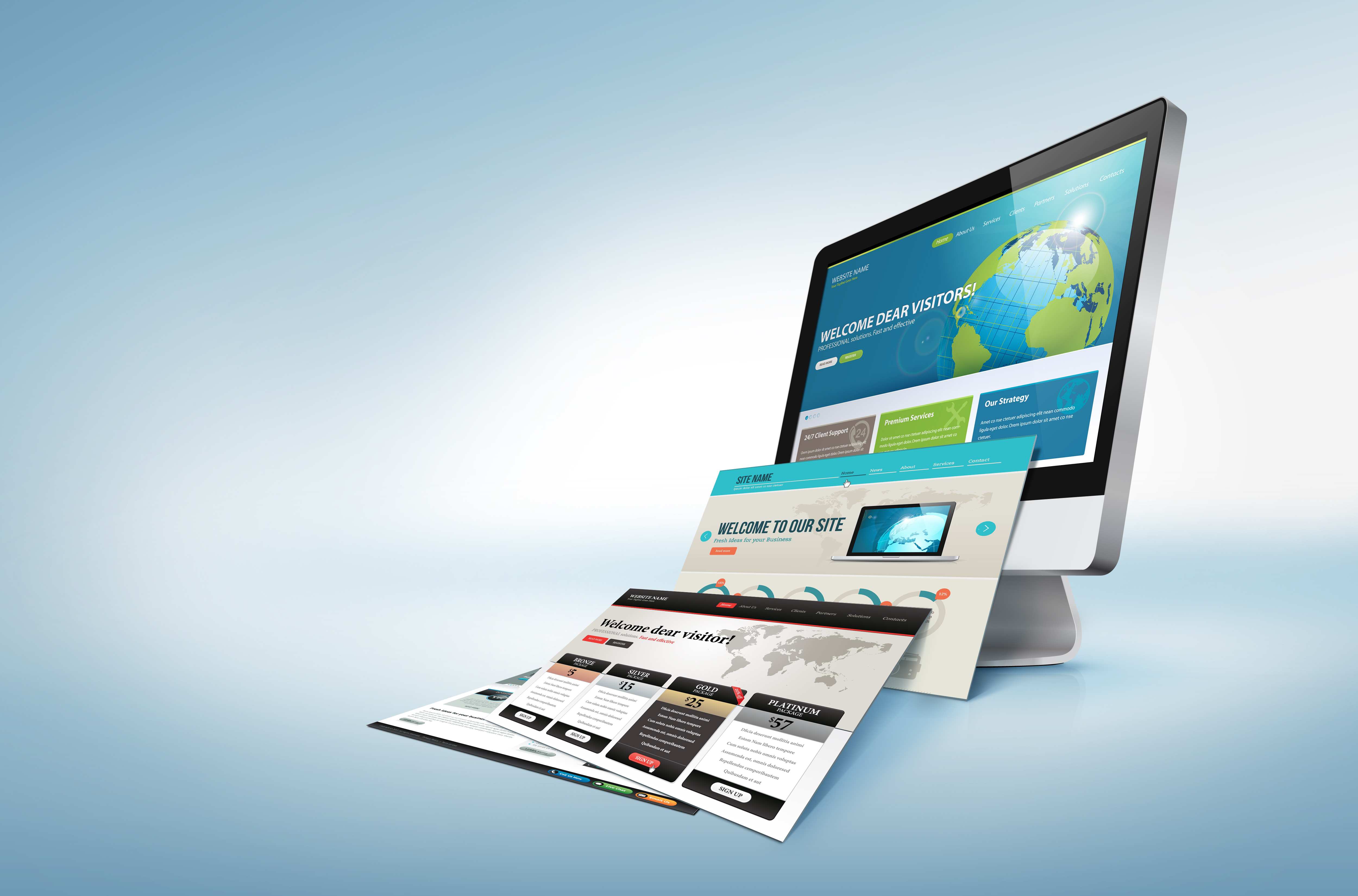
All websites use HTML and CSS, but content management systems,blogging software, and e-commerce platforms often add a few more technologies into the mix.When you are looking at a website, it is most likely that your browser will be receiving HTML and CSS from the web server that hosts the site. The web browser interprets the HTML and CSS code to create the page that you see.Some sites also send JavaScript or Flash to your browser,Small websites are often written just using HTML and CSS.
When you visit a website, the web server hosting that site could be anywhere in the world. In order for you to find the location of the web server, your browser will first connect to a Domain Name System (DNS) server.
- Elements : Each element has an opening tag and a closing tag.
- A Closer Look at Tags
- Attributes :Attributes provide additional information about the contents of an element. They appear on the opening tag of the element and are made up of two parts: a name and a value,separated by an equals sign.
- Body, Head & Title
Since the web was first created, there have been several different versions of HTML.
- HTML 4
- XHTML 1.0
- HTML5
Because there have been several versions of HTML, each web page should begin with a DOCTYPE declaration to tell a browser which version of HTML the page is using although browsers usually display the page even if it is not included.
If you want to add a comment to your code that will not be visible in the user's browser.
Every HTML element can carry the id attribute. It is used to uniquely identify that element from other elements on the page.The id attribute is known as a global attribute because it can be used on any element.
Every HTML element can also carry a class attribute.Sometimes, rather than uniquely identifying one element within a document, you will want a way to identify several elements as being different from the other elements on the page.The class attribute on any element can share the same value.
Some elements will always appear to start on a new line in the browser window. These are known as block level elements.
Some elements will always appear to continue on the same line as their neighbouring elements. These are known as inline elements.
-
: Theelement allows you to group a set of elements together in one block-level box.
:The element acts like an inline equivalent of the
- Contain a section of text where there is no other suitable element to differentiate it from its surrounding text.
- Contain a number of inline elements.
An iframe is like a little window that has been cut into your page and in that window you can see another page. The term iframe is an abbreviation of inline frame.There are a few attributes that you will need to know to use it:
- src :The src attribute specifies the URL of the page to show in the frame.
- height:The height attribute specifies the height of the iframe in pixels.
- width:The width attribute specifies the width of the iframe in pixels.
There are some characters that are used in and reserved by HTML code. For example, the left and right angled brackets.When using escape characters, it is important to check the page in your browser to ensure that the correct symbol shows up.
- < Less-than sign
-
Greater-than sign
- & Ampersand
- " Quotation mark
- ¢ Cent sign
- £ Pound sign
- ‘ Left single quote
- ' Right single quote
- “ Left double quotes
- ” Right double quotes
HTML5 is introducing a new set of elements that help define the structure of a page.HTML5 introduces a new set of elements that allow you to divide up the parts of a page. The names of these elements indicate the kind of content you will find in them.
The
and elements can be used for:- The main header or footer that appears at the top or bottom of every page on the site.
- A header or footer for an individual or
within the page.
The
element is used to contain the major navigational blocks on the site such as the primary site navigation.The
element acts as a container for any section of a page that could stand alone and potentially be syndicated.The
element has two purposes, depending on whether it is inside an element or not.- When the element is used inside an element, it should contain information that is related to the article but not essential to its overall meaning.
- When the element is used outside of an element, it acts as a container for content that is related to the entire page.
The
The purpose of the
element is to group together a set of one or morecan be used to contain any content that is referenced from the main flow of an article not just images.The
element should also contain a element which provides a text decription for the content of the element.HTML5 allows web page authors to place an element around a block level element that contains child elements. This allows you to turn an entire block into a link.
Every website should be designed for the target audience—not just for yourself or the site owner. It is therefore very important to understand who your target audience is.
- Why People Visit YOUR Website? that you know who your visitors are, you need to consider why they are coming. While some people will simply chance across your website, most will visit for a specific reason.
- What Your Visitors are Trying to Achieve? It is unlikely that you will be able to list every reason why someone visits your site but you are looking for key tasks and motivations. This information can help guide your site designs.
- What Information Your Visitors Need? You know who is coming to your site and why they are coming, so now you need to work out what information they need in order to achieve their goals quickly and effectively.
- How Of ten People Will Visit Your Site? Some sites benefit from being updated more frequently than others. Some information such as news may be constantly changing, while other content remains relatively static.
- Site Maps: Now that you know what needs to appear on your site, you can start to organize the information into sections or pages.
- WireFrames : is a simple sketch of the key information that needs to go on each page of a site. It shows the hierarchy of the information and how much space it might require.
- Getting your message across using design:The primary aim of any kind of visual design is to communicate. Organizing and prioritizing information on a page helps users understand its importance and what order to read it in.
- Visual hierarchy:Most web users do not read entire pages. Rather, they skim to find information. You can use contrast to create a visual hierarchy that gets across your key message and helps users find what they are looking for.
- grouping and Similarity:When making sense of a design, we tend to organize visual elements into groups. Grouping related pieces of information together can make a design easier to comprehend. Here are some ways this can be achieved.
- Designing Navigation: Site navigation not only helps people find where they want to go, but also helps them understand what your site is about and how it is organized.