
| No | -- |
|---|---|
| 1 | Understanding some basic programming concepts and the terms that JavaScript programmers use to describe them. |
| 2 | learning the language itself, and, like all languages, you need to know its vocabulary and how to structure your sentences. |
| 3 | becoming familiar with how it is applied by looking at examples of how JavaScript is commonly used in websites today. |
Being able to change the content of an HTML page while it is loaded in the browser is very powerful. The examples below rely on the ability to:
- Access the content of the page
- Modify the content of the page
- Program rules or instructions the browser can follow
- React to events triggered by the user or browser
Start with the big picture of what you want to achieve, and break that down into smaller steps.
1- DEFINE THE GOAL First, you need to define the task you want to achieve. You can think of this as a puzzle for the computer to solve.
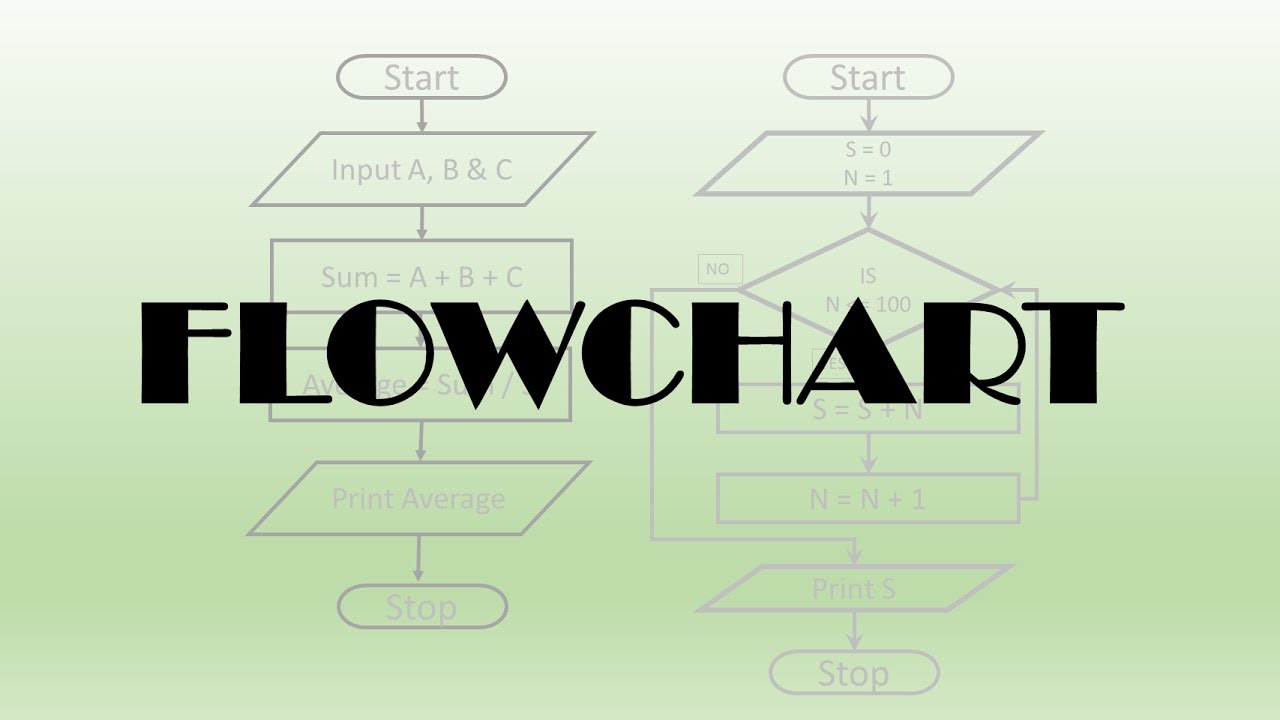
2- DESIGN THE SCRIPT To design a script you split the goal out into a series of tasks that are going to be involved in solving this puzzle. This can be represented using a flowchart. You can then write down individual steps that the computer needs to perform in order to complete each individual task (and any information it needs to perform the task), rather like writing a recipe that it can follow.
3: CODE EACH STEP Each of the steps needs to be written in a programming language that the compu ter understands. In our case, this is JavaScript. As tempting as it can be to start coding straight away, it pays to spend time designing your script before you start writing it.
To write a script, you need to first state your goal and then list the tasks that need to be completed in order to achieve it. Humans can achieve complex goals without thinking about them too much, for example you might be able to drive a car, cook breakfast, or send an email without a set of detailed instructions. But the first time we do these things they can seem daunting.
Therefore, when learning a new skill, we often break it down into smaller tasks, and learn one of these at a time. With experience these individual tasks grow familiar and seem simpler.
| No | -- |
|---|---|
| 1 | The name must begin with a letter, dollar sign ($),or an underscore (_). It must not start with a number. |
| 2 | he name can contain letters, numbers, dollar sign ($), or an underscore (_). Note that you must not use a dash(-) or a period (.) in a variable name. |
| 3 | annot use keywords or reserved words. Keywords are special words that tell the interpreter to do something. For example, var is a keyword used to declare a variable. Reserved \ words are ones that may be used in a future version of JavaScript. ONLINE EXTRA View a full list of keywords and reserved words in JavaScript. |
| 4 | All variables are case sensitive, so score and Score would be different variable names, but it is bad practice to create two variables that have the same name using different cases |
You should consider using an array whenever you are working with a list or a set of values that are related to each other. Arrays are especially helpful when you do not know how many items a list will contain because, when you create the array, you do not need to specify how many values it will hold. If you don't know how many items a list will contain, rather than creating enough variables for a long list (when you might only use a small percentage of them), using an array is considered a better solution.
- A script is made up of a series of statements. Each statement is like a step in a recipe.
- Scripts contain very precise instructions. For example, you might specify that a value must be remembered before creating a calculation using that value.
- Variables are used to temporarily store pieces of information used in the script.
Functions let you group a series of statements together to perform a specific task. If different parts of a script repeat the same task, you can reuse the function (rather than repeating the same set of statements)