This directory contains numerous code examples you can use as you learn about the Grammarly Text Editor SDK. Most of the examples contain links to CodeSandbox—an open-source online code editor—so you can tinker with the code in your browser and better understand our features and functionality.
We've organized the examples in two ways: by Text Editor SDK feature and by the technology used.
The following is a list of code examples organized by the SDK feature the app demonstrates.
These apps show the basics of how to add the Grammarly Text Editor Plugin to text editors.
- Basic SDK Example (JavaScript)
- Basic SDK Example (React)
- Basic SDK Example (Vue)
- Basic SDK Example (Angular)
These are starter apps you can use as you work through the quick start guide. These starter apps do not yet have the Text Editor Plugin added to the text editors.
Note: The quick start guide is shown when you create a Grammarly for Developers app.
This app shows how you can set the Text Editor Plugin's activation property to focus or immediate.
This app shows how you can turn on autocomplete for your app.
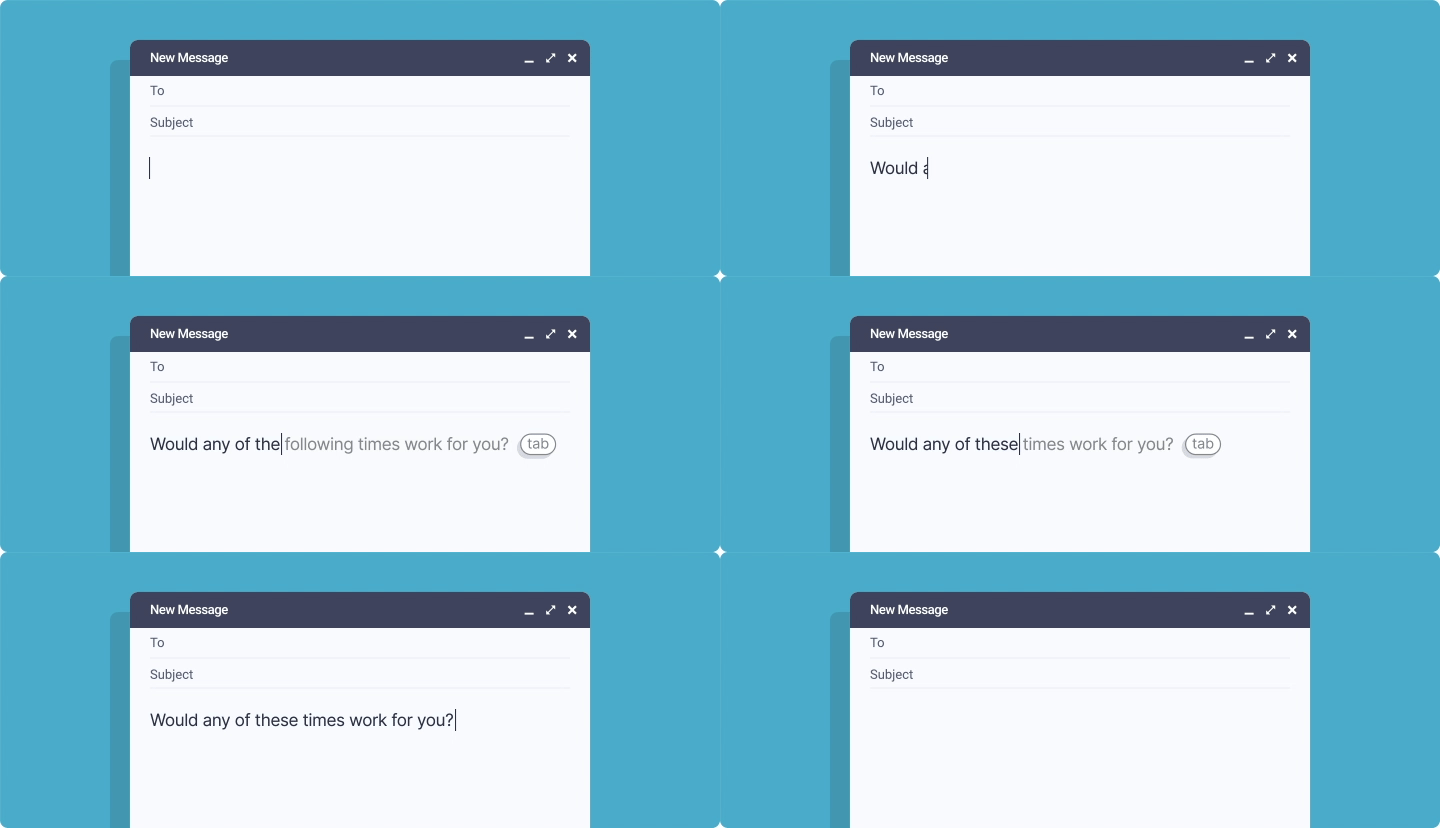
Note: The Autocomplete feature is only available on the Plus plan.
This app shows how you can configure the document dialect for your app.
This app shows how you can configure the document domain for your app.
These apps show how to add the Text Editor Plugin to Electron apps.
- Bundled JavaScript (npm) & Electron Example App
- JavaScript & Electron Example App
- React & Electron Example App
- Vue & Electron Example App
These apps show how your app can respond to events (e.g., SessionStats, DocumentStats) in the Text Editor SDK.
This app shows how you can configure the menu position of the Grammarly button.
This app shows how you can configure the introductory text that is displayed for new users in suggestion cards.
These apps show how you can add the Text Editor Plugin to various rich text editors.
- CKEditor:
- Quill:
- Slate:
- TinyMCE:
This app shows how to configure suggestion categories for your app.
Note: The ability to configure suggestion categories is only available on the Plus plan.
This app shows how to turn on the tone detector for your app.
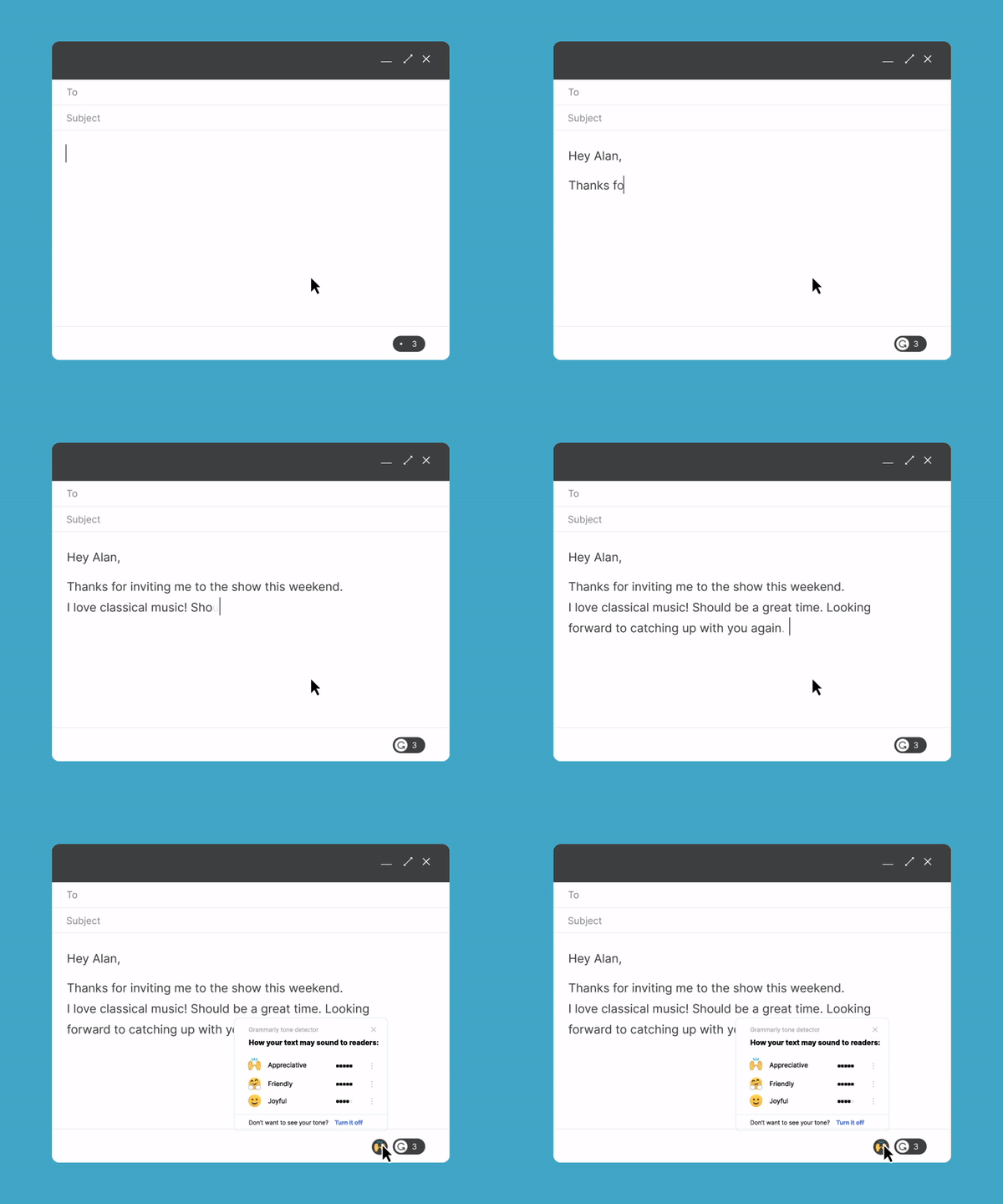
Note: The tone detector feature is only available on the Plus plan.
These examples show how you can configure trusted authentication.
These apps show three ways to turn off UI elements in the Text Editor Plugin.
The following is a list of code examples organized by the technology the app uses (e.g., programming language or framework).
- Activation Example App
- Autocomplete Example App
- Basic SDK Example
- CKEditor Example App
- CKEditor Example App (Imperative)
- Document Dialect Example App
- Document Domain Example App
- Electron Example App
- Event Listener Example App
- Grammarly Button Menu Position Example App
- Intro Text Example App
- Quill Example App
- Quill Example App (Imperative)
- Starter HTML App
- Starter JavaScript App
- Suggestion Categories Example App
- TinyMCE Example App
- TinyMCE Example App (Imperative)
- Tone Detector Example App
- Trusted Authentication Example App
- Turn Off UI Elements Example App
- Basic SDK Example
- CKEditor Example App
- Document and Session Stats Example App
- Electron Example App
- Slate Example App
- Starter React App
- TinyMCE Example App
- Turn Off UI Elements Example App