We support iOS only thru a widget app. This is a workaround for Apple's draconian adult-content rules.
When installed, open your link in your browser. Under "Need help getting set up?" you should see a button labelled "Install iOS Widget".
ℹ️ If you don't see it, click the "Need help getting set up?" header, it will expand to show everything.
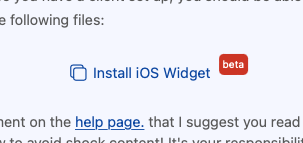
This should open a small popup, with an "Add Widget" button, click that.
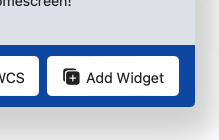
This should open WCS (the app you installed in step 1) and present you with the available sizes of widget.

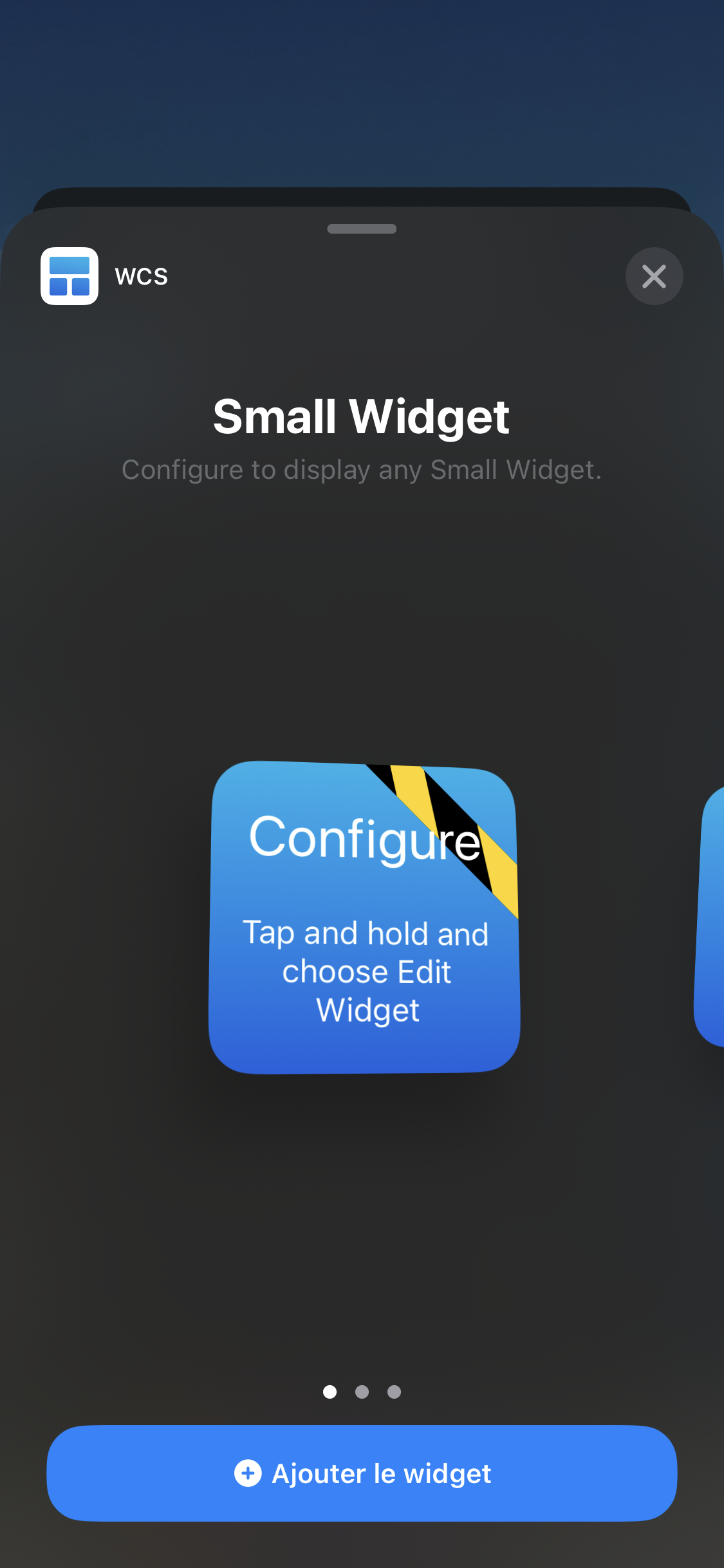
You have two options, the first is a large widget with shows the name of the person who set it. The second (swipe right) is a small widget if you'd rather be subtle.
When you have centred the one size you'd like, click + Add Widget to install it.
Return to your home screen, and press and hold the background to enter the "wobbly" mode. Press the small ( + ) in the top left hand side of your screen. You should get presented the widget panel. From here, enter "WCS" to search for the WCS generic widget.
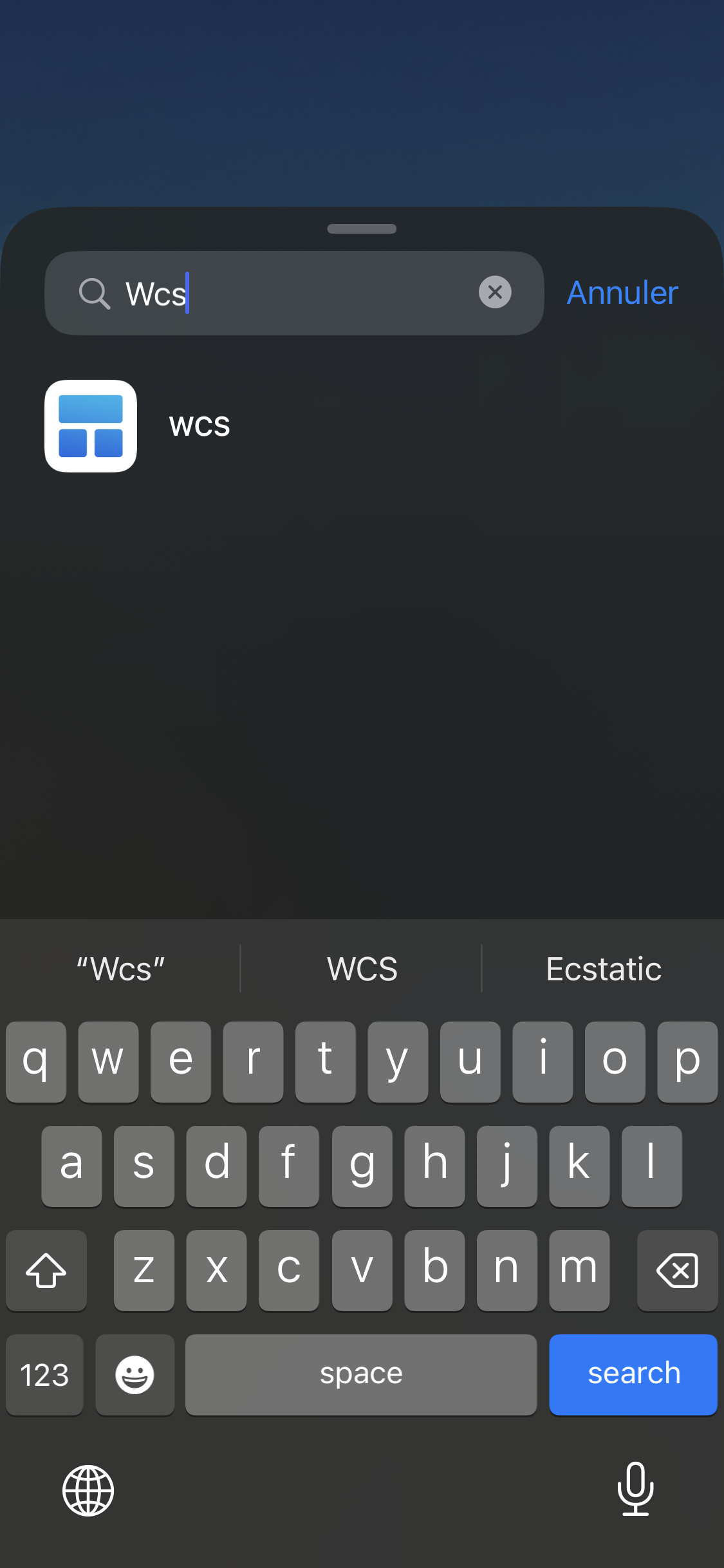
Select the size you selected before. If you chose the small size (like I did) choose the small square. If you chose the large size, select the large one on the far right. You must pick ONLY the one you selected, if you don't this won't work!
Once you've added it to your homescreen, press and hold on the widget and click "Modify" in the context menu.
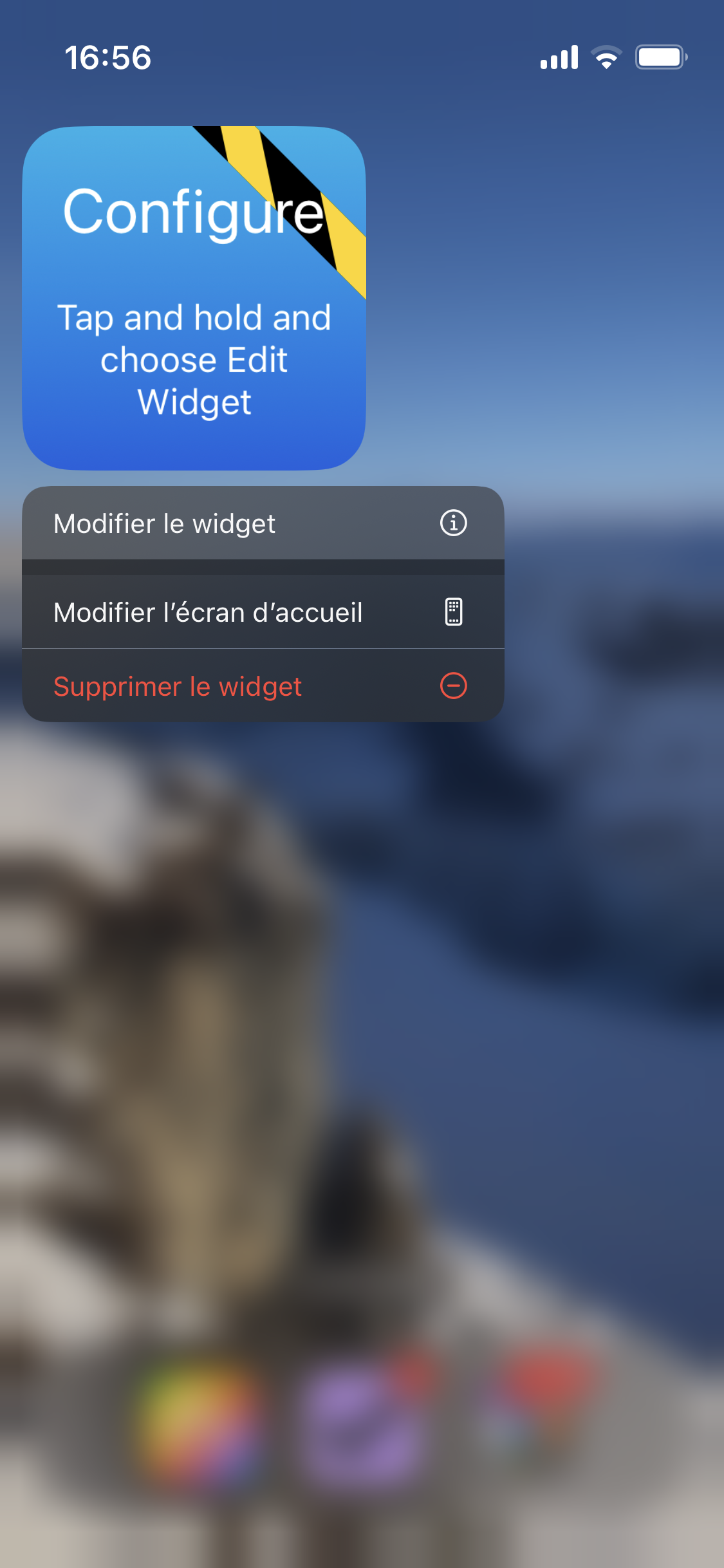
This should open a little popup with an option that says "Widget". You should be able to set it to the link you installed.
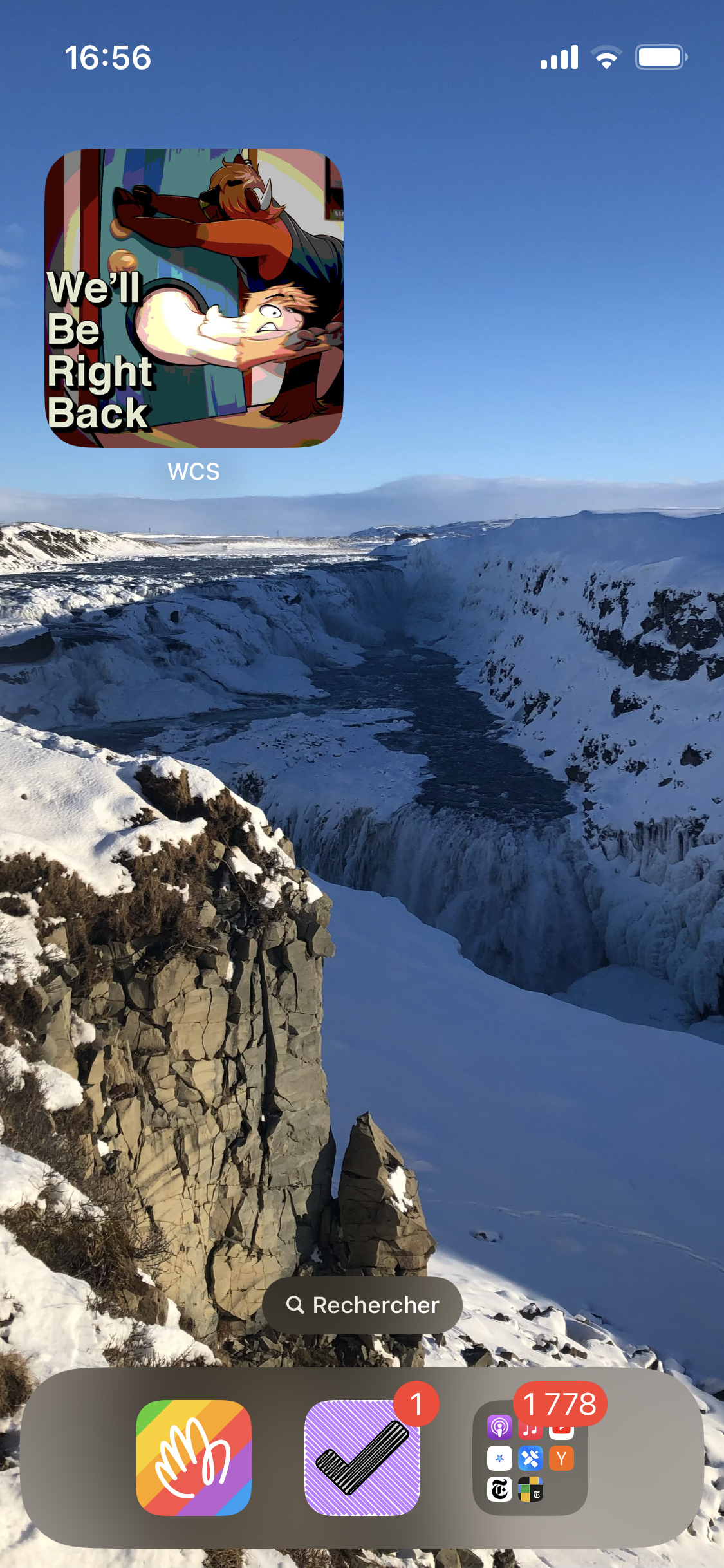
Done! This will update every 15min! Click the widget to open your link for quick replies!