The name must begin with a letter, dollar sign ($),or an underscore (_). It must not start with a number.
The name can contain letters, numbers, dollar sign ($), or an underscore (_). Note that you must not use a dash(-) or a period (.) in a variable name. You cannot use keywords or reserved words
All variables are case sensitive means var age different from var AGE
the variable must refer to it content
if your variable name is made up of more than one word use the camel case
An array is a special type of variable. It doesn't just store one value; it stores a list of values.
using an array whenever you are working with a list or a set of values that are related to each other.
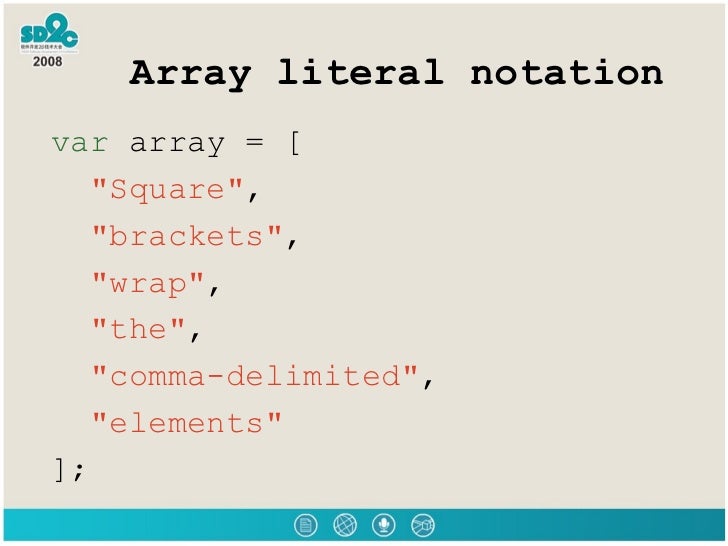
To create array must have follow this instruction var nameThe Array example var color color = inside the squer brackets add the element example color=[ 'white' , 'red' ,'green']
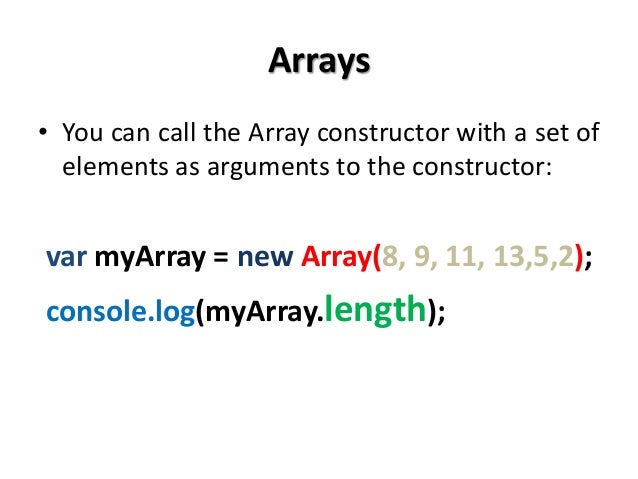
you can see an array created using a different technique called an array constructor. This uses the new keyword followed by Array(); The values are then specified in parentheses (not square brackets), and each value is separated by a comma. You can also use a method called i tern() to retrieve data from the array.
automatically given a number called an index. This can be used to access specific items in the array. Consider the following array which holds.
to Update the third item in the array array [2] = 18 ;