- 개요
- 실습
- launch 파일 실행시키기
- turtlesim nodes 제어하기
- 터미널에서 여러 nodes를 한번에 실행하기
- 지금까지 배운것
- 새 node를 실행시킬때마다 새 터미널을 실행
- nodes가 많으면 그 수만큼 새 터미널을 실행해야할까?
- launch 파일에 실행할 nodes 목록을 작성하고 한번에 실행시키기
- 사용하는 명령
ros2 launch turtlesim multisim.launch.py
- launch 파일 : multisim.launch.py 파일 내부
# turtlesim/launch/multisim.launch.py

from launch import LaunchDescription
import launch_ros.actions

def generate_launch_description():
    return LaunchDescription([
        launch_ros.actions.Node(
            namespace= "turtlesim1", package='turtlesim', executable='turtlesim_node', output='screen'),
        launch_ros.actions.Node(
            namespace= "turtlesim2", package='turtlesim', executable='turtlesim_node', output='screen'),
    ])
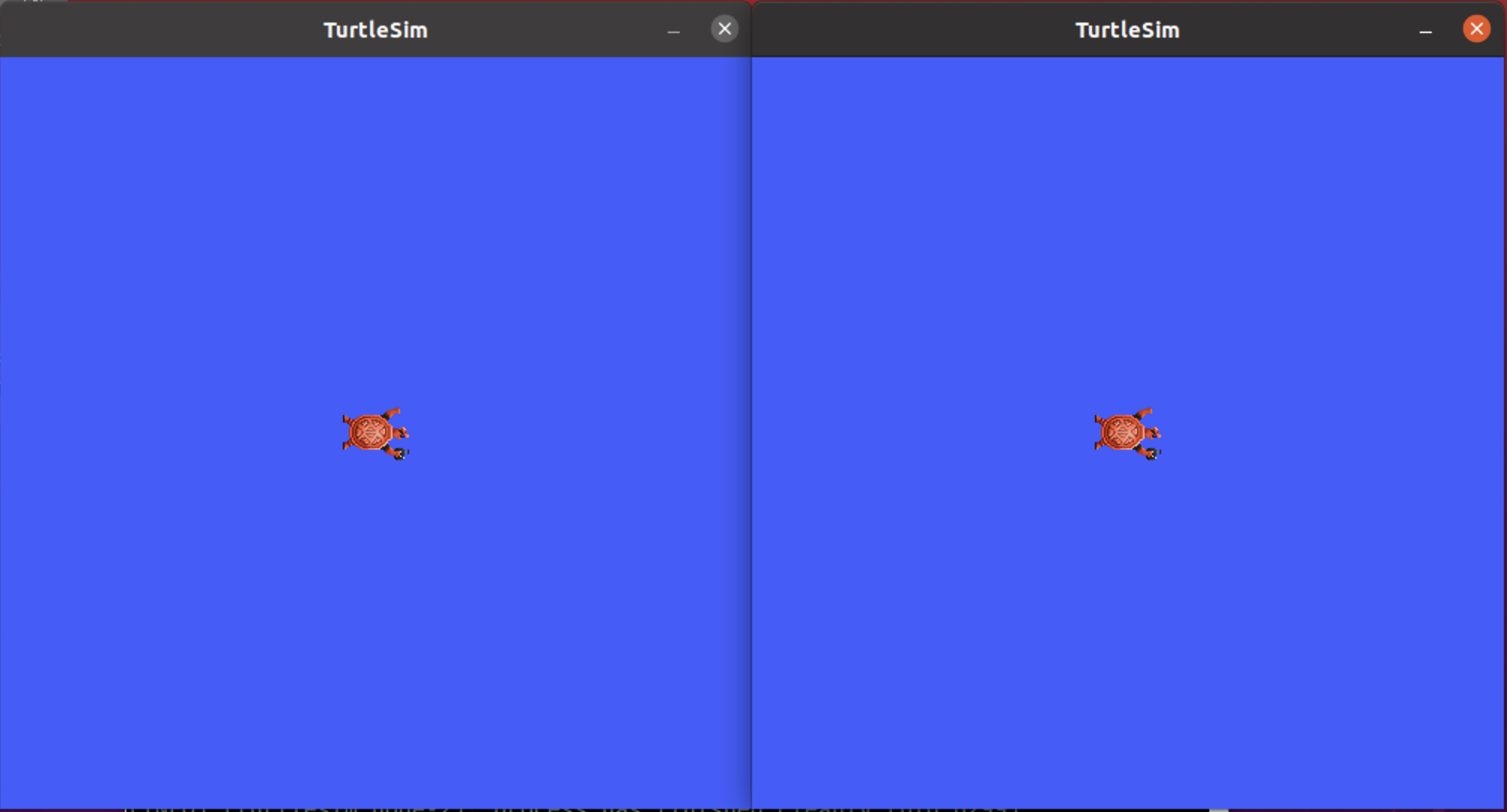
- 결과 (2개 turtlesim nodes 실행)
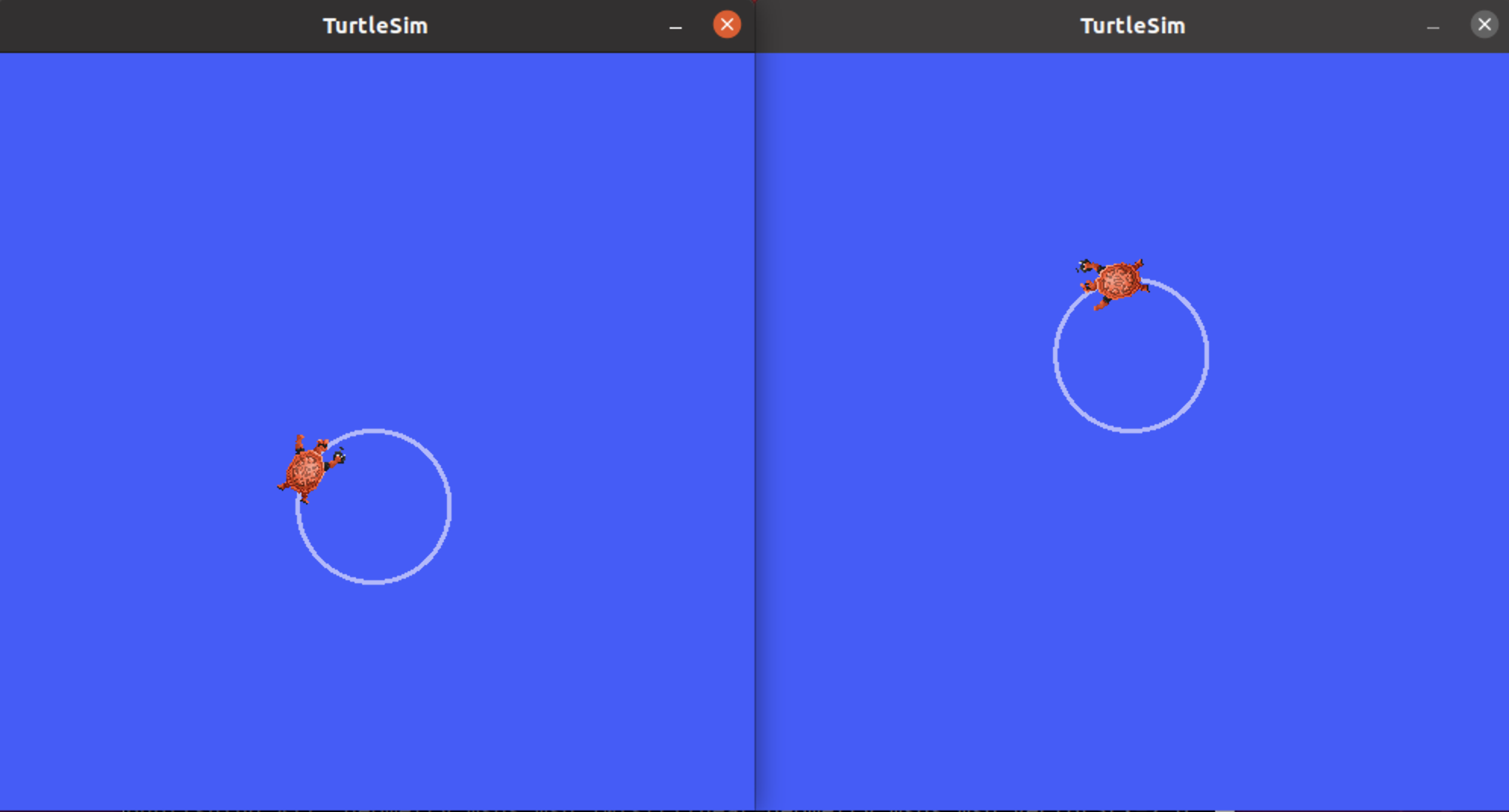
ros2 topic pub /turtlesim1/turtle1/cmd_vel geometry_msgs/msg/Twist "{linear: {x: 2.0, y: 0.0, z: 0.0}, angular: {x: 0.0, y: 0.0, z: 1.8}}"
ros2 topic pub /turtlesim2/turtle1/cmd_vel geometry_msgs/msg/Twist "{linear: {x: 2.0, y: 0.0, z: 0.0}, angular: {x: 0.0, y: 0.0, z: -1.8}}"