This example is using the aws-workspace-basic module.
This template provides an example of a simple deployment of AWS Databricks E2 workspace.
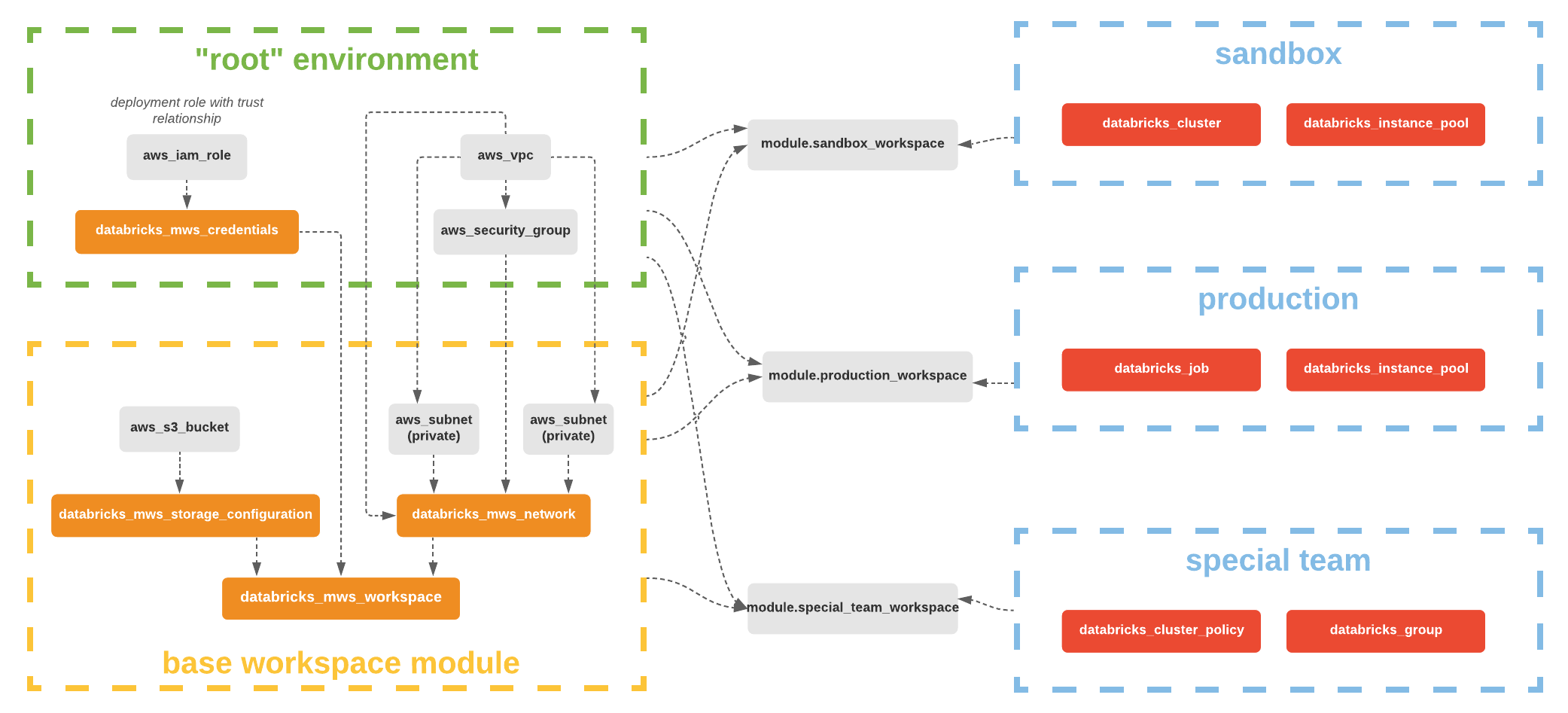
- Reference this module using one of the different module source types
- Add a
variables.tfwith the same content in variables.tf - Add a
terraform.tfvarsfile and provide values to each defined variable - Configure authentication to the Databricks Account (i.e., via Databricks CLI profiles or service principal).
- Add a
output.tffile. - (Optional) Configure your remote backend
- Run
terraform initto initialize terraform and get provider ready. - Run
terraform applyto create the resources.
| Name | Version |
|---|---|
| aws | ~> 5.0 |
| databricks | >=1.13.0 |
No providers.
| Name | Source | Version |
|---|---|---|
| aws-workspace-basic | github.com/databricks/terraform-databricks-examples/modules/aws-workspace-basic | n/a |
No resources.
| Name | Description | Type | Default | Required |
|---|---|---|---|---|
| cidr_block | IP range for AWS VPC | string |
"10.4.0.0/16" |
no |
| databricks_account_id | Databricks Account ID | string |
n/a | yes |
| region | AWS region to deploy to | string |
"eu-west-1" |
no |
| tags | Optional tags to add to created resources | map(string) |
{} |
no |
| prefix | Optional prefix to add to resource names | string |
"" |
no |
No outputs.