Transparent background doesn't seem to work. #2


Description

First of all, thank you for a fantastic free tool <3
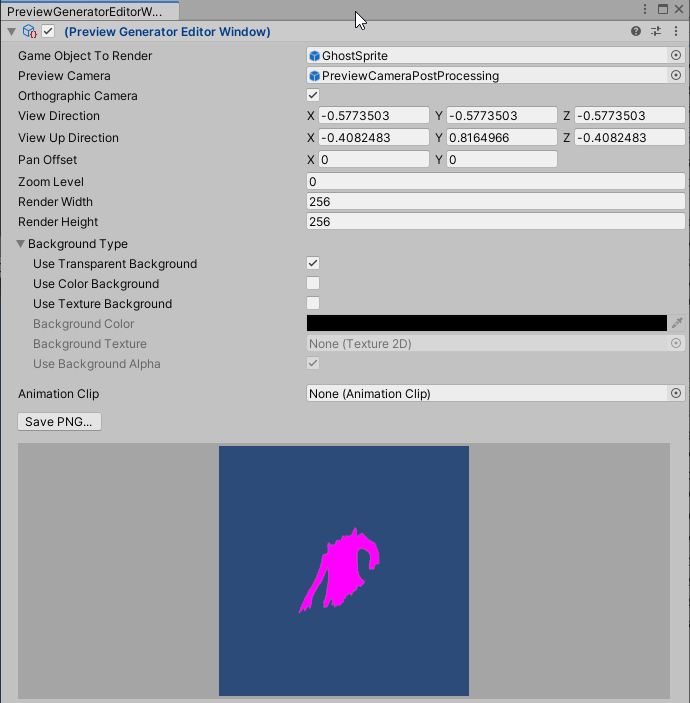
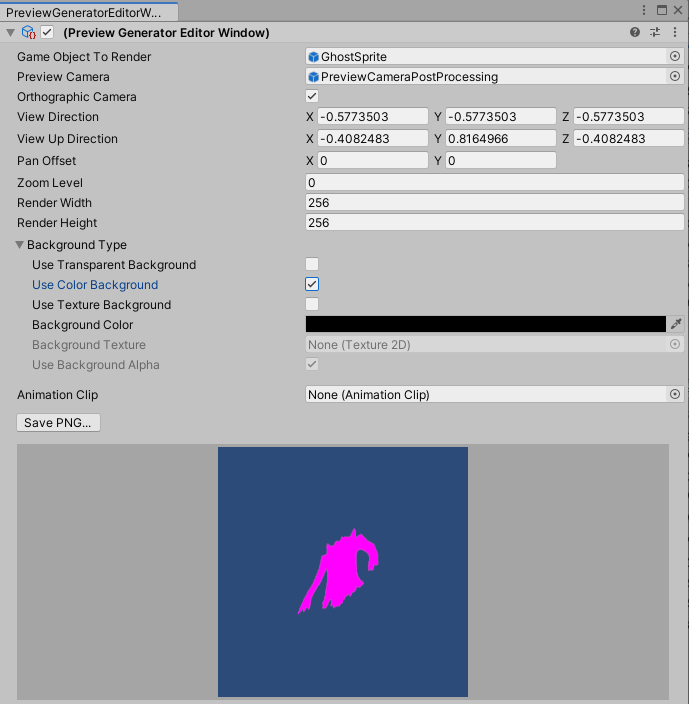
I thought "Transparent Background" meant that it would only render the model, with lighting, onto a transparent raw image, but it always includes the camera background.
This is the default demo scene (it's an HDRP-project, so the sprite shader doesn't work properly). Here, the camera's background is set to "Sky", but there isn't one, so it uses the default blue background color. When I flick the switch between "Use Transparent Background" and "Use Color Background", nothing changes, even if the background color is set to 0 alpha, and the camera's background color is also 0 alpha.
And when setting camera background to "None", there's this weird grey background with black lines on it. I switched out the prefab for my own 3D prefab with HDRP-materials.
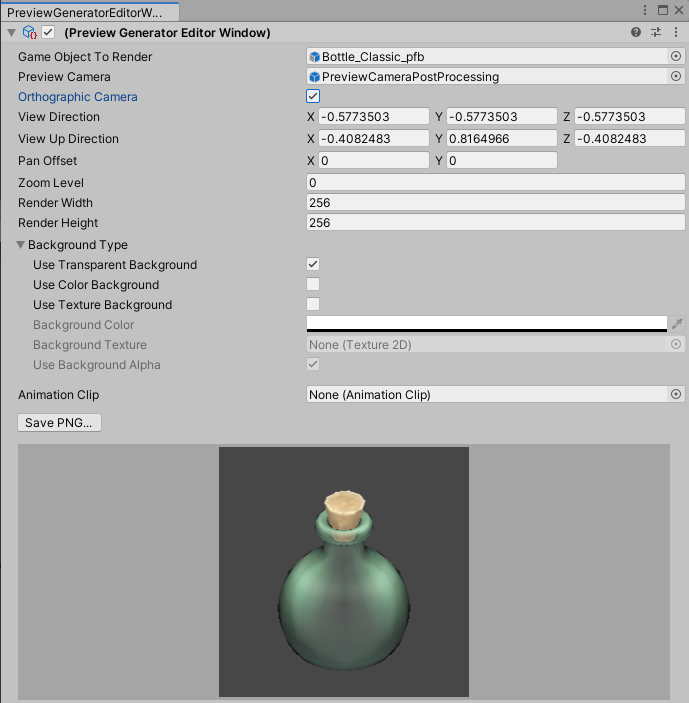
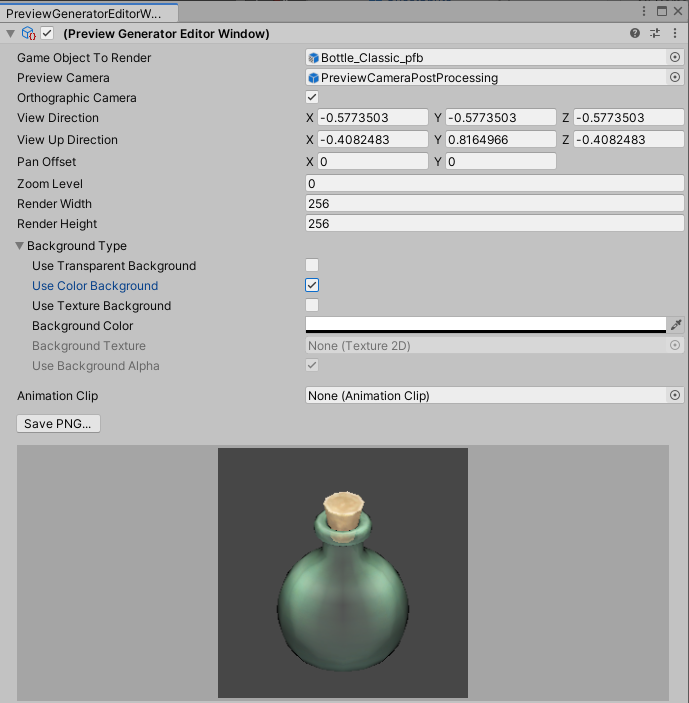
Is there no way to get it to render JUST my prefab onto a transparent Raw Image?