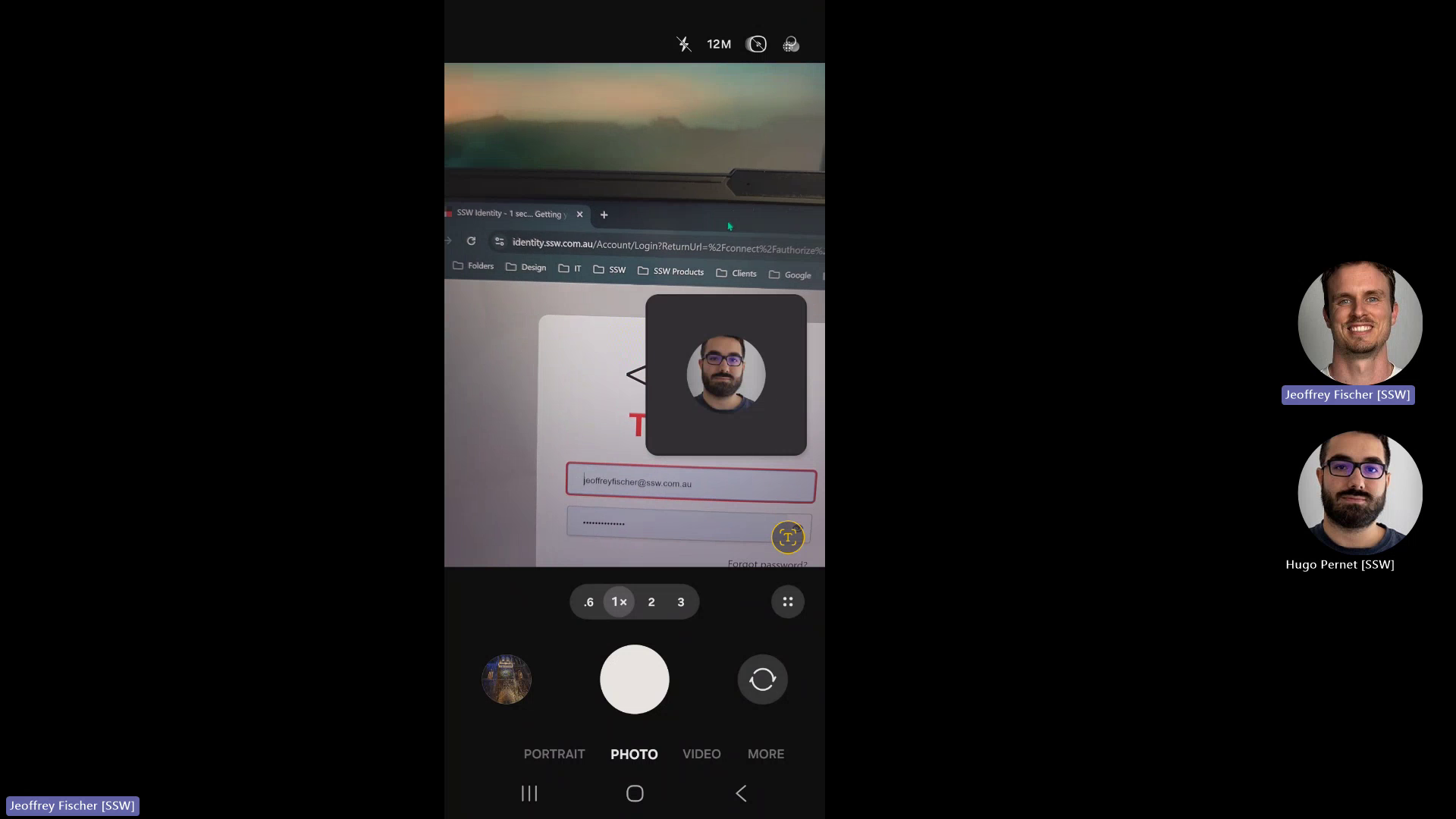
🐛 Bug - URL and Logo Visibility Issue on Mobile Camera #167

Description

Requested by: @jeoffreyfischer via YakShaver.ai 🦬
cc: @jeoffreyfischer, @Freego1783, @adamcogan, @calumjs, @uly1
Hi Team!
Pain
Users are unable to clearly see the URL and logo when using their phone camera to view the Northwind365 website. This issue affects the visibility and accessibility of key information on the page.
Acceptance Criteria
- The URL should be clearly visible when viewed through a phone camera.
- The logo should be clearly visible when viewed through a phone camera.
- Ensure that the visibility is consistent across different mobile devices.
Reproduce Steps
- Open the Northwind365 website on a mobile device.
- Use the phone camera to view the page.
- Check if the URL and logo are clearly visible in the camera view.
Screenshot
Figure: URL and logo visibility on phone screen