Project
cortex-ide
Description
When a user drags files over the message input area, a visual overlay appears with "Drop files to attach" text. This overlay has no role="status" or aria-live, so screen reader users receive no announcement that the drop target is active.
Visual Evidence
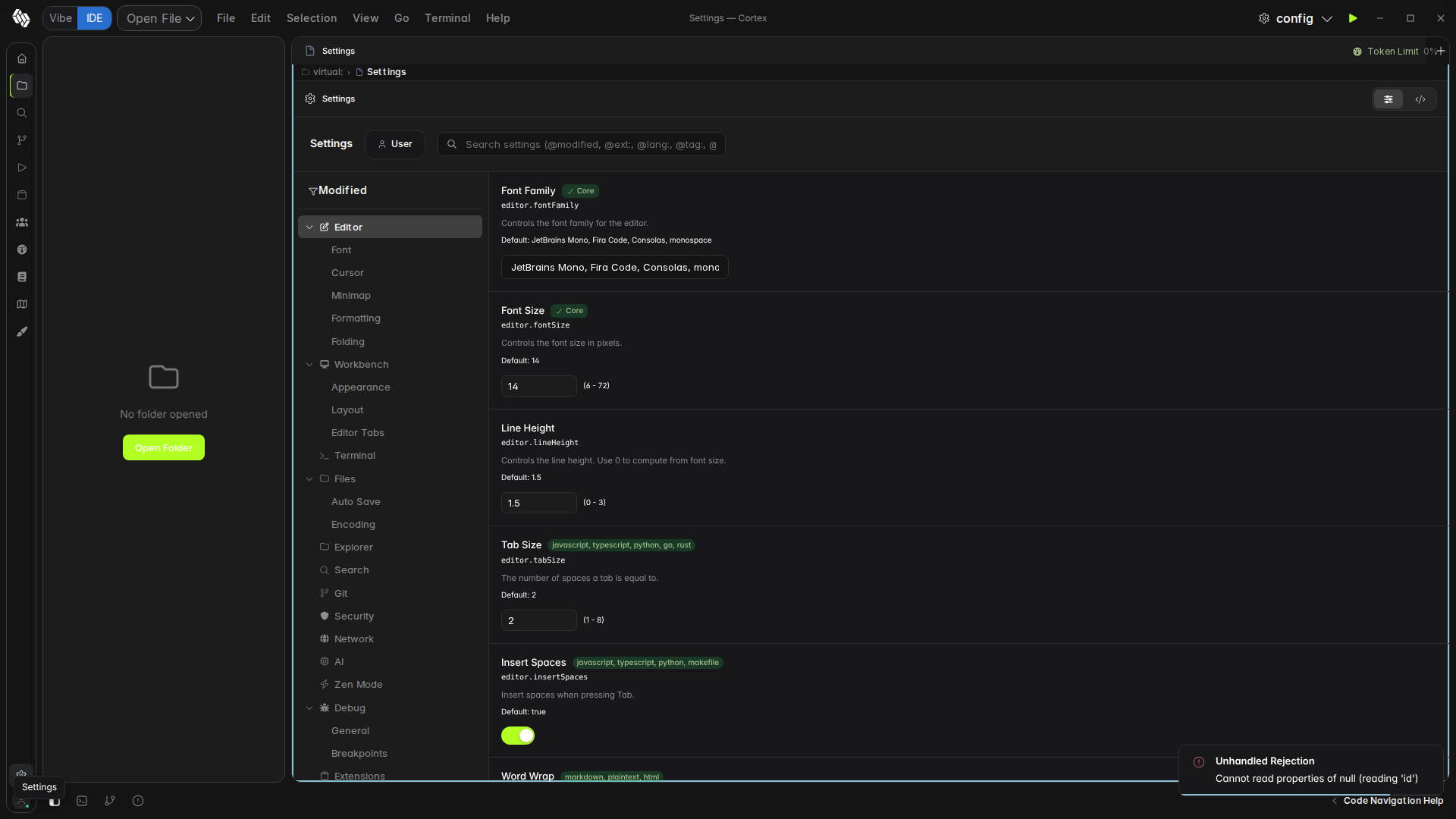
Affected Element
MessageInput.tsx:873-892:
<Show when={isDragging()}>
  <div class="absolute inset-0 z-40 ..." style={{ background: ..., border: ... }}>
    <div class="flex flex-col items-center gap-2">
      <Icon name="paperclip" />
      <span class="text-sm font-medium">Drop files to attach</span>
    </div>
  </div>
</Show>
No role="status", no aria-live.
Steps to Reproduce
- Drag a file over the AI chat input area
- Visual overlay appears — screen reader is silent
Expected Behavior
Overlay container should have role="status" aria-live="polite" aria-label="Drop files to attach" (WCAG 4.1.3).
Actual Behavior
Visual-only overlay. AT users get no feedback.

Project
cortex-ide
Description
When a user drags files over the message input area, a visual overlay appears with "Drop files to attach" text. This overlay has no
role="status"oraria-live, so screen reader users receive no announcement that the drop target is active.Visual Evidence
Affected Element
MessageInput.tsx:873-892:
No
role="status", noaria-live.Steps to Reproduce
Expected Behavior
Overlay container should have
role="status" aria-live="polite" aria-label="Drop files to attach"(WCAG 4.1.3).Actual Behavior
Visual-only overlay. AT users get no feedback.