HTML : (Hyper Text Markup Language), it is the standard markup language for creating Web pages and describes the structure of a Web page. HTML consists of a series of elements that tell the browser how to display the content.
In this article, you will learn about:
- HTML Structure
- HTML Extra Markup
- HTML5 Layout
- HTMLProcess & Design

- The
<!DOCTYPE html>declaration defines that this document is an HTML5 document - The
<html>element is the root element of an HTML page - The
<head>element contains meta information about the HTML page - The
<meta>elements within the head element provide information about the document itself. A meta element can be used to provide all sorts of information, but in this case, it specifies the character encoding used in the document. - The
<title>element specifies a title for the HTML page (which is shown in the browser's title bar or in the page's tab) - The
<body>element defines the document's body, and is a container for all the visible contents, such as headings, paragraphs, images, hyperlinks, etc.
For more information Flash Cards about HTML Extra Markup 🙂
HTML has several semantic elements that define the different parts of a web page:
<header>- Defines a header for a document or a section.<nav>- Defines a set of navigation links.<section>- Defines a section in a document<article>- Defines an independent, self-contained content.<aside>- Defines content aside from the content.<footer>- Defines a footer for a document or a section.<details>- Defines additional details that the user can open and close on demand.<summary>- Defines a heading for the details element.

When you creating a new website, you need to make sure that it is a professional website. So you must ask yourself three questions:
- Why it is important to know and understand the audience your site may attract?
- what information they will expect to find on it?
- How to organize information so that visitors can find what they are looking for?
It's important to understand who your target audience is, why they would come to your site, what information they want to find, by knowing the age range of your target audience, the country does your visitors live in, the level of education do they have, their occupation, and their marital or family status.
Site maps allow you to plan the structure of a site.

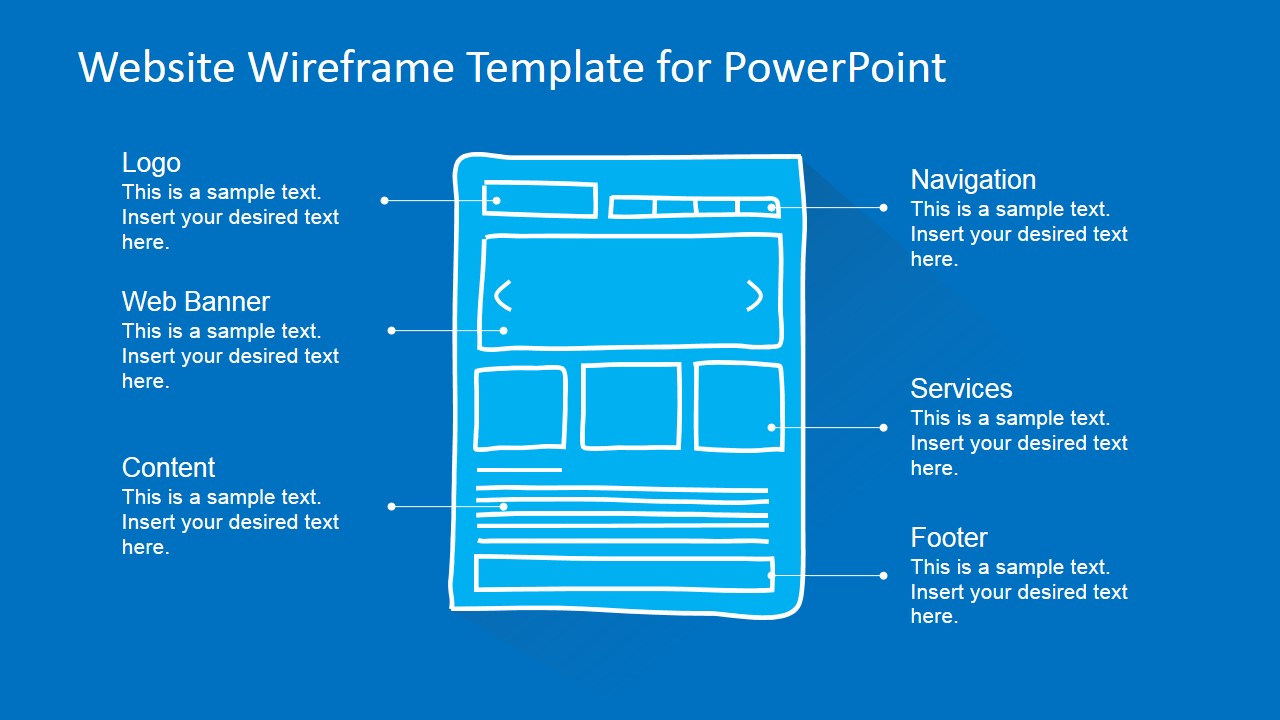
Wireframes allow you to organize the information that will need to go on each page. Design is about communication. You can differentiate between pieces of information using size, color, and style, and you can use grouping and similarity to help simplify the information you present.
A script is a series of instructions that the computer can follow in order to achieve a goal. Each time the script runs, it might only use a subset of all the instructions. Computers approach tasks in a different way than humans, so your instructions must let the computer solve the task programmatically.
- It is best to keep JavaScript code in its own JavaScriptfile. JavaScript files are text files (like HTML pages and SS style sheets), but they have the
.jsextension. - The HTML
<script>element is used in HTML pages to tell the browser to load the JavaScript file (rather like the<link>element can be used to load a CSS file). - If you view the source code of the page in the browser, the JavaScript will not have changed the HTML, because the script works with the model of the web page that the browser has created.
- Computers create models of the world using data.
- The models use an object to represent physical things.
- Programmer can write code to say"when this event occurs, run that code".
- Web browsers use HTML markup to create a model of the webpage . Each element creates its own node.
- To make a webpage interactive, you write code that uses the browser's model of the web page.
JavaScript is high-Level Programming Language often abbreviated as JS can be used in browsers to make websites more interactive,interesting, and user-friendly.

Javascript is an object-oriented language that is currently estimated to be used in more than 90% of websites. Anyone who wants to get into serious web development and front-end programming should learn Javascript. There are many reasons to learn Javascript and for adding its code to standard HTML markup. From interactive buttons to games, Javascript will truly make a website unique and stand out amongst the many standard HTML5-based and CMS-built websites available.
An object is represented as a collection of key-value pairs in Javascript.
- Object Literal.
- Using a new keyword with Object constructor.
- Using a new keyword with a constructor function.
- Object.create() method.
- Classes.
© 2021