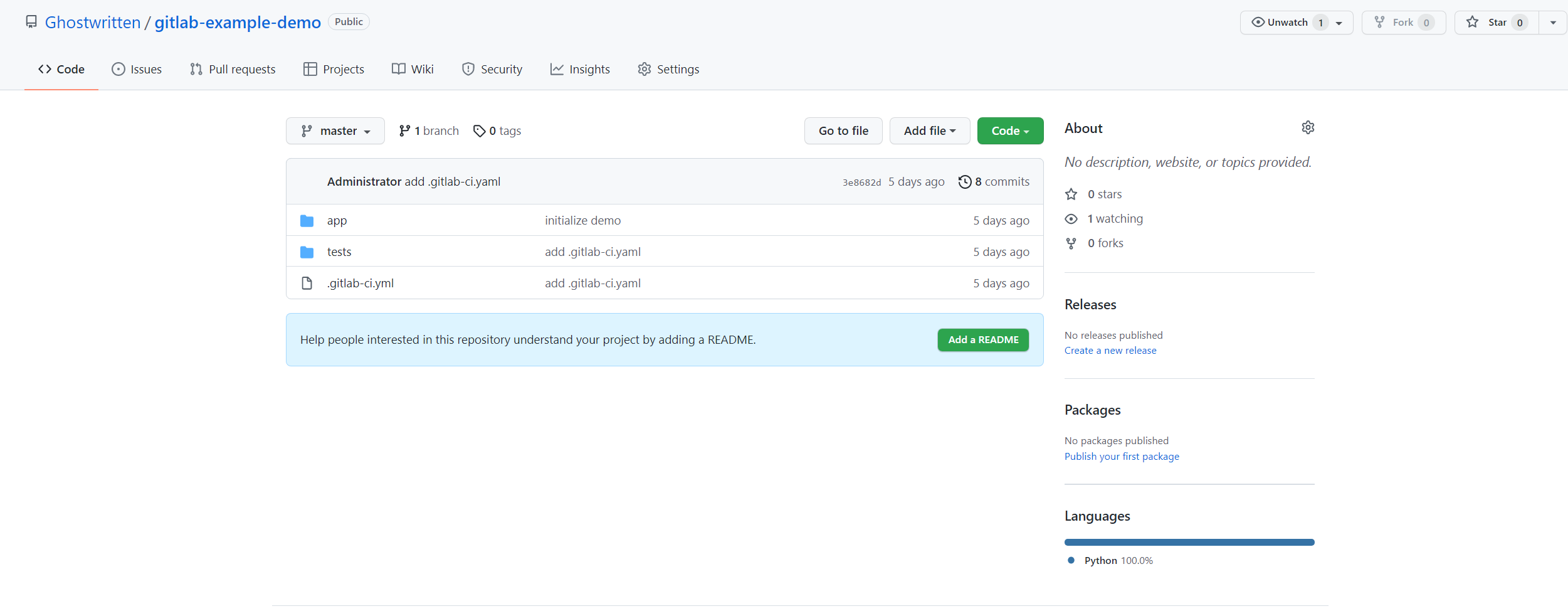
相关阅读:
- 部署gitlab
- gitlab-runner部署
- Gitlab 基础配置
- Create a Continuous Integration (CI) Pipeline in Gitlab
- git与gitlab快速学习手册
$ docker exec -ti gitlab bash
$ vi /etc/gitlab/gitlab.rb
gitlab_rails['smtp_enable'] = true
gitlab_rails['smtp_address'] = "smtp-mail.outlook.com"
gitlab_rails['smtp_port'] = 25
gitlab_rails['smtp_user_name'] = "<xxxx>@outlook.com"
gitlab_rails['smtp_password'] = "<xxxxx>"
gitlab_rails['smtp_domain'] = "outlook.com"
gitlab_rails['smtp_authentication'] = "login"
gitlab_rails['smtp_enable_starttls_auto'] = true
gitlab_rails['smtp_tls'] = false

gitlab_rails['gitlab_email_enabled'] = true
gitlab_rails['gitlab_email_from'] = '<xxxx>@outlook.com'
gitlab_rails['gitlab_email_display_name'] = 'Gitlab'
保存退出修改,执行命令gitlab-ctl reconfigure重新配置gitlab
$ gitlab-ctl reconfigure执行命令gitlab-ctl console测试发邮件,进入控制台之后执行命令
Notify.test_email('<xxxxxx>@139.com', '邮件标题', '邮件正文').deliver_nowirb(main):001:0> Notify.test_email('<xxxxxx>@139.com', '邮件标题', '邮件正文').deliver_now
Delivered mail 61b9f42db6726_4fc5a503772f@gitlab.example.com.mail (3732.4ms)
=> #<Mail::Message:154720, Multipart: false, Headers: <Date: Wed, 15 Dec 2021 13:57:01 +0000>, <From: Gitlab <zoxun@outlook.com>>, <Reply-To: Gitlab <noreply@gitlab.example.com>>, <To: 13522947651@139.com>, <Message-ID: <61b9f42db6726_4fc5a503772f@gitlab.example.com.mail>>, <Subject: 邮件标题>, <Mime-Version: 1.0>, <Content-Type: text/html; charset=UTF-8>, <Content-Transfer-Encoding: 7bit>, <Auto-Submitted: auto-generated>, <X-Auto-Response-Suppress: All>>
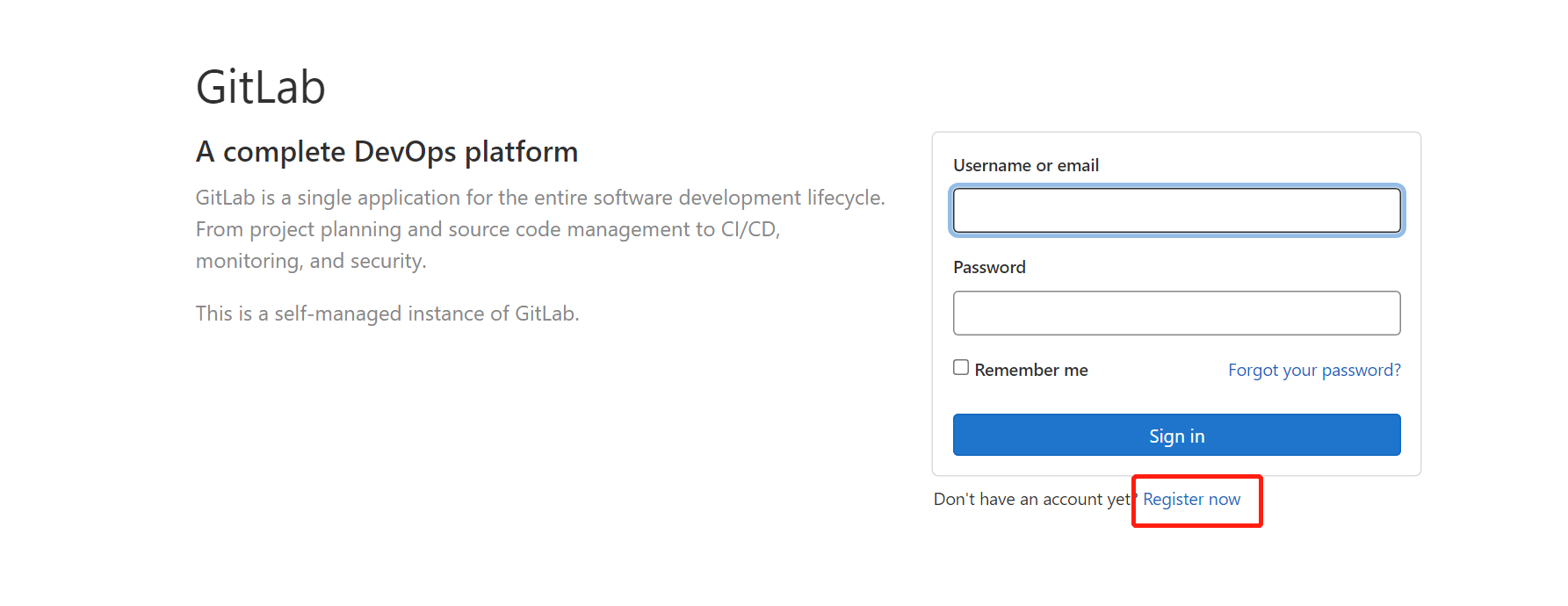
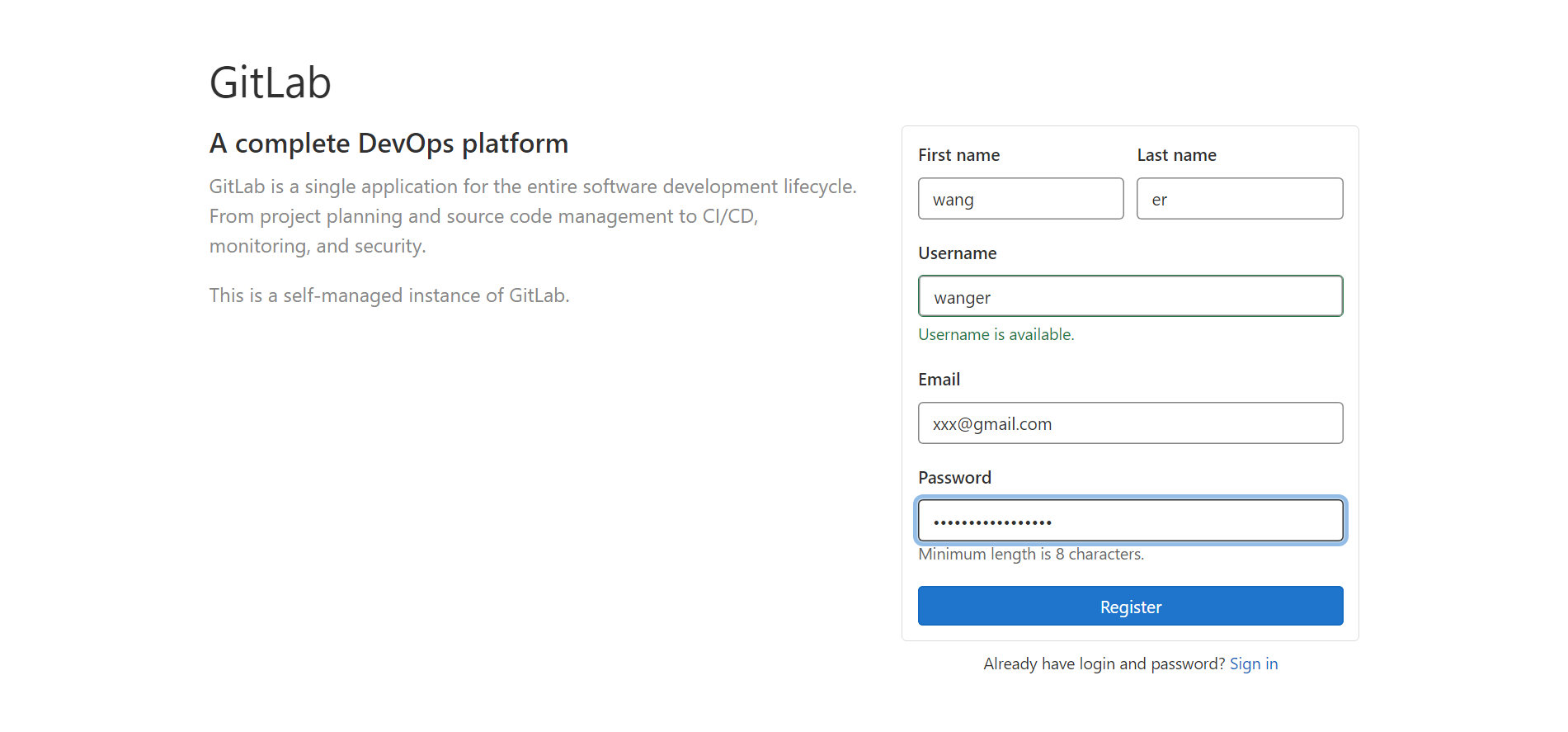
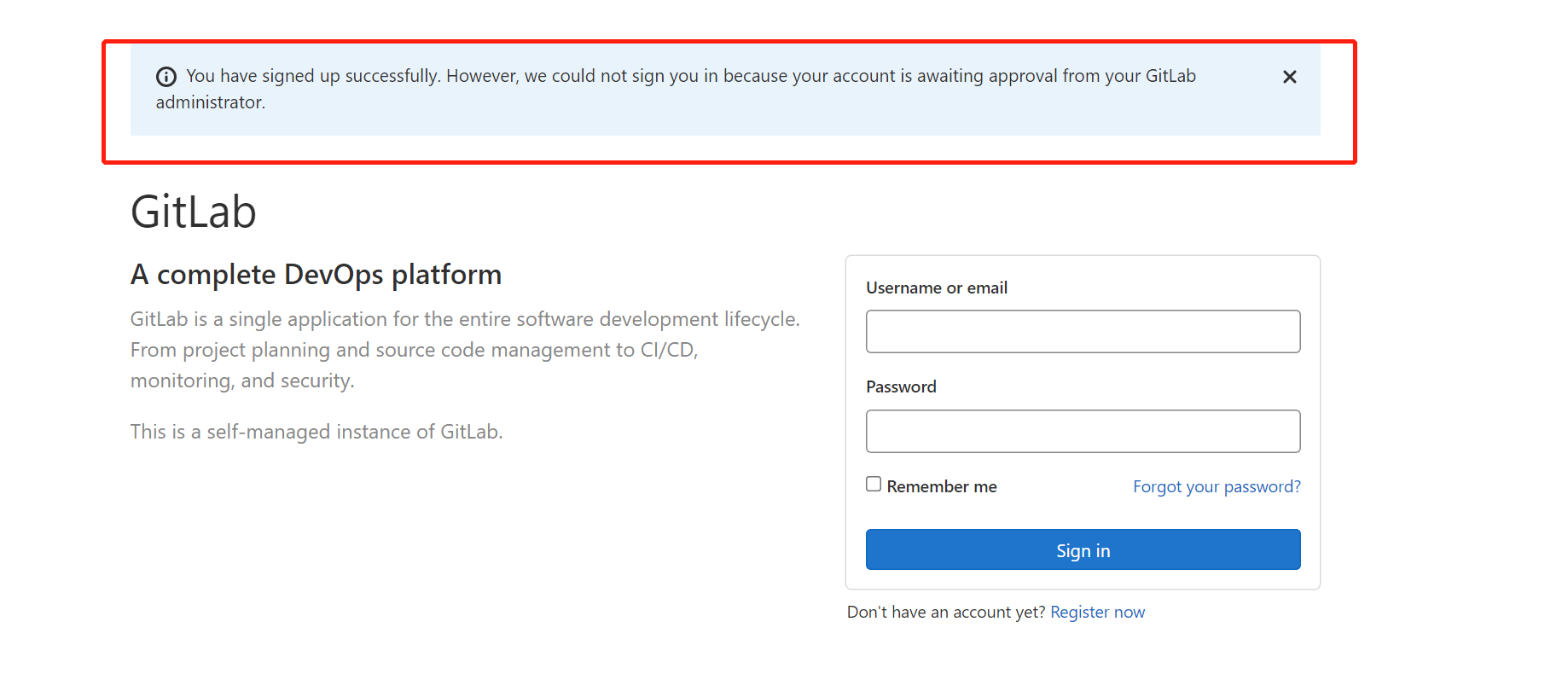
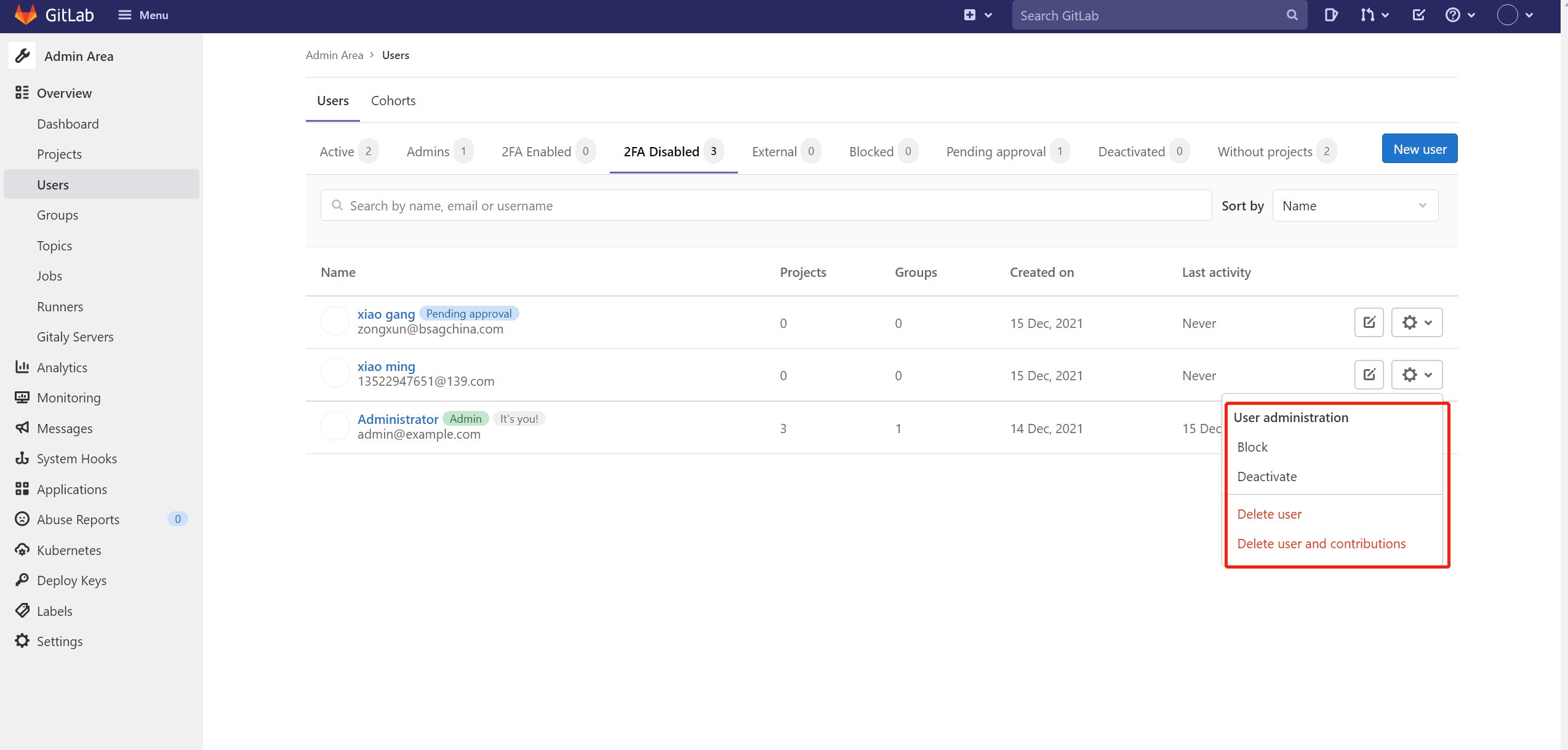
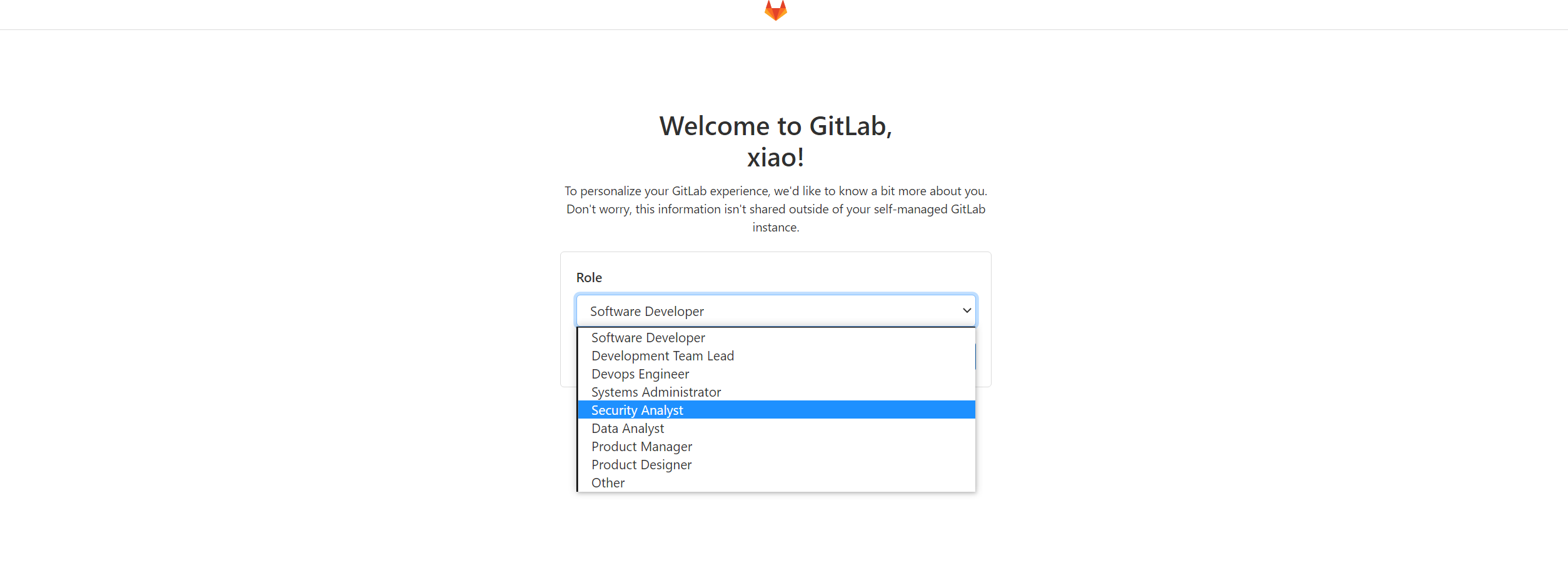
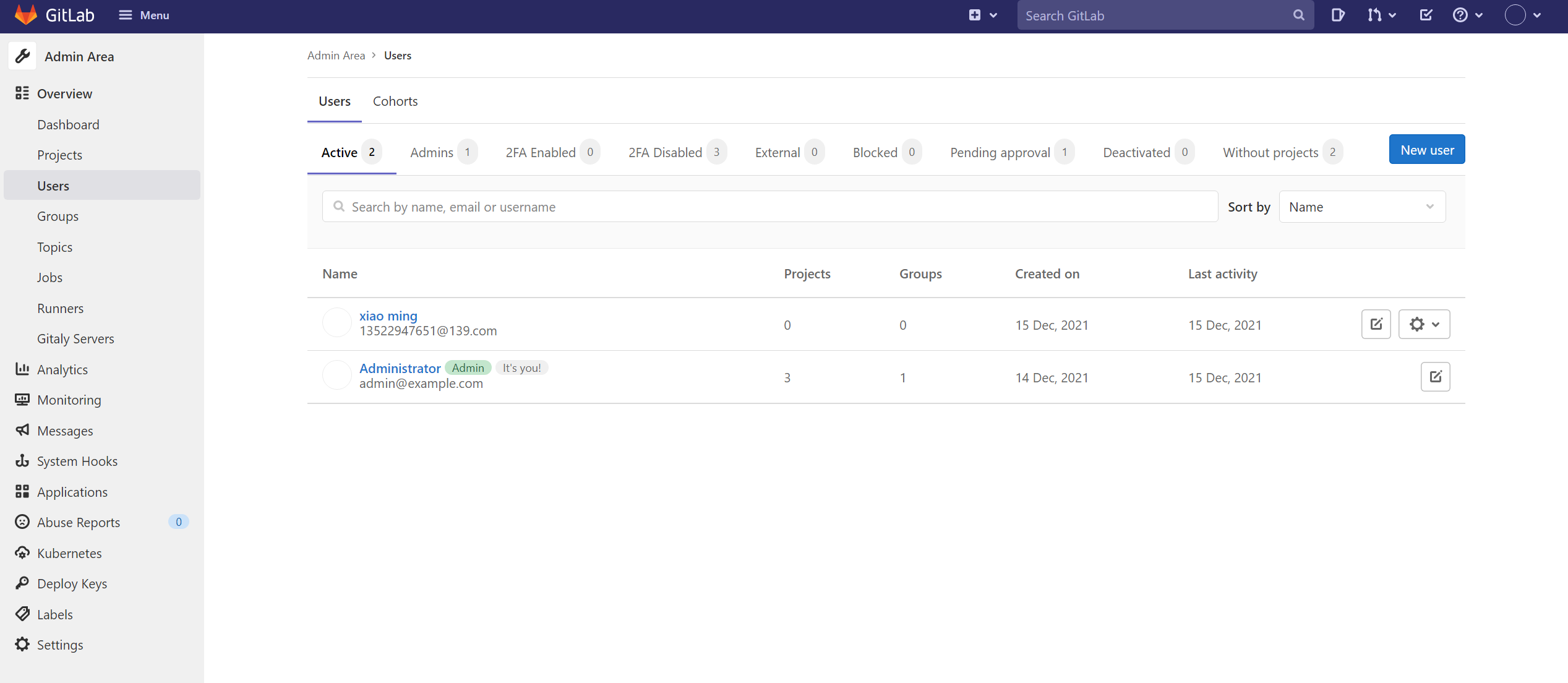
登陆管理员,找到Admin
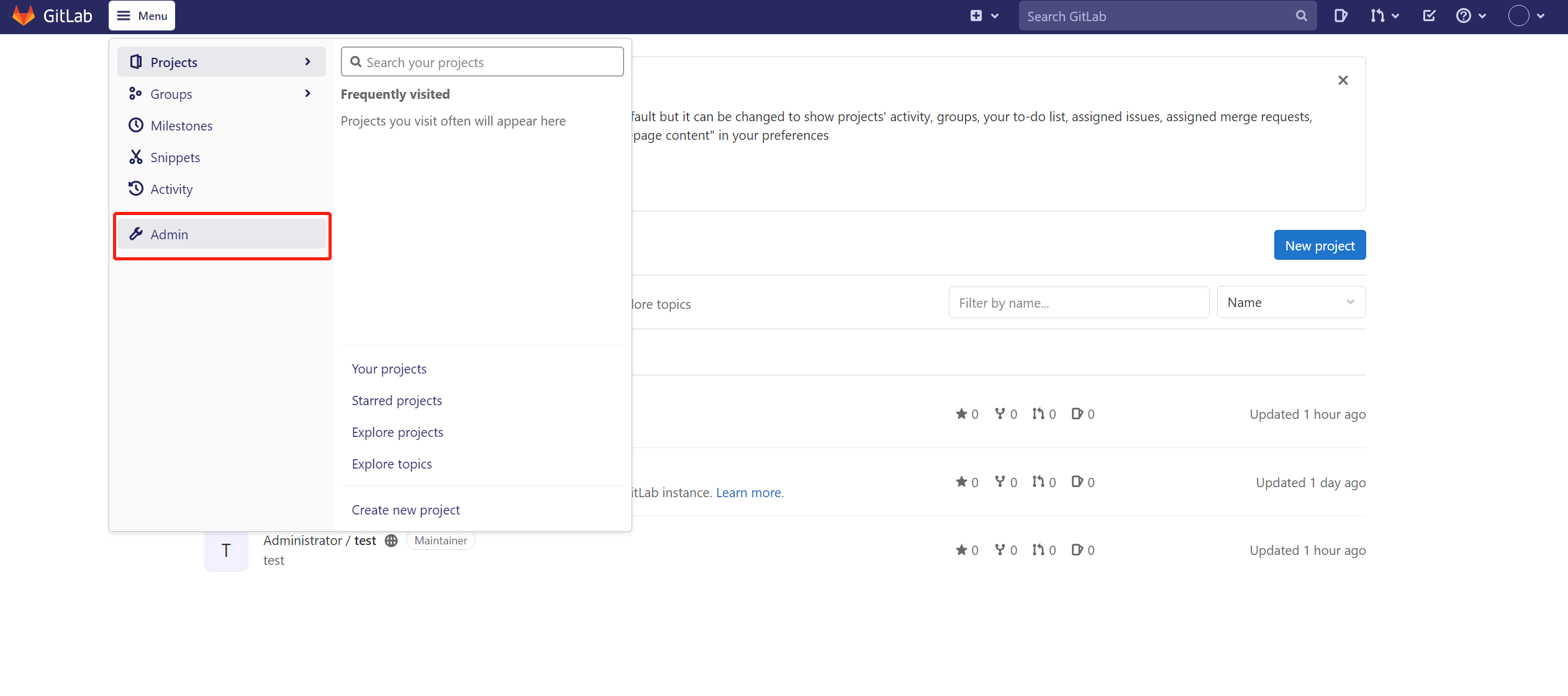
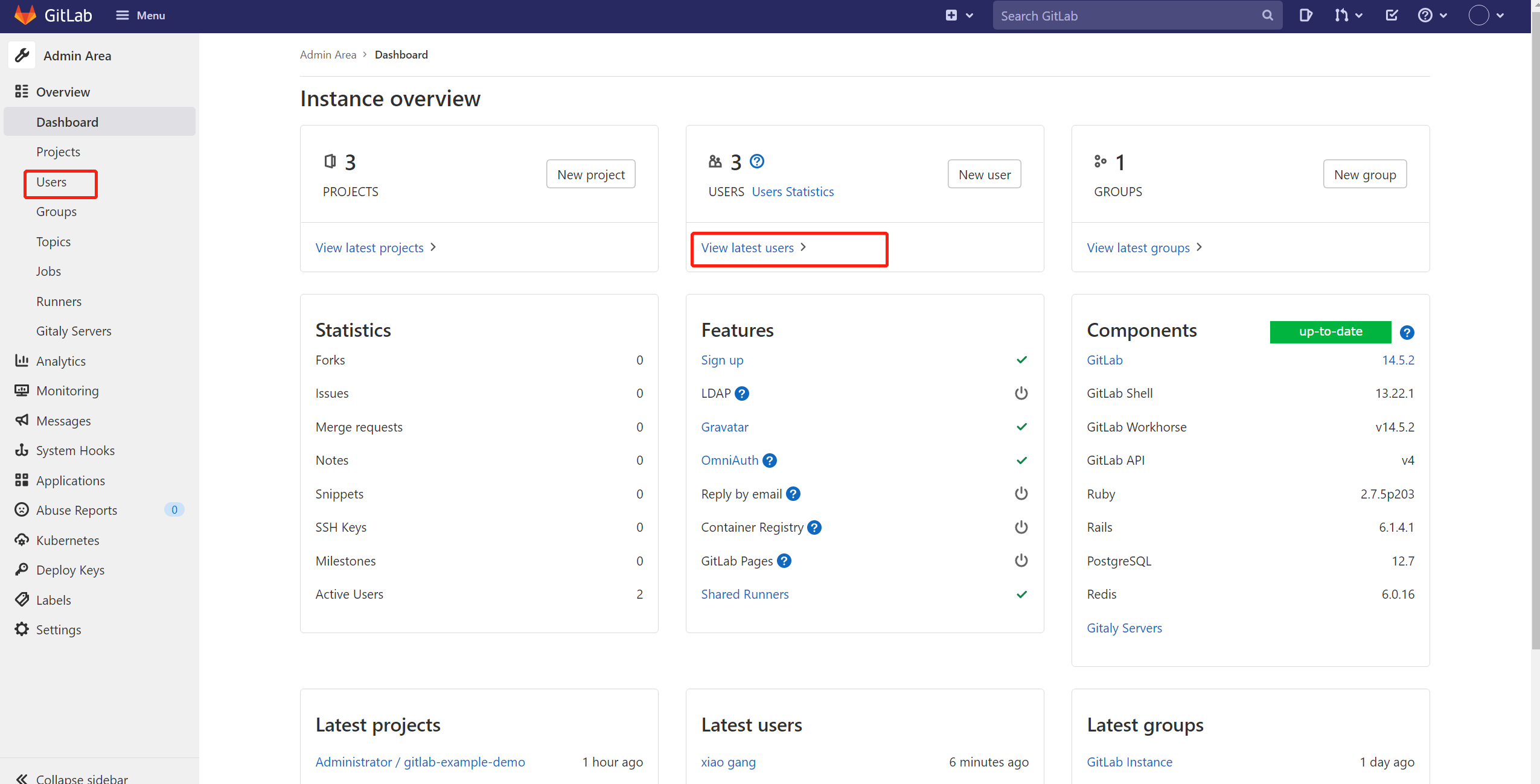
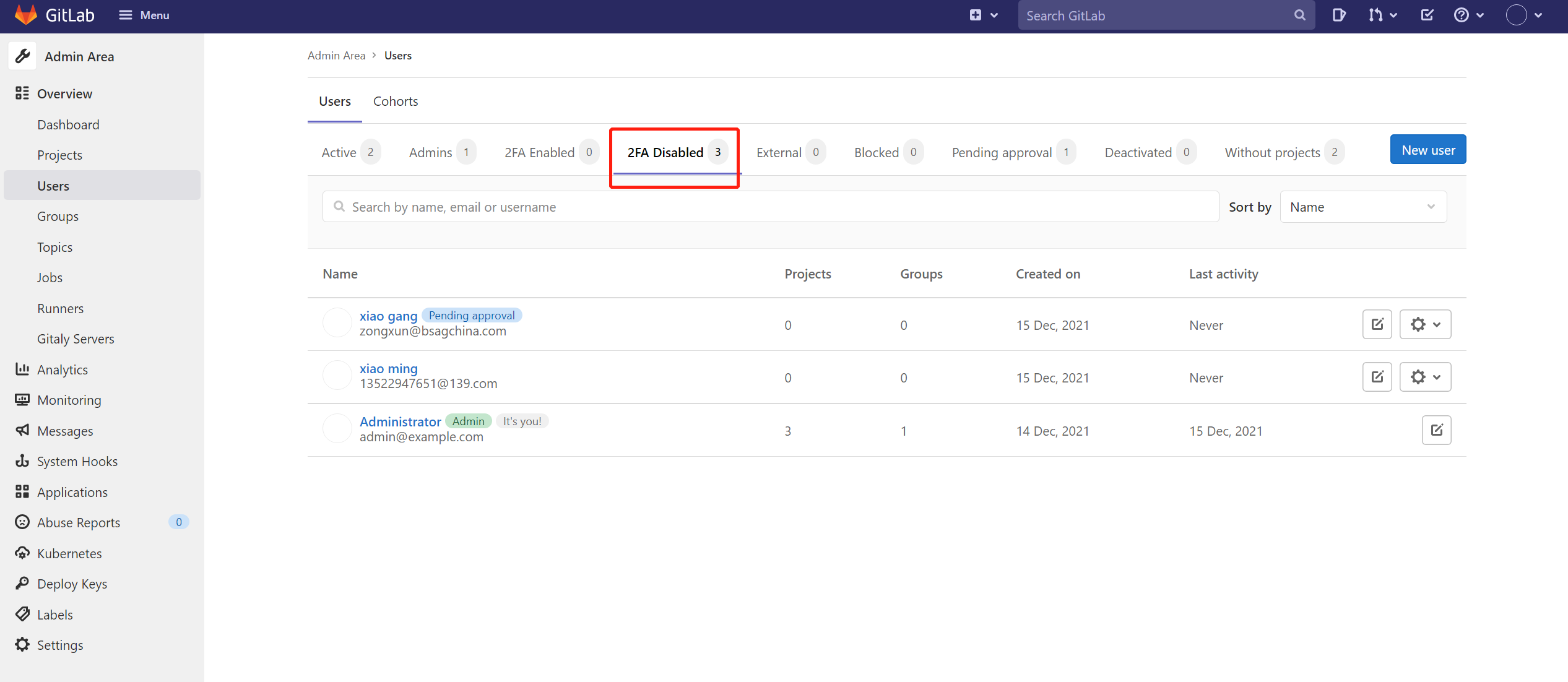
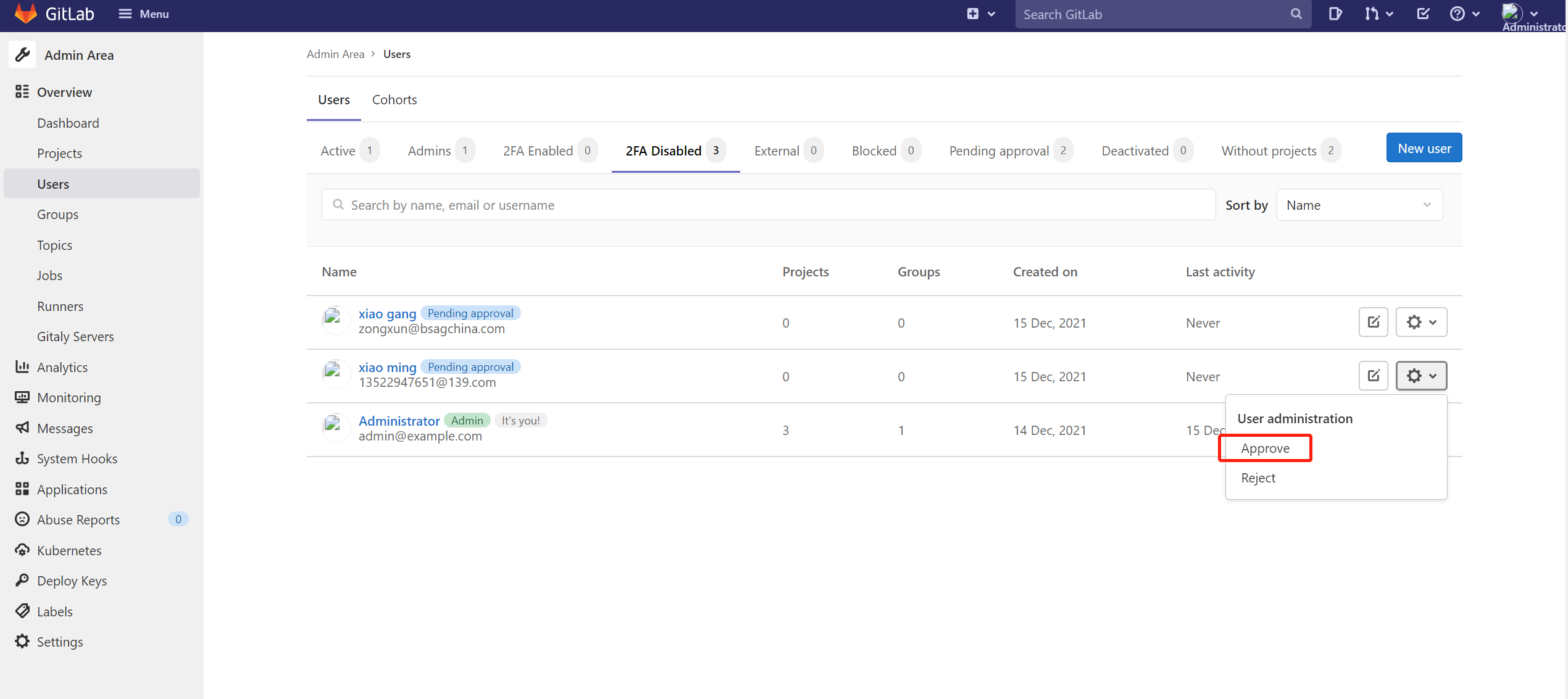

第一种
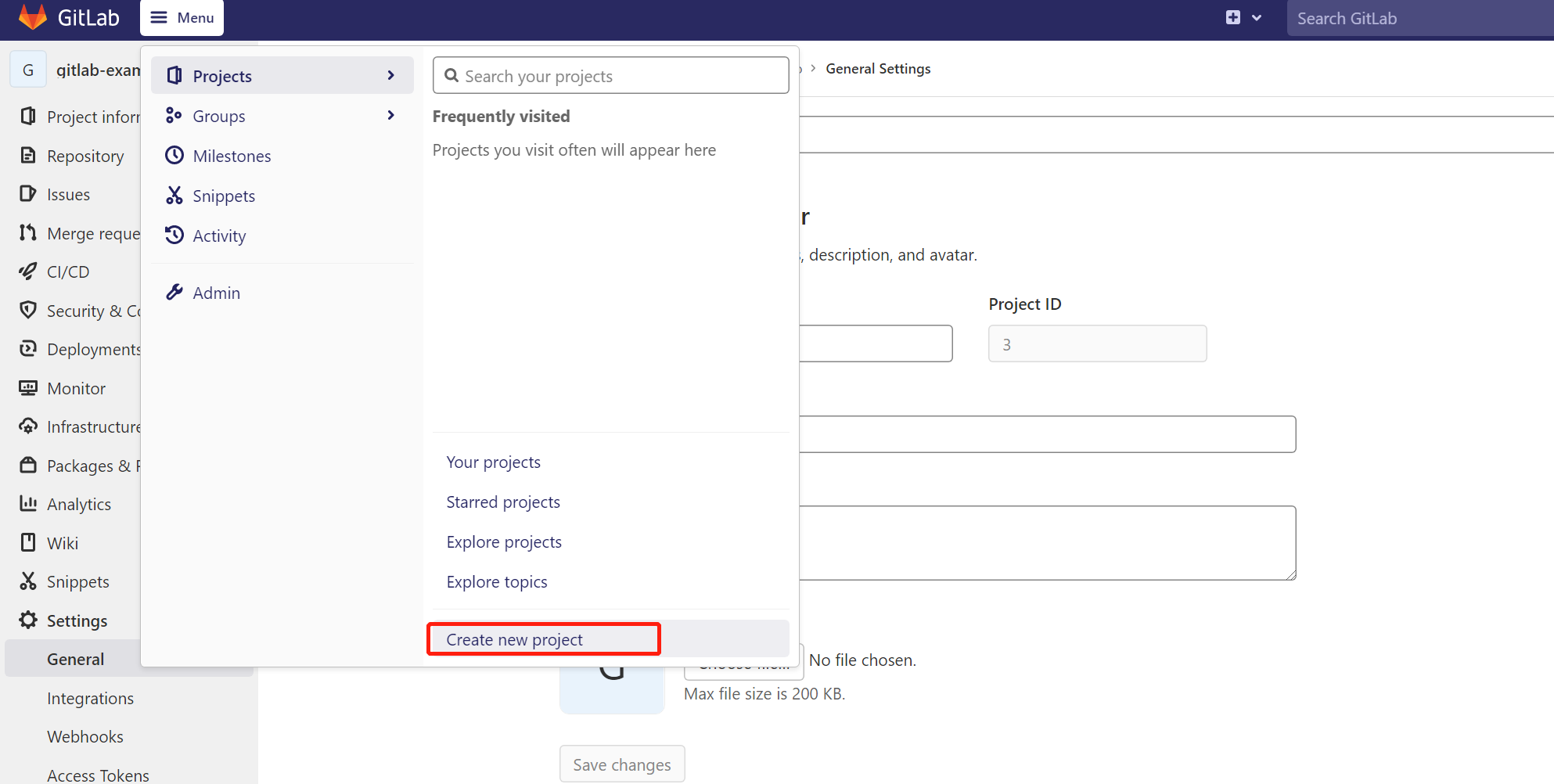
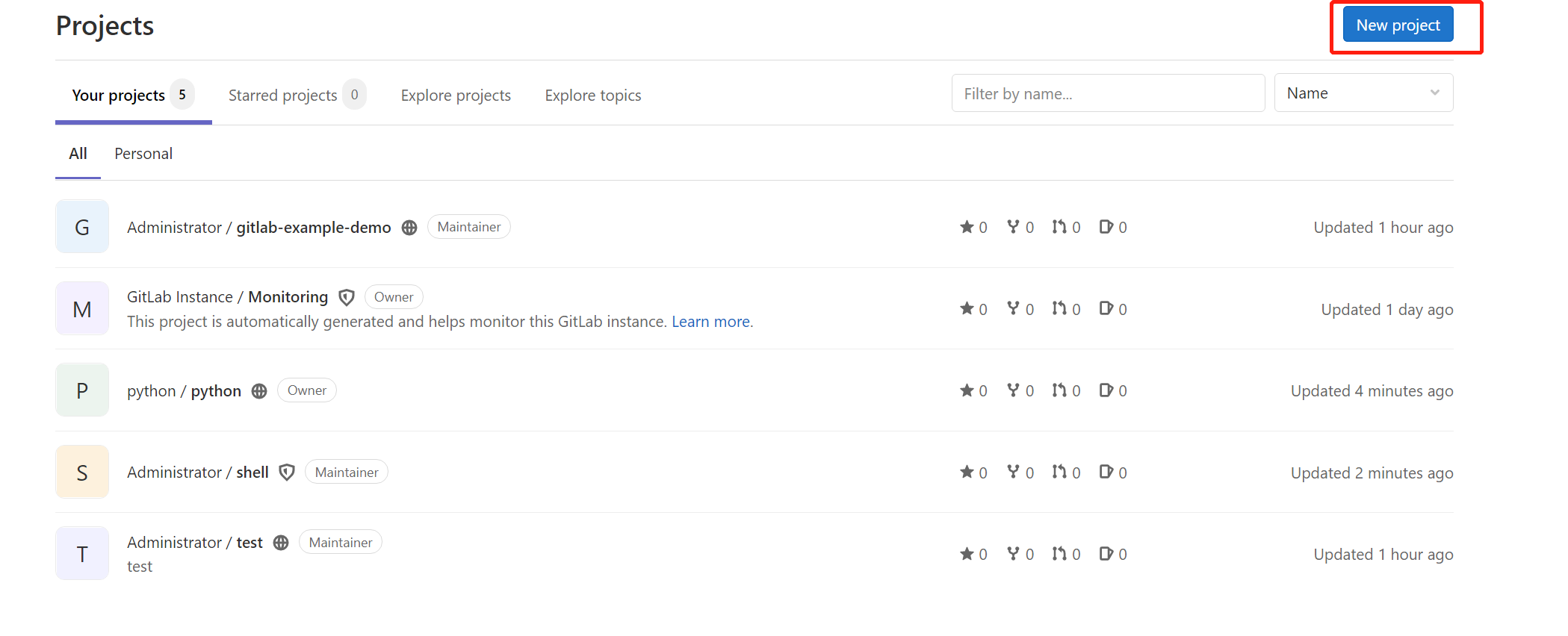
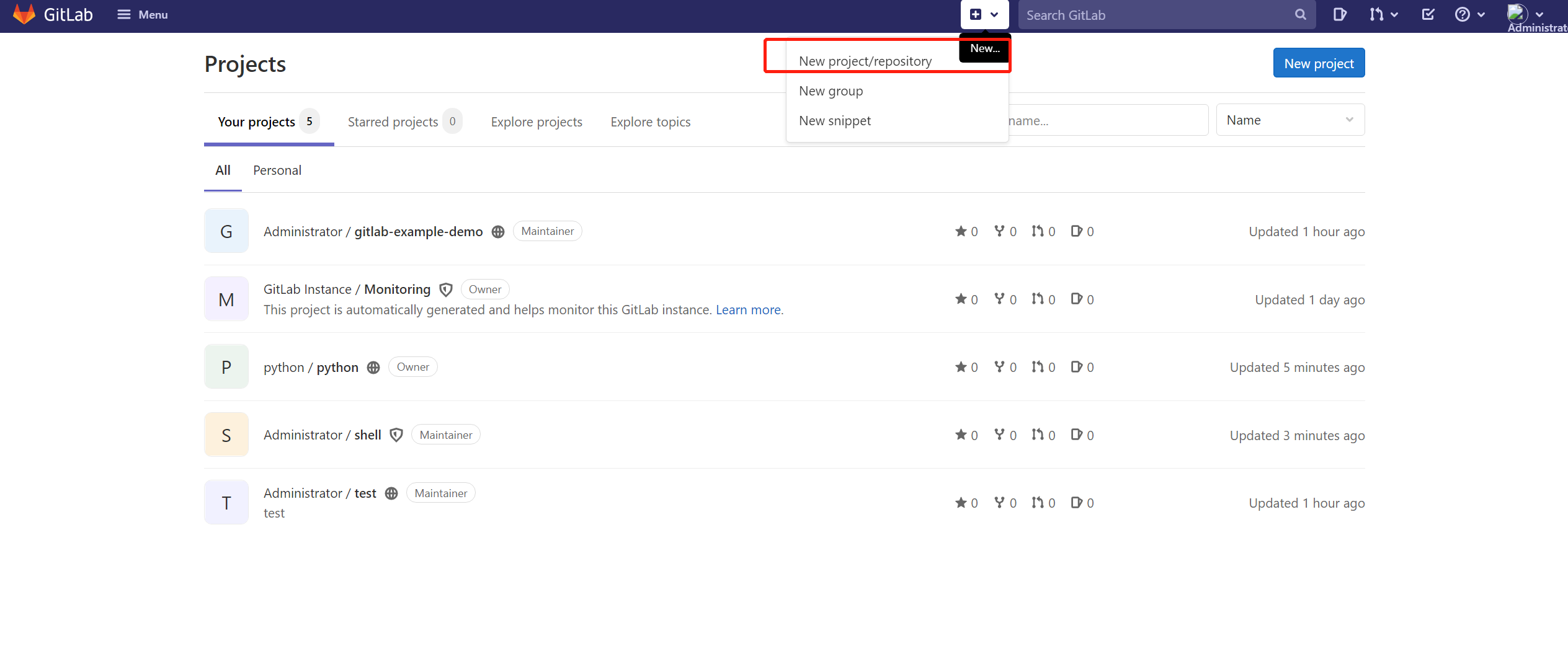
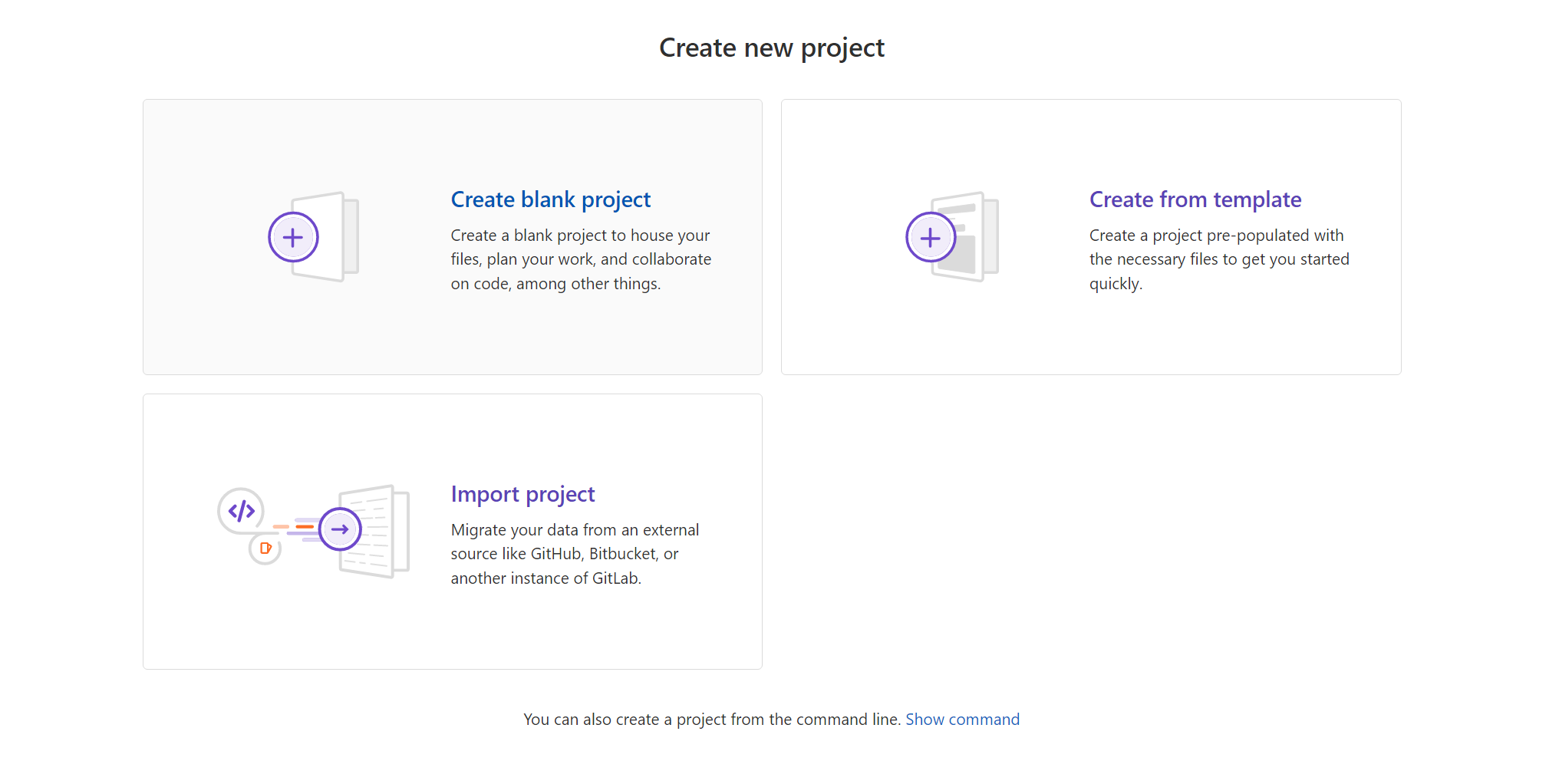
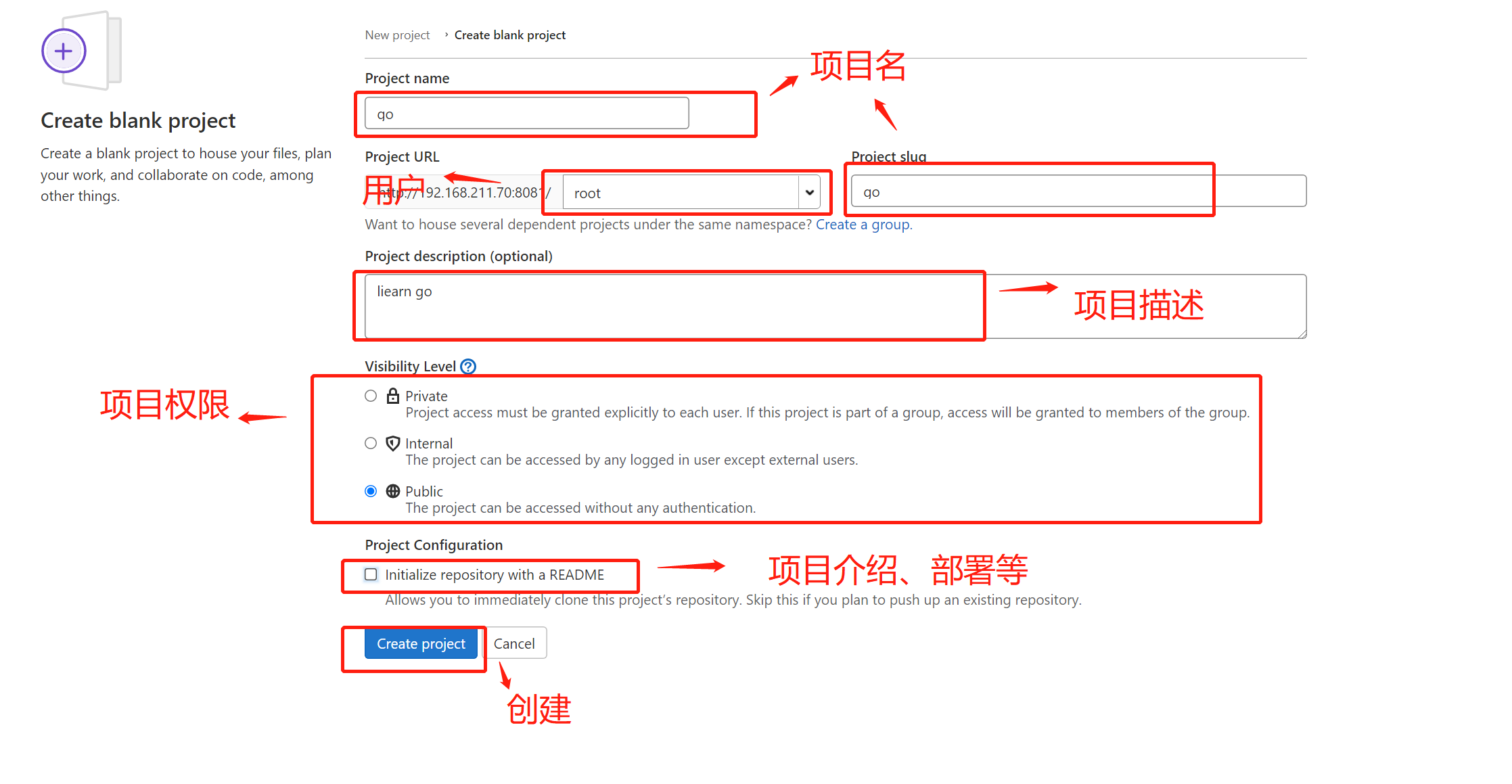
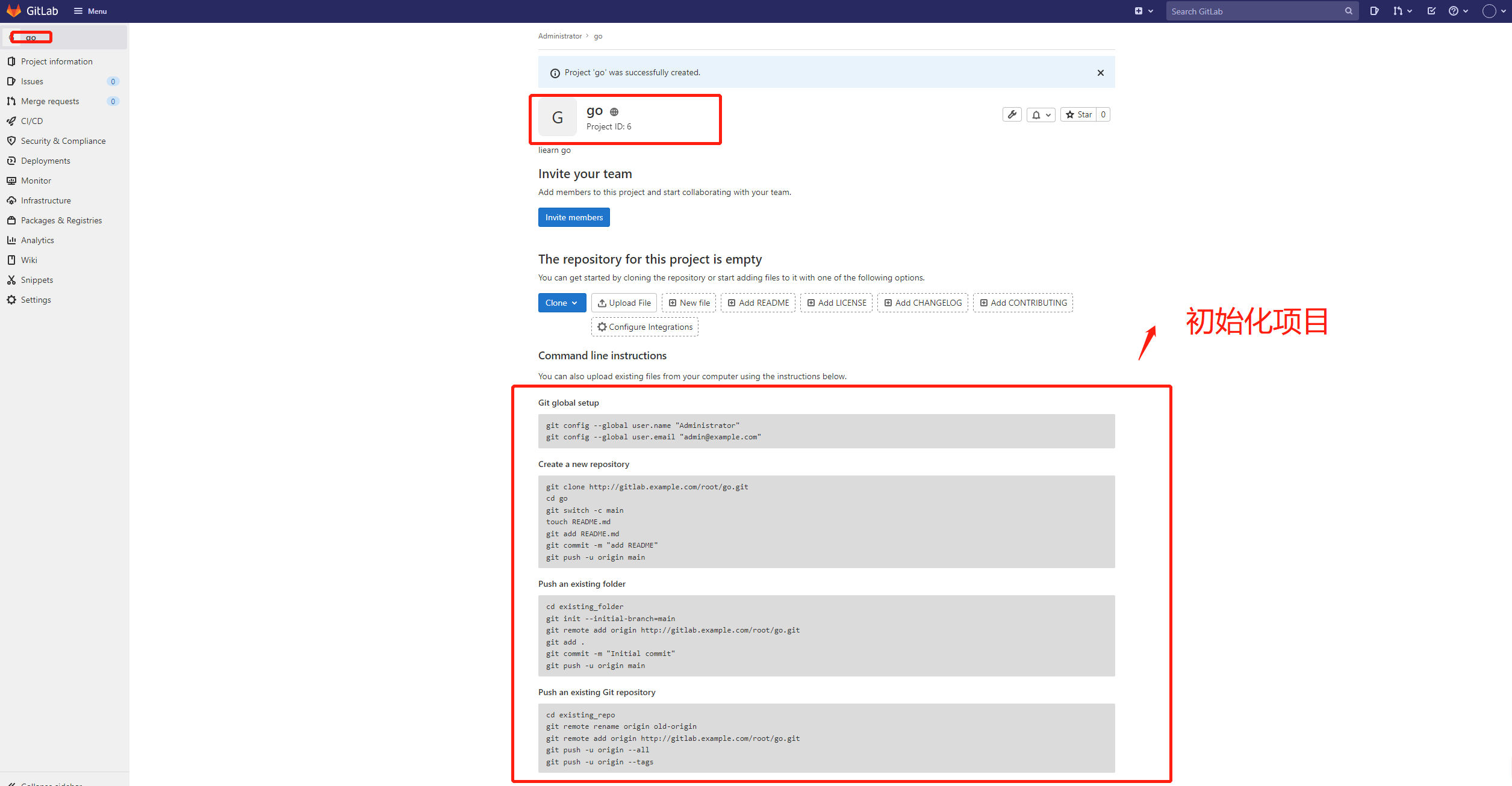
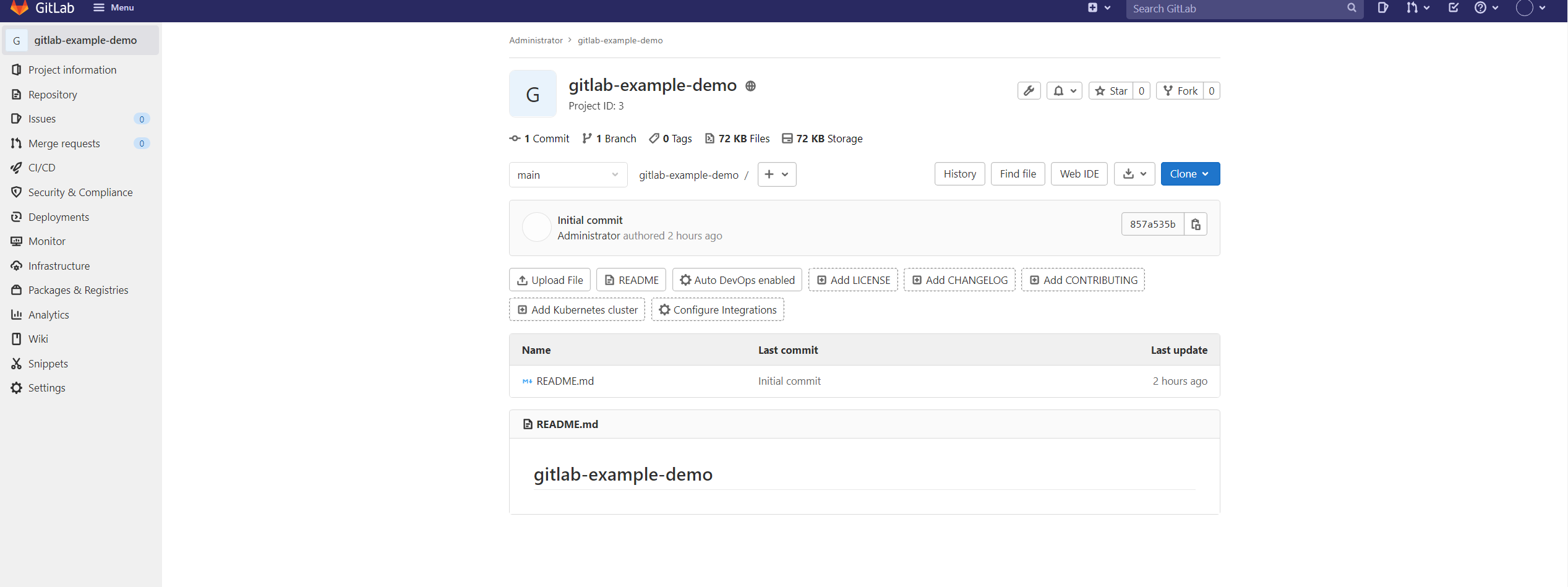
README”,如下

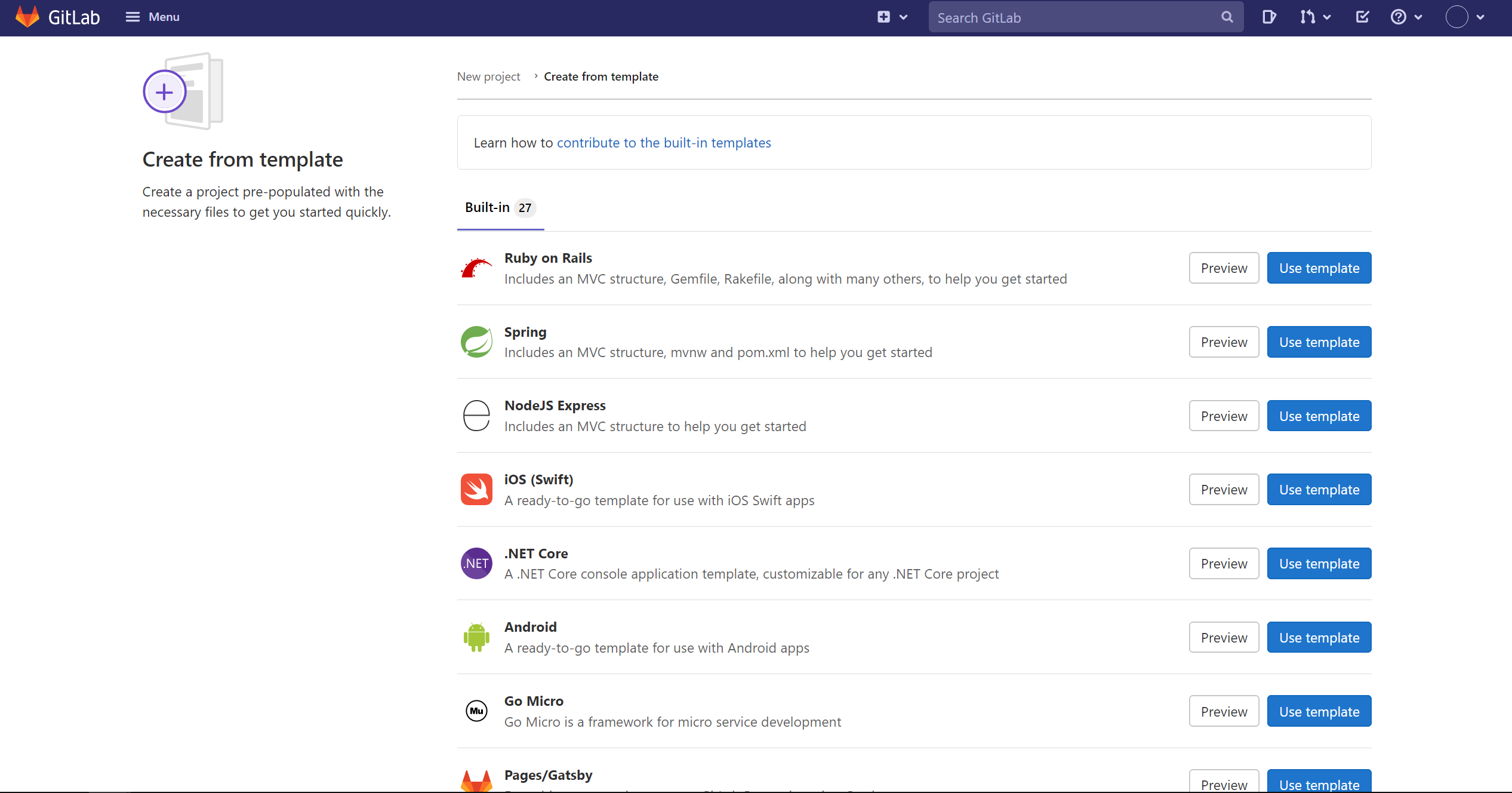
当我们选择模板项目时,会有需要各类开发的模板项目供我们选择。
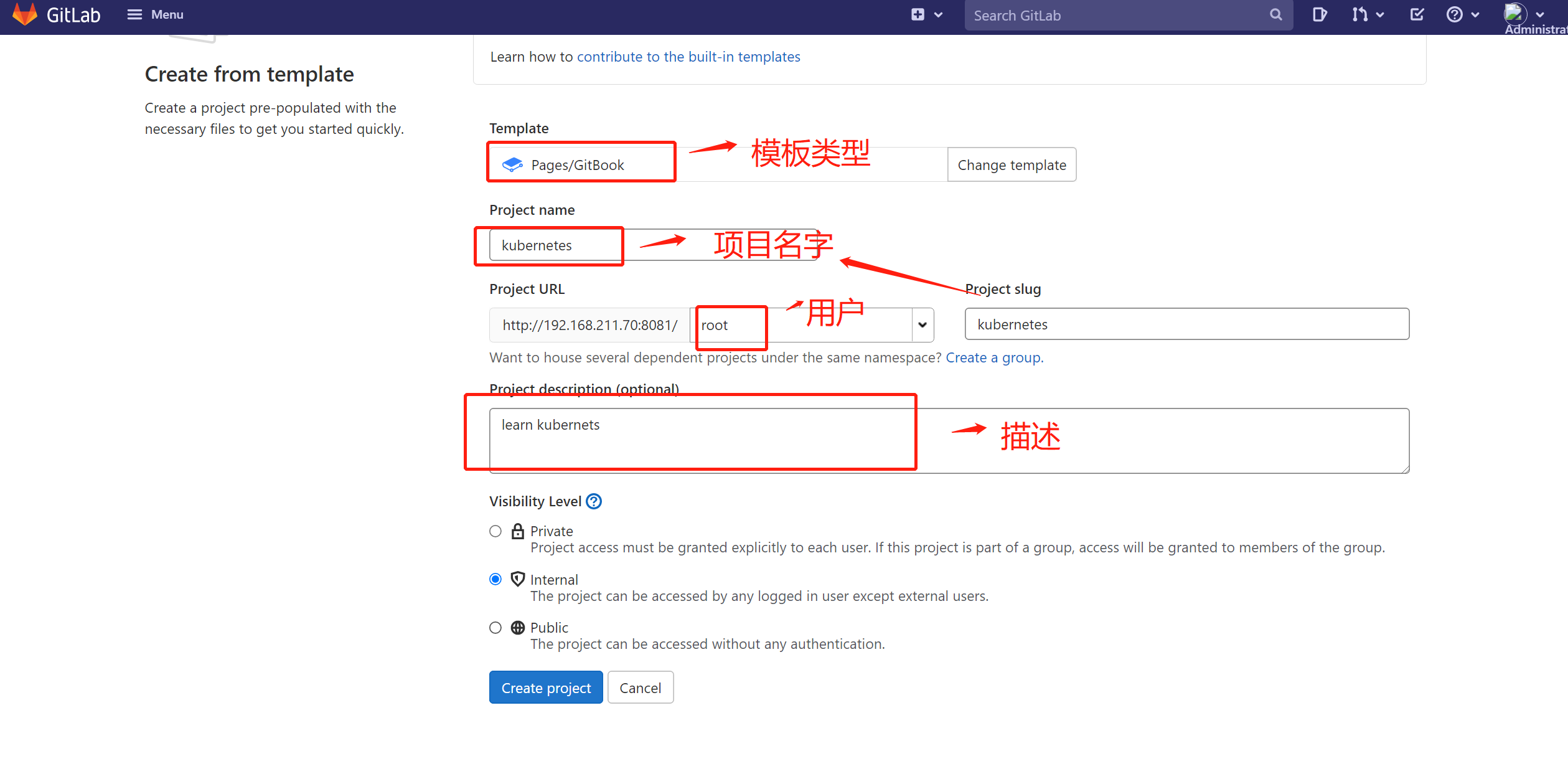
kubernets的gitbook项目
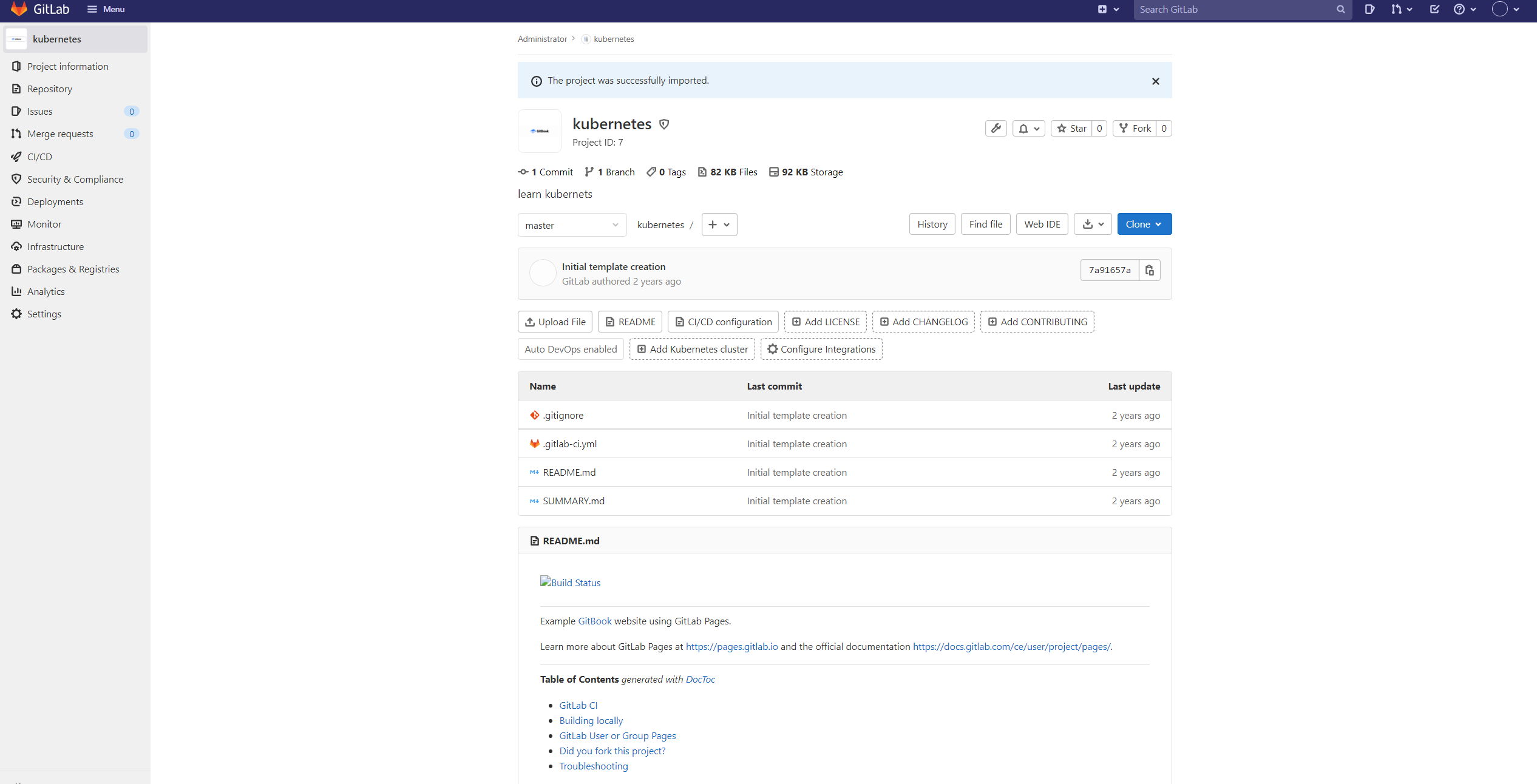
gitbook了。
导入项目,适合以下场景:
- 项目迁移
- 借用开源项目定制开发

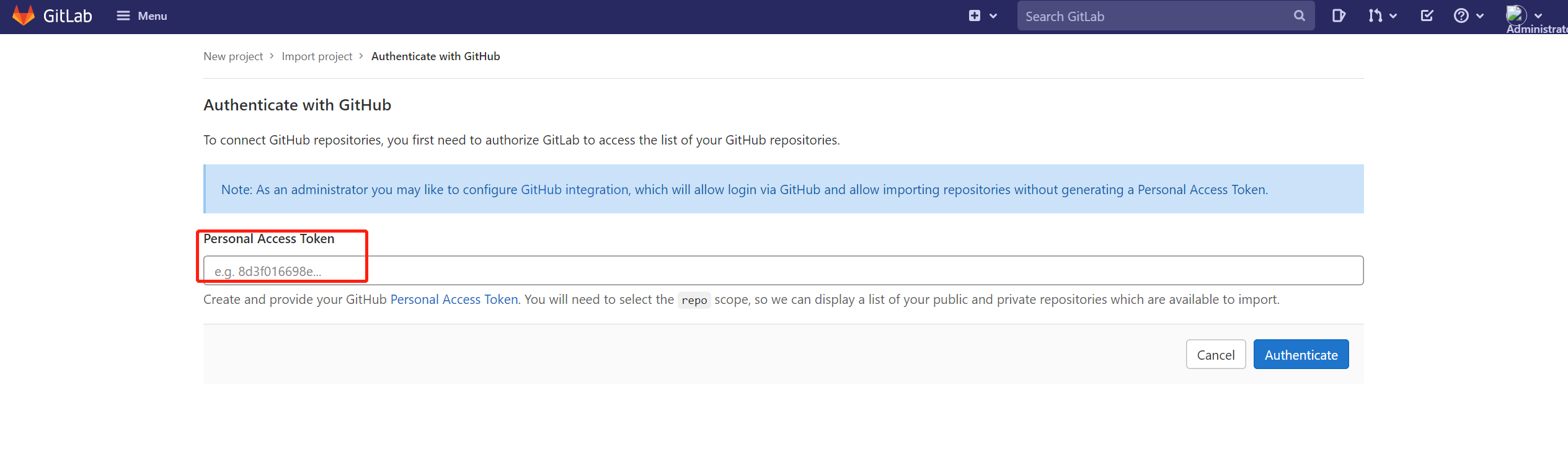
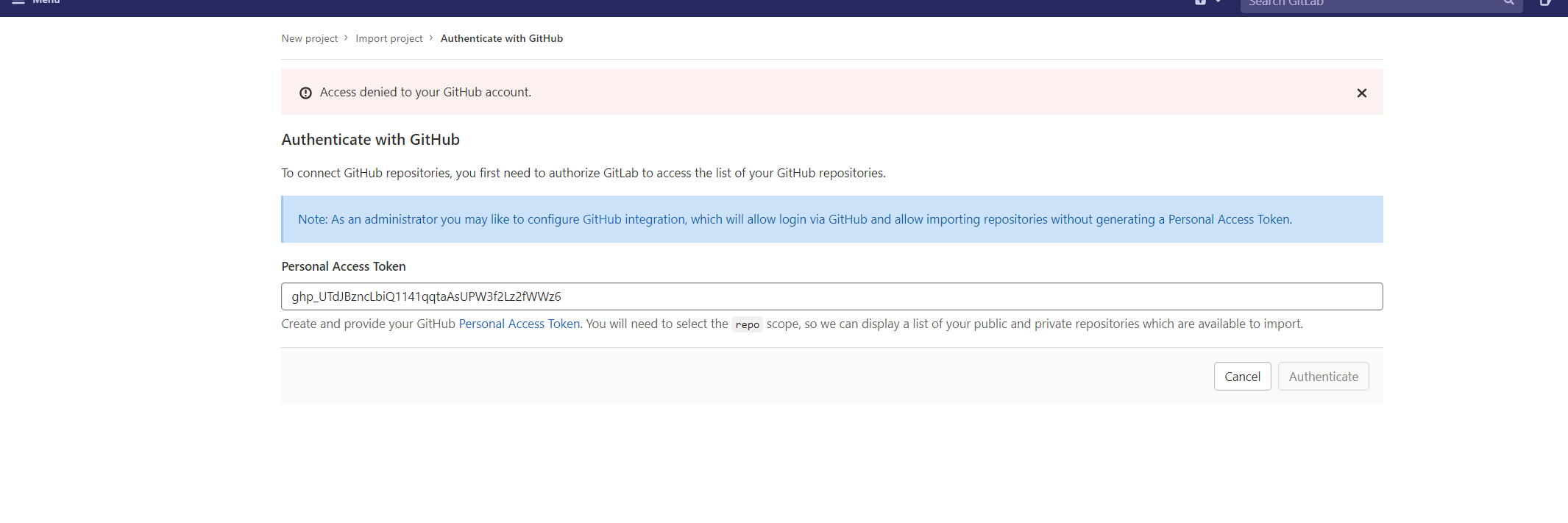
token,这个token来自于你选择的平台,而不是来自自己的gitlab平台,我这选择了github平台。
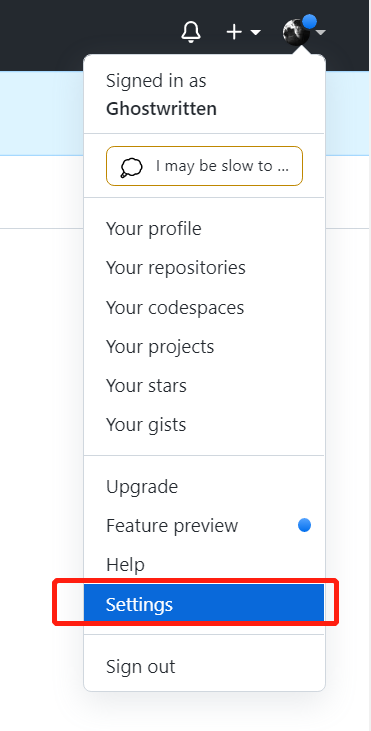
token,我们 登陆github,选择设置“setting”
developer settings”
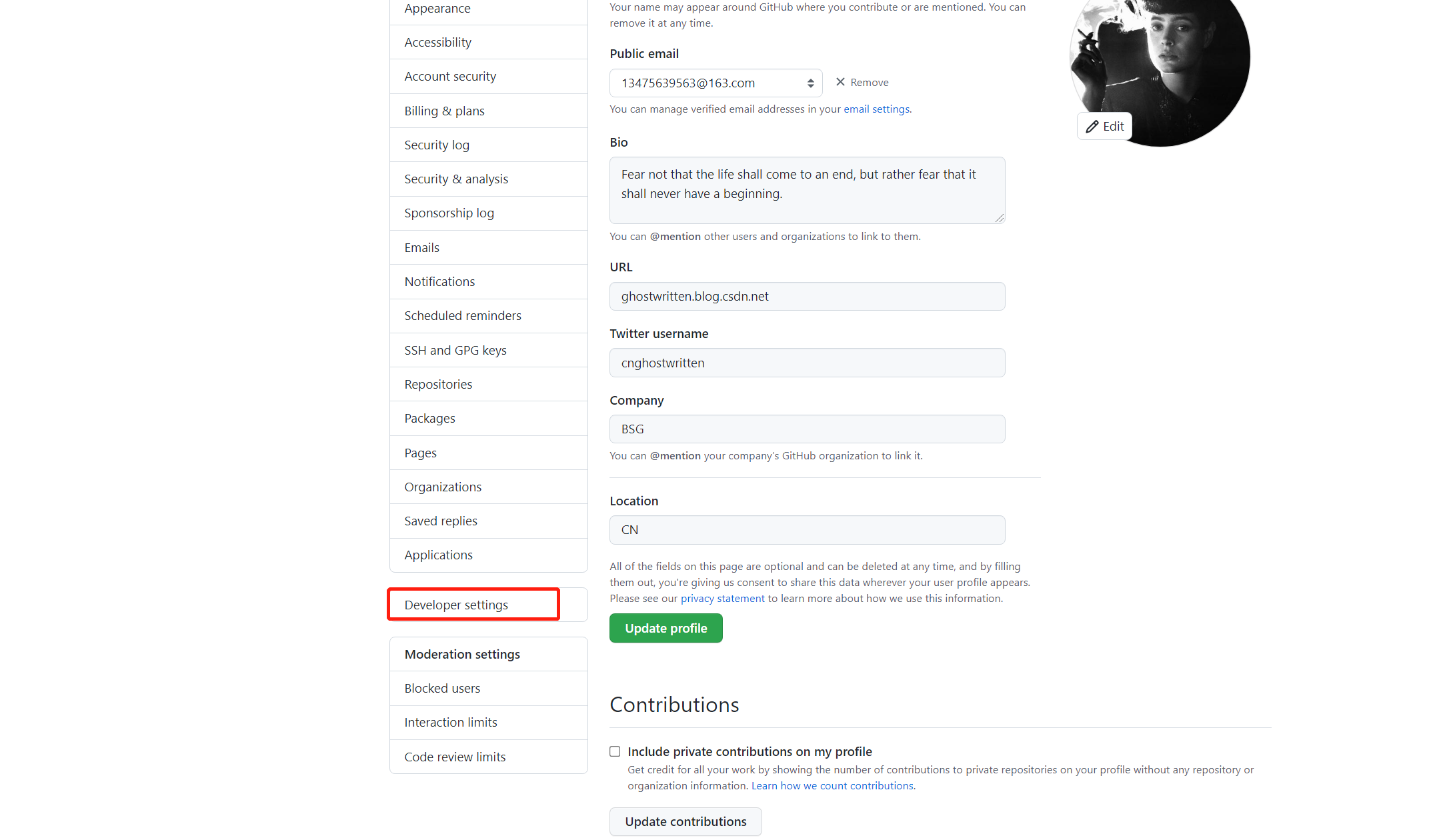
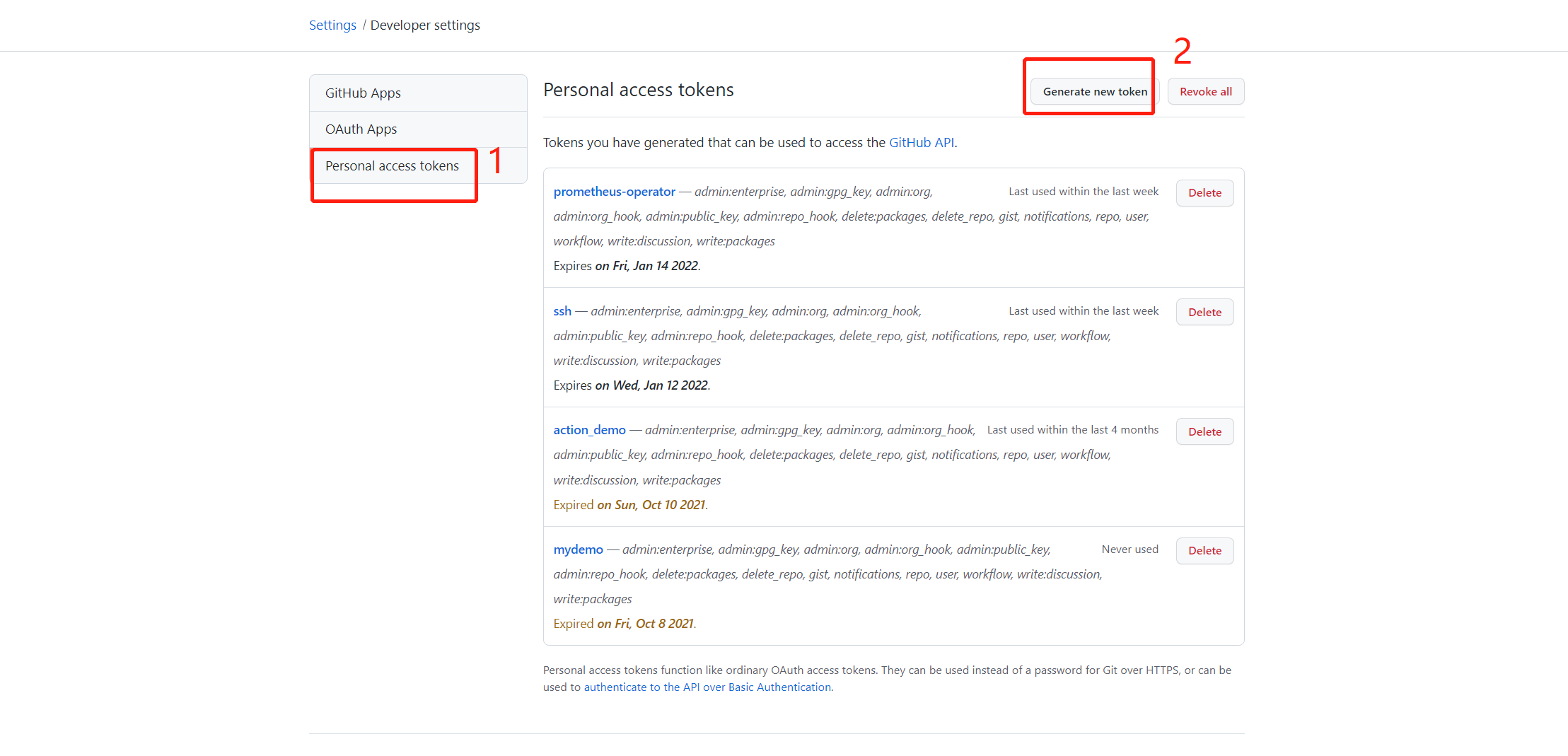
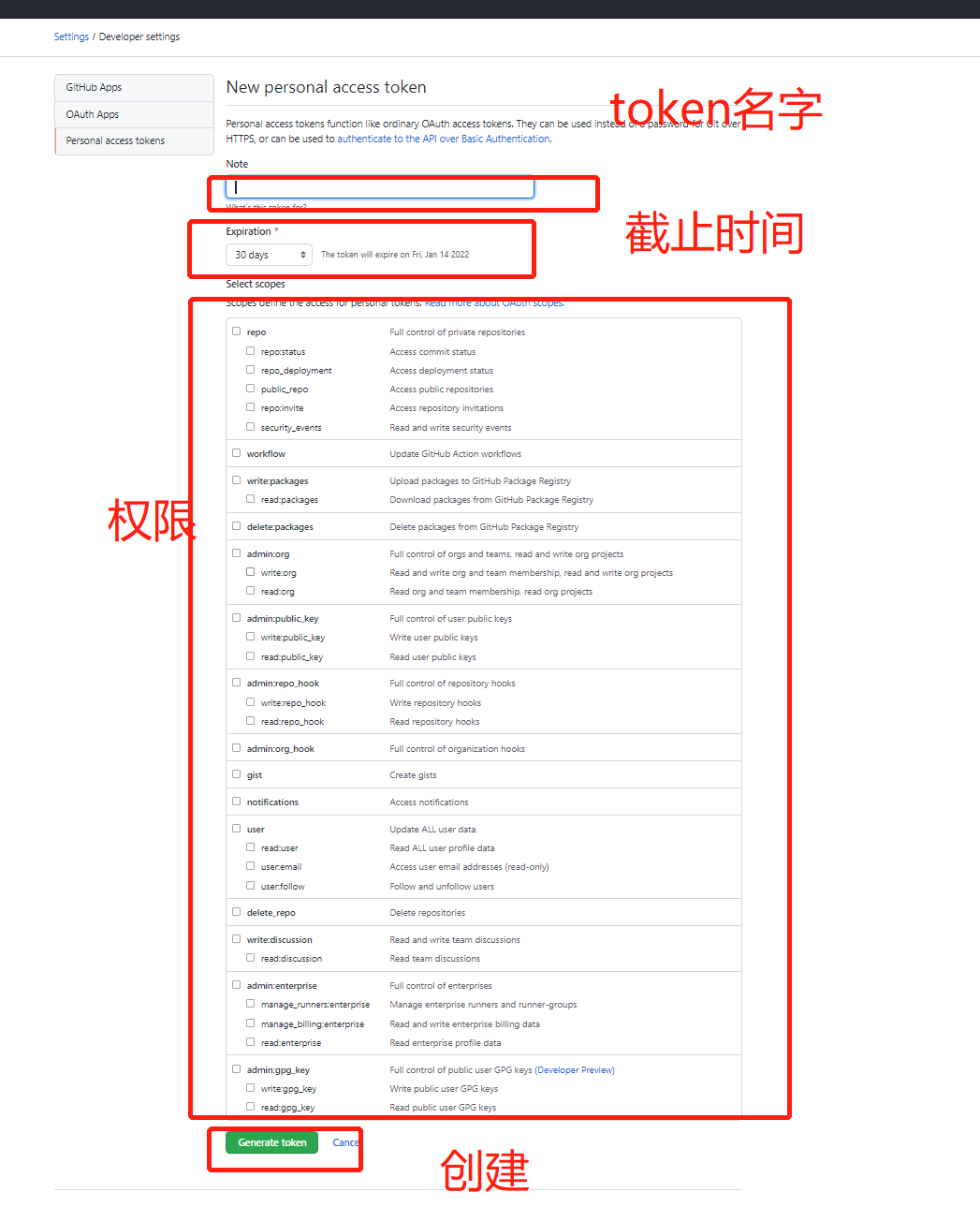
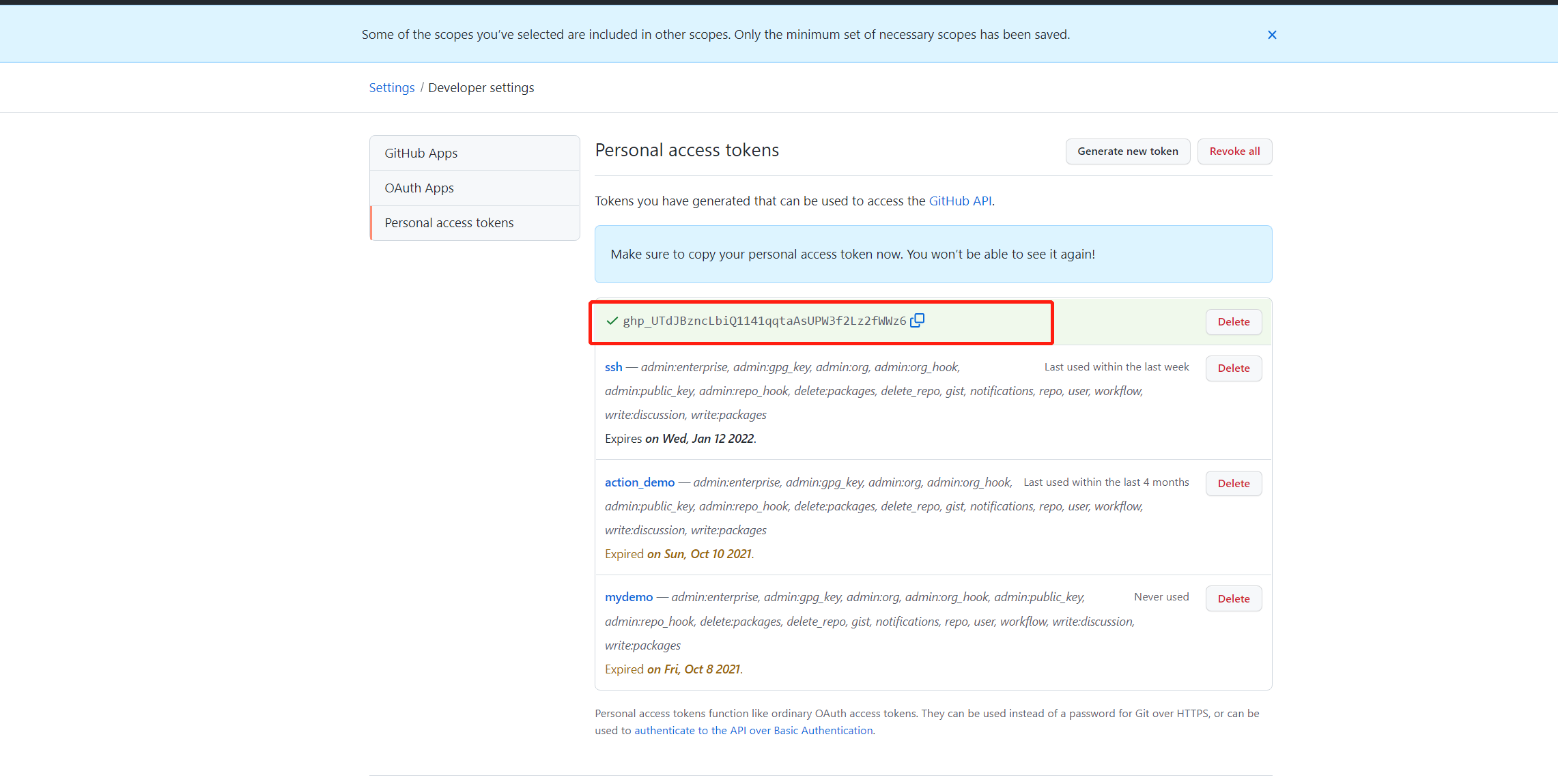
复制到gitlab的这里
获取到我的github账号下的项目列表,选择其中一个
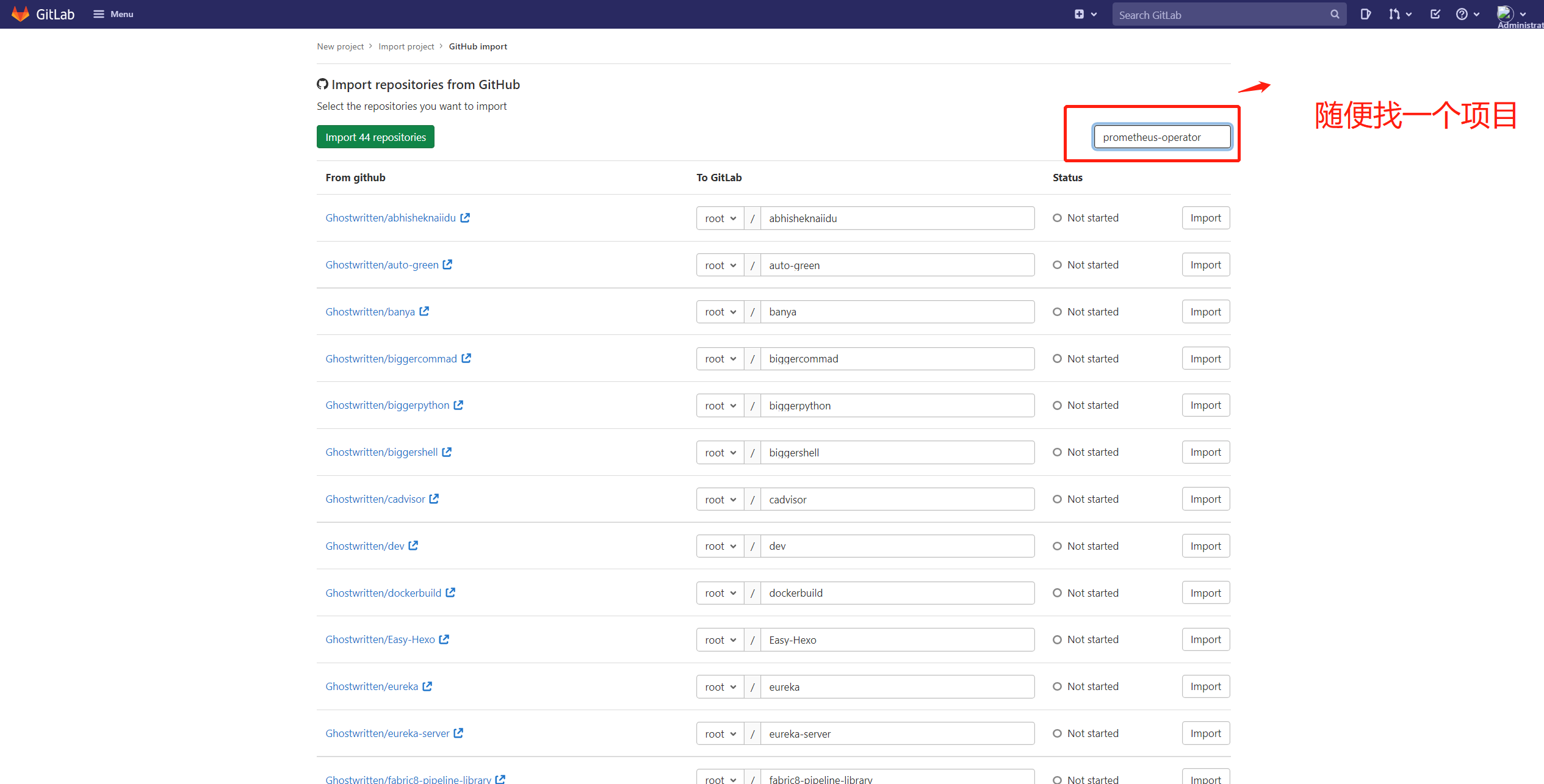
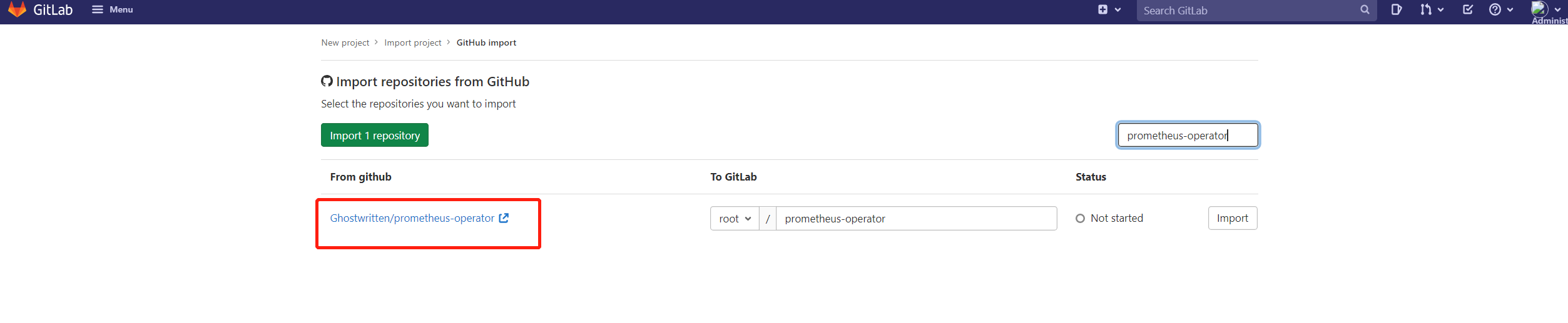


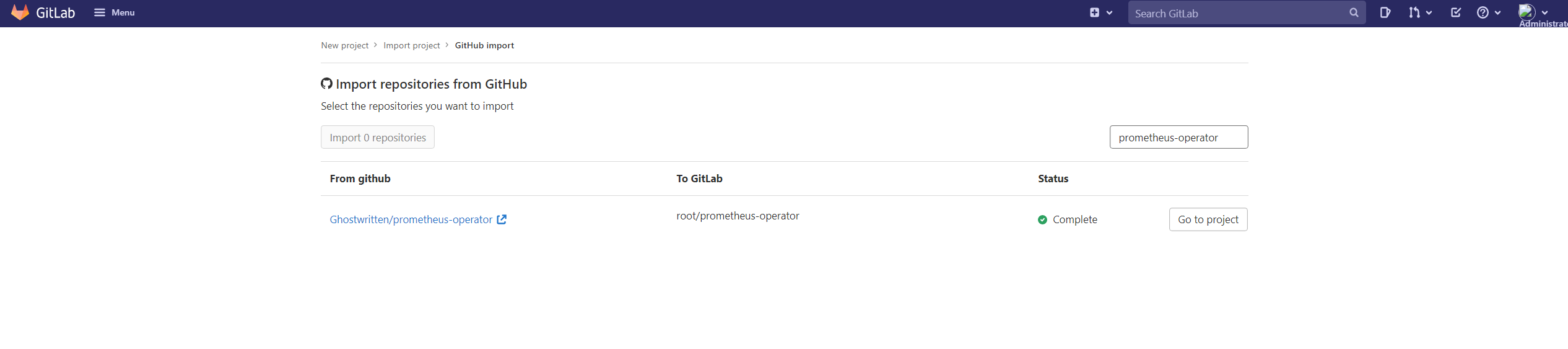
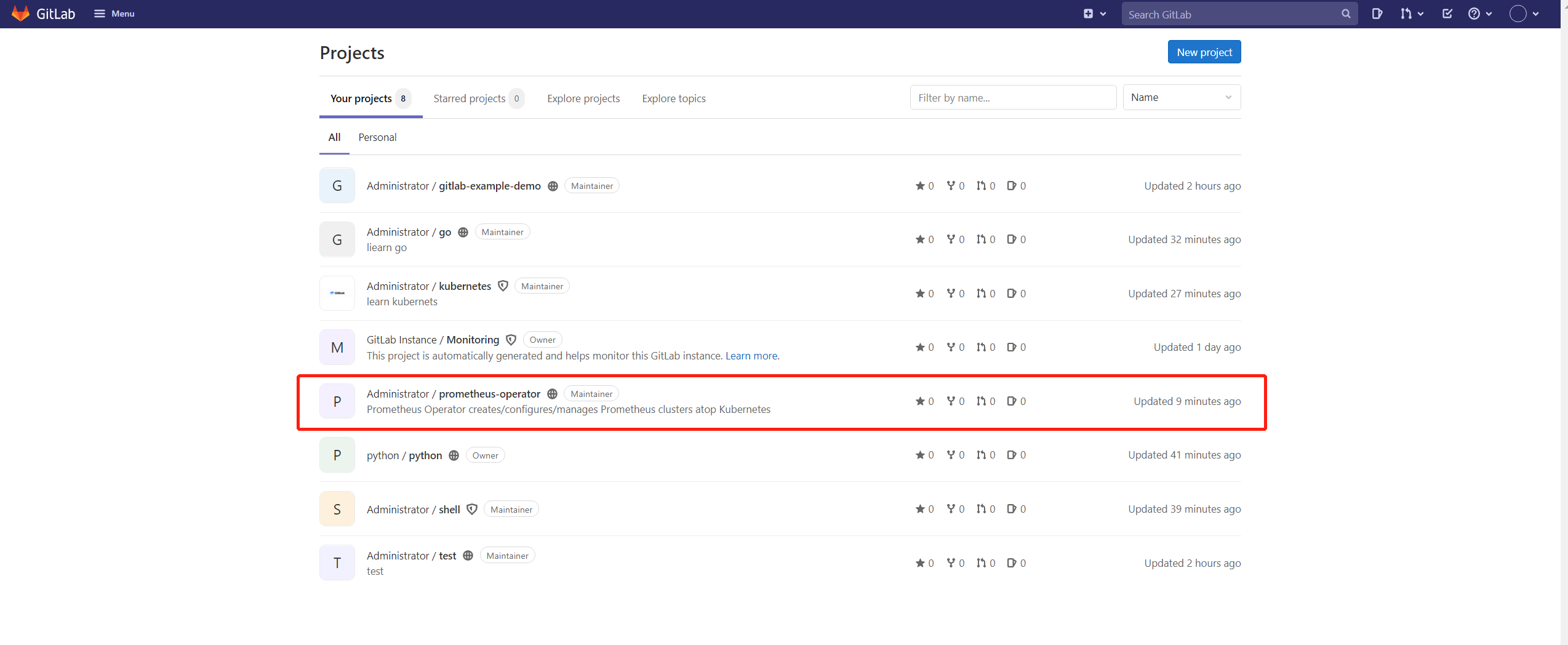
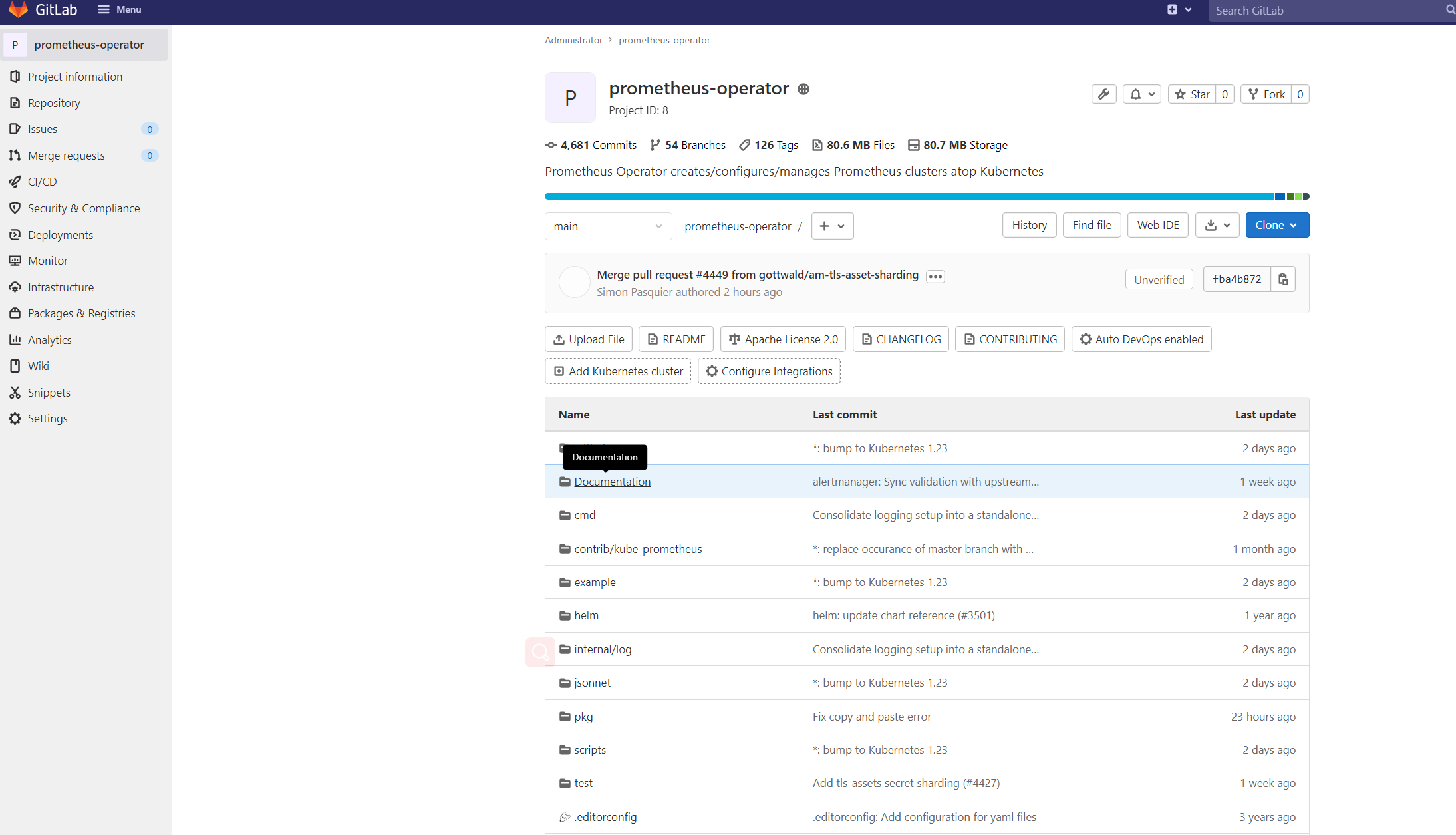
我们要删除这个项目
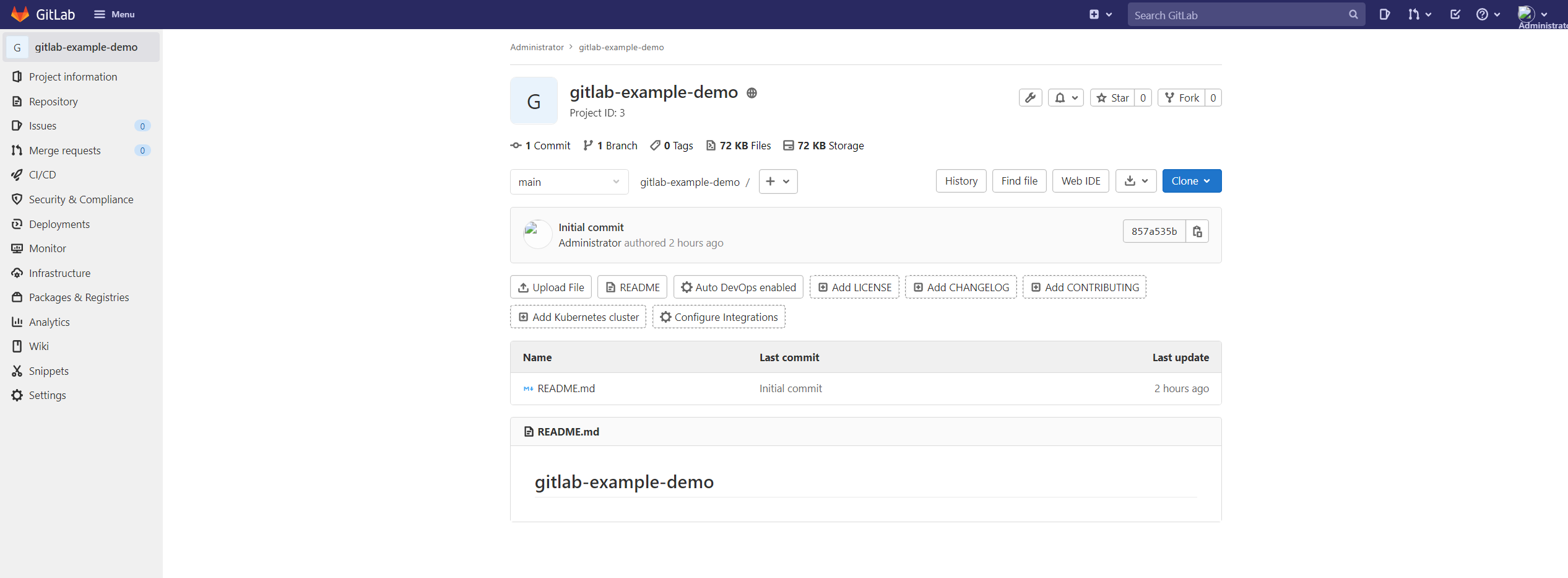
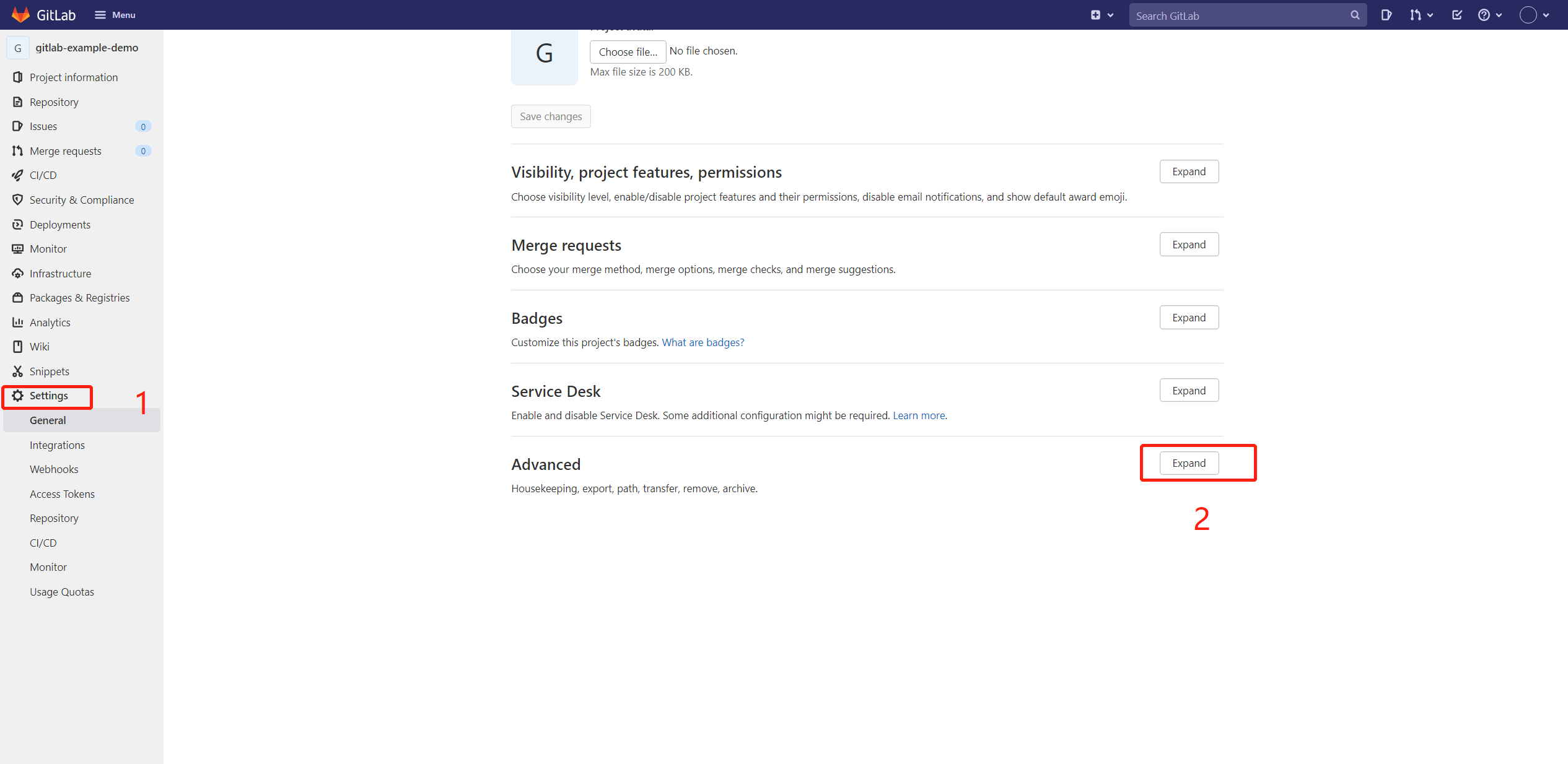
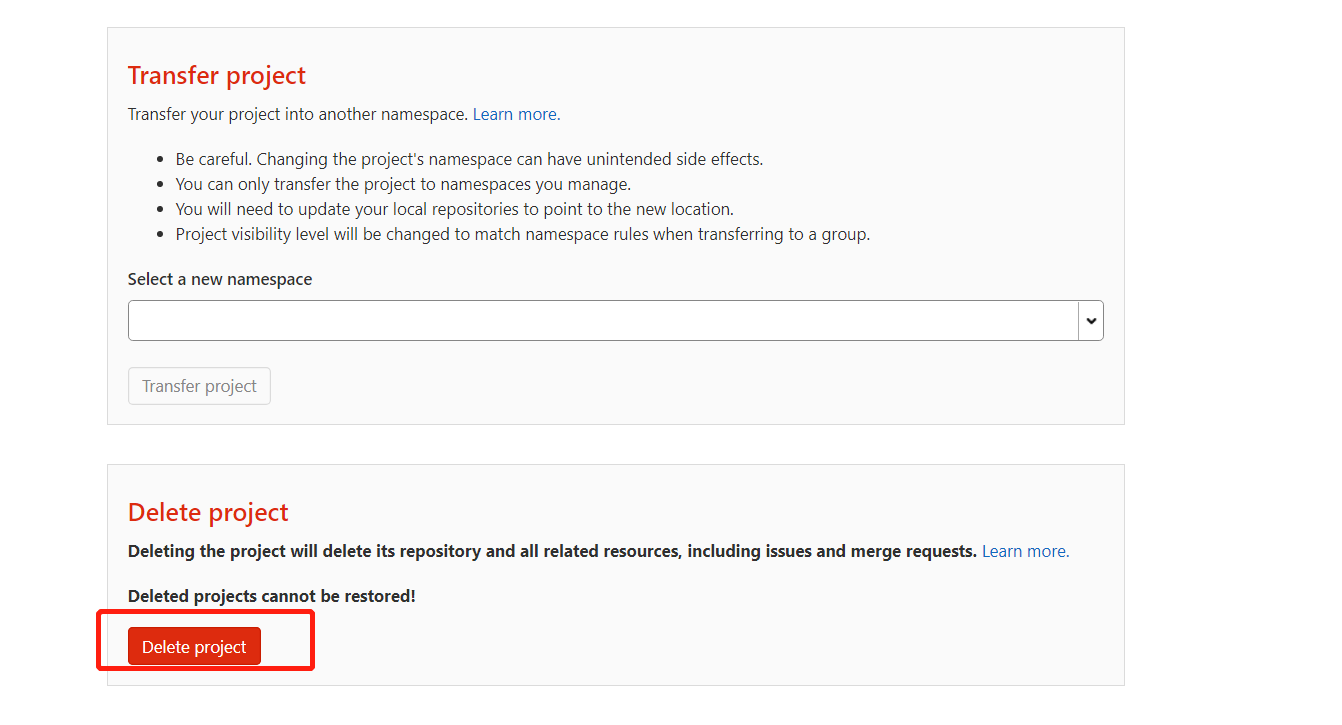
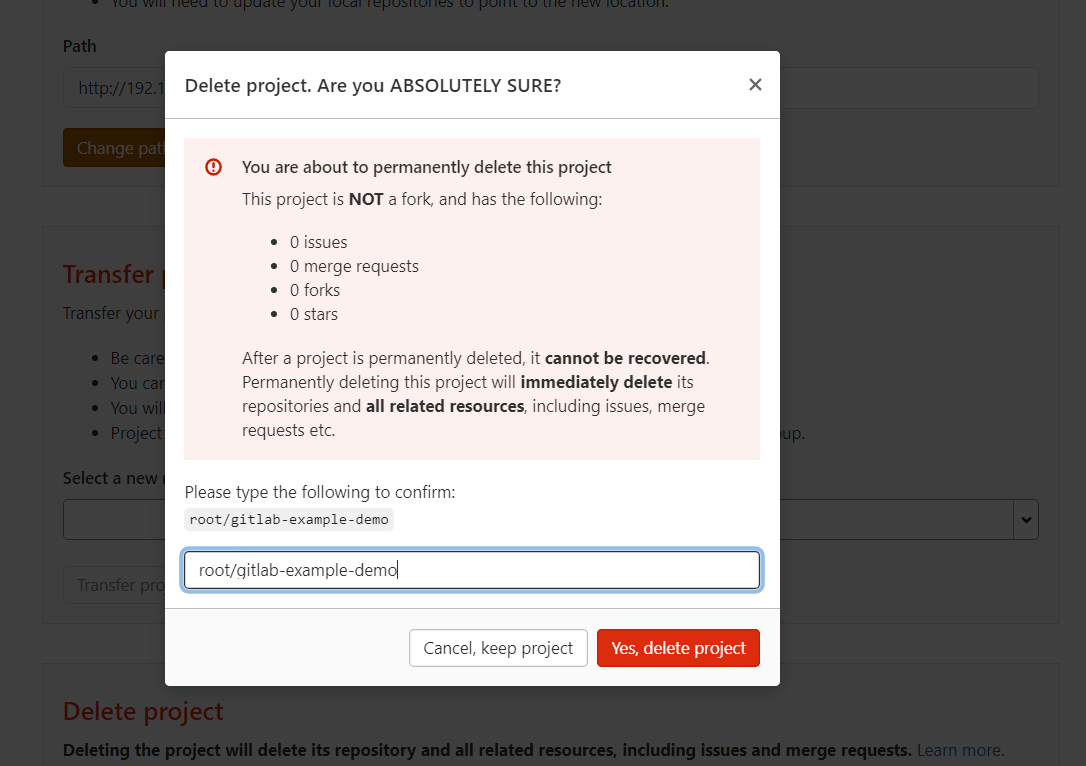
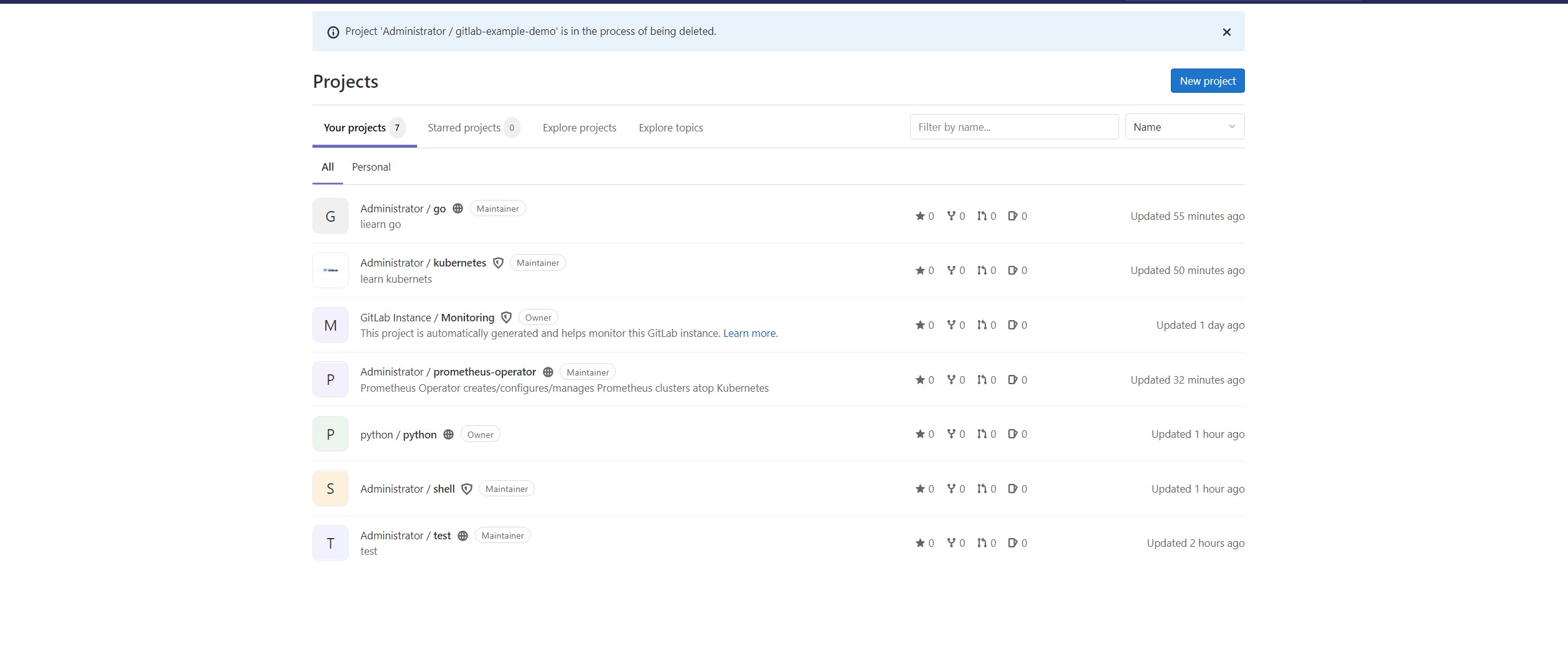
gitlab-example-demo了
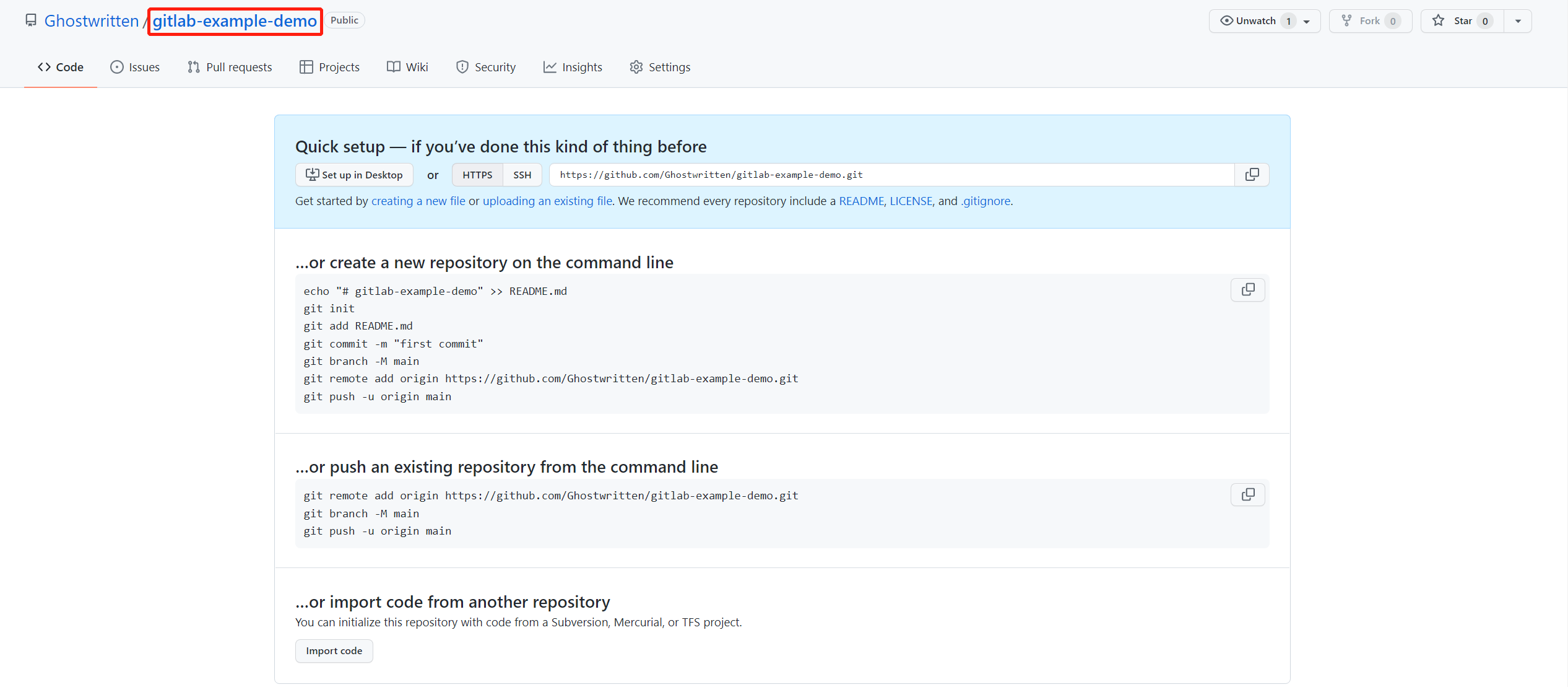
github创建一个空项目
$ git clone http://gitlab.example.com:8081/root/gitlab-example-demo.git
$ cd gitlab-example-demo
$ git remote -v
origin	http://gitlab.example.com:8081/root/gitlab-example-demo.git (fetch)
origin	http://gitlab.example.com:8081/root/gitlab-example-demo.git (push)
$ git remote add hello https://github.com/Ghostwritten/gitlab-example-demo.git
root@yourdomain:/data/gitlab/projects/gitlab-example-demo# git remote -v
hello	https://github.com/Ghostwritten/gitlab-example-demo.git (fetch)
hello	https://github.com/Ghostwritten/gitlab-example-demo.git (push)
origin	http://gitlab.example.com:8081/root/gitlab-example-demo.git (fetch)
origin	http://gitlab.example.com:8081/root/gitlab-example-demo.git (push)

$ git push -u hello
Username for 'https://github.com': ghostwritten
Password for 'https://ghostwritten@github.com': <access token>
Counting objects: 24, done.
Delta compression using up to 4 threads.
Compressing objects: 100% (22/22), done.
Writing objects: 100% (24/24), 2.36 KiB | 201.00 KiB/s, done.
Total 24 (delta 3), reused 0 (delta 0)
remote: Resolving deltas: 100% (3/3), done.
To https://github.com/Ghostwritten/gitlab-example-demo.git
 * [new branch]      master -> master
Branch 'master' set up to track remote branch 'master' from 'hello'.