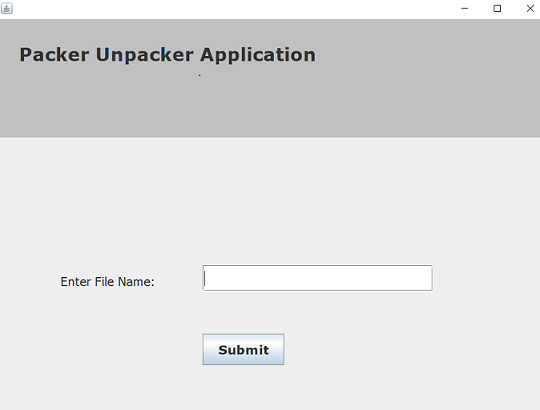
- This project is used to perform packing and unpacking activity for multiple types of files.
- In the case of Packing activity, we maintain one file which contains metadata and data of multiple files from the specified directory.
- In the case of Unpacking activity, we extract all data from packed files and according to its metadata, we create all files
- This Application is similar to ZIP operation but the difference is here we don't compress files while packing activity
- The packing and unpacking operations are performed using inbuilt file operations in Java
- Currently, only .txt, .cpp, .java & .c files can be packed using this applications and all other files are ignored.
- Open PackerUnpacker.exe
- Select Pack or Unpack

- Packing Activity:-
- Enter the aboslute path of the directory in which all the files to be packed are present. eg:- C:\Users\Dir. Here, Dir directory contains all the files to be packed.
- Enter the absolute path and the name of the output file to be created. eg:- C:\Users\PackedFile. Here, Packedfile is the output file.
- Enter Submit button and check if a new packed file is created at the given location.

- Unpacking Activity:-
- Enter the absolute path of previously created packed file or any packed other packed file.
- Enter Submit button and check if all packed files are unpacked at the same location.