If you are building a site from scratch, it is good practice to create a folder for all of the images the site uses.

this element to add image to the webpages.
- src it's an attribute in img element indicate to the urls/path of the image.
- alt it's an attribute in img element provide alternative text if the image did't load or happen any problem with urls.
- title it's an attribute in img element provide additional information about the image.
- height it's an attribute in img element to specifies the height of the image in pixels.
- width it's an attribute in img element to specifies the width of the image in pixels.
-
before a paragraph The paragraph starts on a new line after the image.
-
inside the start of a paragraph The first row of text aligns withthe bottom of the image.
3.in the middle of aparagraph The image is placed between the words of the paragraph that it appears in.
- Block elements always appear on a new line.
- Inline elements sit within a block level element and do not start on a new line.
- Save images in the right format.
- Save images at the right size.
- Use the correct resolution .
- JPEG Whenever you have many different colors in a picture you should use a JPEG.
- GIF and PNG when saving images with few colors or large areas of the same color
The images you use on your website should be saved at the same width and height that you want them to appear on the page.
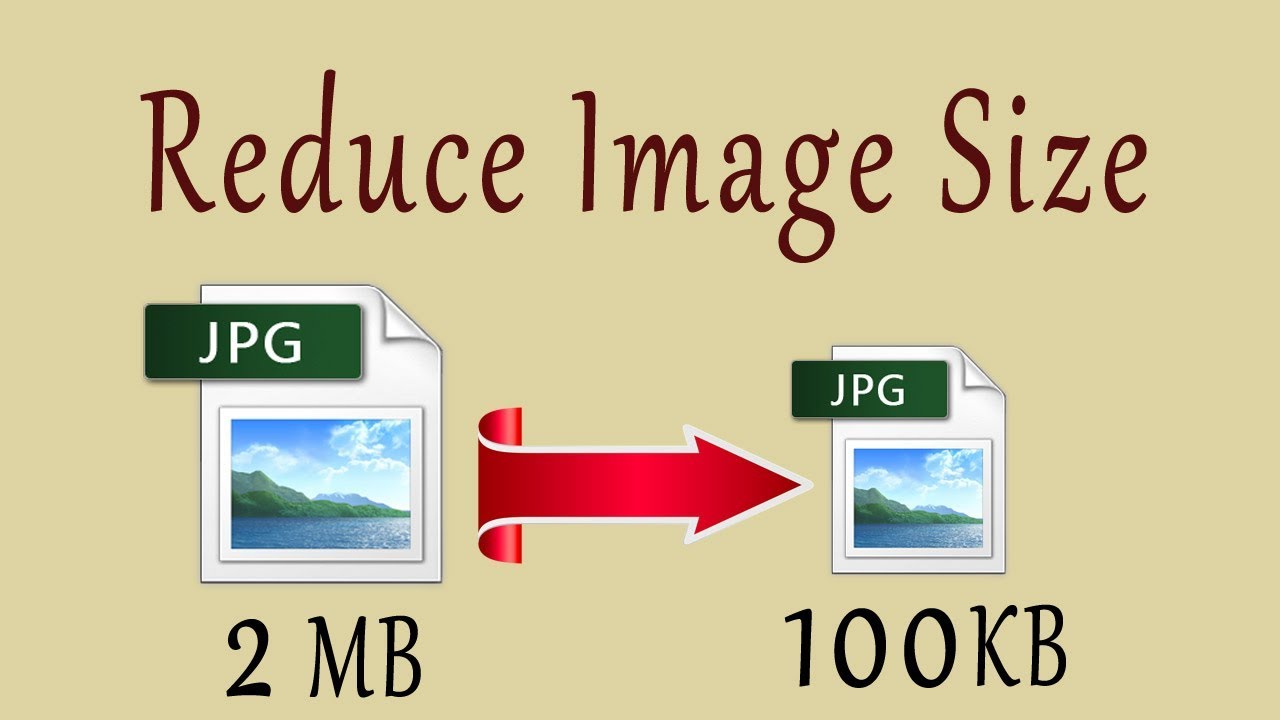
- REDUCING IMAGE SIZE You can reduce the size of images to create a smaller version of the image.
If your image is 1000 pixels wide and 500 pixels tall, you can reduce the size of the image by 50%.
- INCREASING IMAGE SIZE You can't increase the size of photos significantly without affecting the image quality.
If your image is only 100 pixels wide by 50 pixels tall, increasing the size by 300% would result in poor quality.
- CHANGING SHAPE Only some images can be cropped without losing valuable information (see next page).
If your image is 300 pixels square, you can remove parts of it, but in doing so you might lose valuable information.
-
When cropping images it is important not to lose valuable information. It is best to source images that are the correct shape if possible.
-
Photographs are best saved as JPEGs; illustrations or logos that use flat colors are better saved as GIFs.

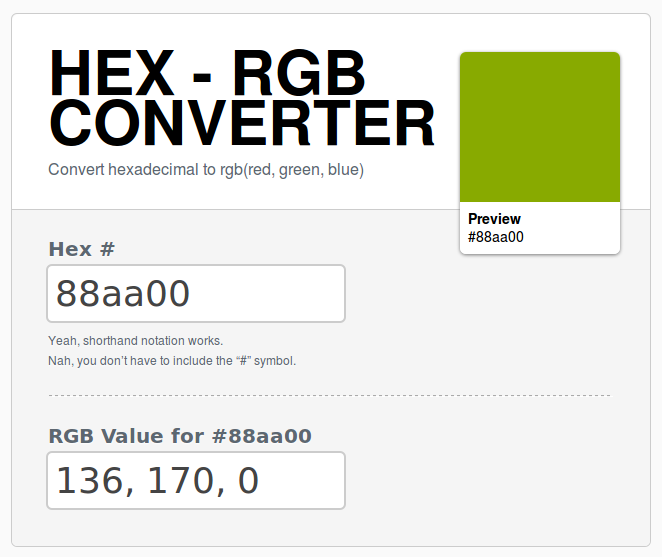
Every color on a computer screen is created by mixing amounts of red, green, and blue this calles (RGB).
We used color with different ways:
- RGB color : rgb(0-255,0-255,0-255)
- Hex codes color : #ee3e80
- Color names color : red;
- We can choose the background or foreground color using this ways .
- each element have a background color value .
** content**
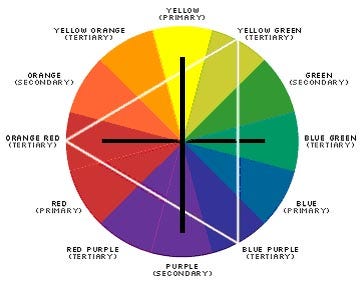
When picking foreground and background colors, it is important to ensure that there is enough contrast for the text to be legible ,We can use opposite colors to facilitate the selection .
- low constract lower contrast between background and foreground colors.
- meduim constract For long spans of text, reducing the contrast a little bit improves readability.
- high constract higher contrast between background and foreground colors.
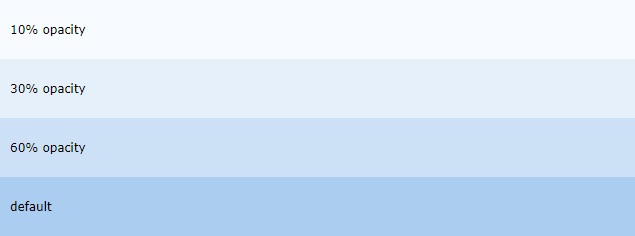
Opacity
allows you to specify the opacity of an element and any of its child elements. The value is a number between 0.0 and 1.0.