A text editor is a piece of software that you download and install on your computer, that allows you to write and manage text, especially the text that you write to build a web site.
1.) code completion; 2.) syntax highlighting; 3.) a nice variety of themes (to reduce eye strain and fatigue); 4.) the ability to choose from a healthy selection of extensions available when you need them.
There is a kind of shorthand language called Emmet that can help. Emmet will speed up your code writing faster than you can imagine.
why should you download yet another text editor that does essentially the same thing as the text editor that you already have? There are other text editors that have features that you may be interested in.
- Plain text has no formatting options.
- please make sure that when you’re saving your file, that they have the appropriate extension at the end of the file names.
- your text editor won’t assist you in finding your mistakes.
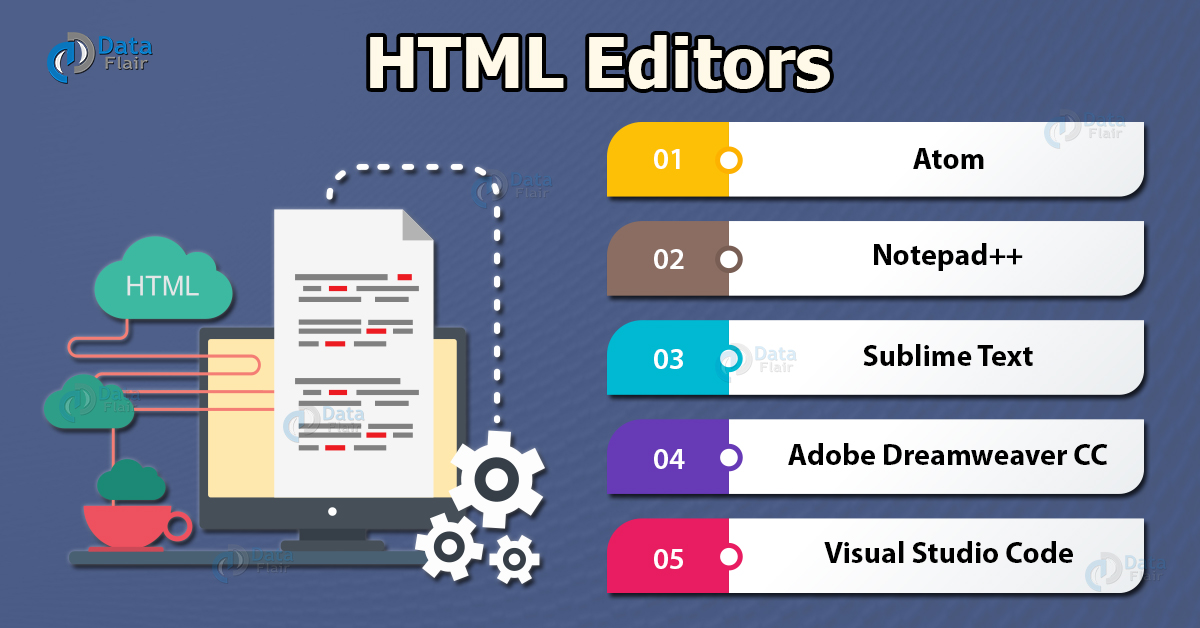
- NotePad++ is a free text editor for Windows Computers only.
- TextWrangler is for Mac computers only
- BB Edit is software that you purchase,you’ll get the same features as you would have gotten in TextWrangler.
- Visual Studio Code is a free text editor ,It is available for Windows computers, Mac computers and Linux.
- Atom is a free text editor that’s available for download for Windows computers, Mac computers and Linux computers.
- Brackets is a free text editor that’s available for download for Windows computers, Mac computers and Linux computers.
- Sublime Text 3 is a premium software that can be purchased in fullfor $70.
is a text based interface to the system. You are able to enter commands by typing them on the keyboard and feedback will be given to you similarly as text.
The Shell, Bash Within a terminal you have what is known as a shell. This is a part of the operating system that defines how the terminal will behave and looks after running (or executing) commands for you.
Shortcuts The terminal may seem daunting but don't fret. Linux is full of shortcuts to help make your life easier. You'll be introduced to several of them throughout this tutorial. Take note of them as not only do they make your life easier, they often also save you from making silly mistakes such as typos.
-
The first command we are going to learn is pwd which stands for Print Working Directory. (You'll find that a lot of ommands in linux are named as an abbreviation of a word or ords describing them. This makes it easier to remember hem.) The command does just that. It tells you what your urrent or present working directory is. Give it a try now.
-
To begin with, we have to understand that the file system under linux is a hierarchical structure. At the very top of the structure is what's called the root directory. It is denoted by a single slash ( / ). It has subdirectories, they have subdirectories and so on. Files may reside in any of these directories.
-
Everything is a File Ok, the first thing we need to appreciate with linux is that under the hood, everything is actually a file. A text file is a file, a directory is a file, your keyboard is a file (one that the system reads from only), your monitor is a file (one that the system writes to only) etc. To begin with, this won't affect what we do too much but keep it in mind as it helps with understanding the behaviour of Linux as we manage files and directories.