Releases: Aedif/multi-token-edit
Releases · Aedif/multi-token-edit
Release 1.7.1

- Fixed 'Apply and Update Prototypes' button not updating the prototype token
Release 1.7.0
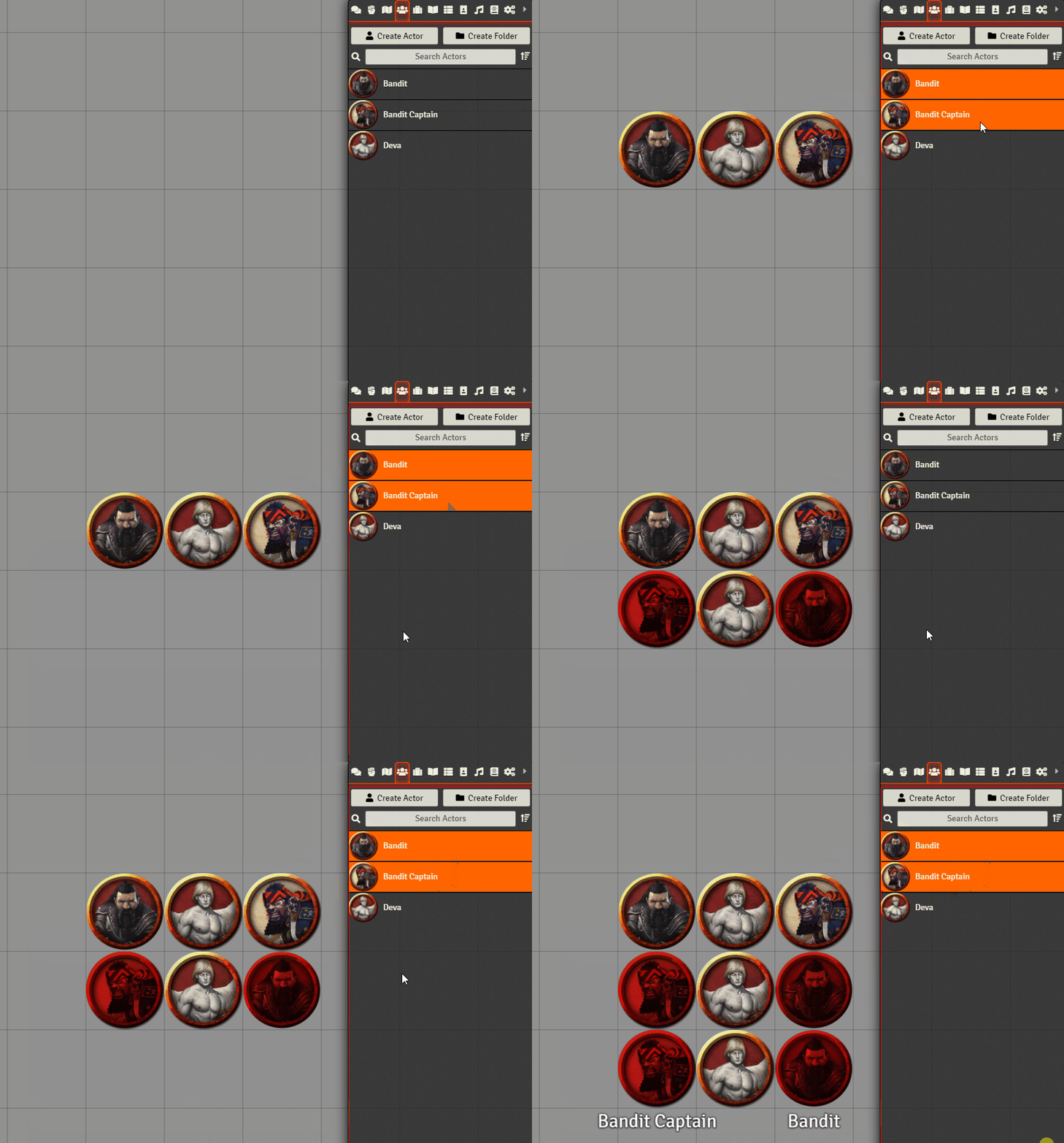
- Now works together with Actors and Scenes selected using 'Multiple Document Selection' module
- For convenience 'Shift+E' will now open up the default configuration window for hovered over placeables or single documents selected using 'Multiple Document Selection' module
Release 1.6.0
- Shift+F keybinding will now check for hovered over placeables to be used as the base of the search
- Should make it easier to find similar non-selectable placeables such as AmbientLights
Release 1.5.0
- Formerly 'Multi-Token Edit'
- Name changed to better reflect capabilities of the module
- New setting added: Configure CSS
- Lets to change the look of the modified configuration window
- Comes with some pre-made styles but can also be configured further using the CUSTOM style
css.mp4
Release 1.4.0
- Added a new 'Apply and Update Prototypes' button to 'Multi-Token EDIT' window.
- When pressed will apply changes to both the token on the scene as well as the prototype
Release 1.3.0
- Added support for Tiles, Drawings, Walls, AmbientLights, AmbientSounds, MeasuredTemplates and Notes
- New key-binding: Open Placeable Search and Select
- Opens a configuration window allowing the user to choose fields to perform a search with on the current scene and either select or select and edit all the found placeables
- If no placeable is currently selected a Dialog will be opened to choose which type of placeable is to be searched.
- Improved handling of null, undefined and empty string data
- Added new buttons to Token and Tile HUDs to open Multi-Edit if multiple tokens or tiles are selected.
multiPlaceableEdit.mp4
Release 1.2.0
- As flags in the Token Configuration cannot be easily diff'd to determine what is actually common between the Tokens, they will now be highlighted with their own unique colour.
Release 1.1.0
- Added custom title to the multi-token edit window
- Clicking form-group buttons will now also trigger the selection of the apply field checkbox.
Release 1.0.0
Initial implementation of Multi-Token Edit
This module allows editing of multiple tokens at the same time.